
Participant
January 8, 2019
Answered

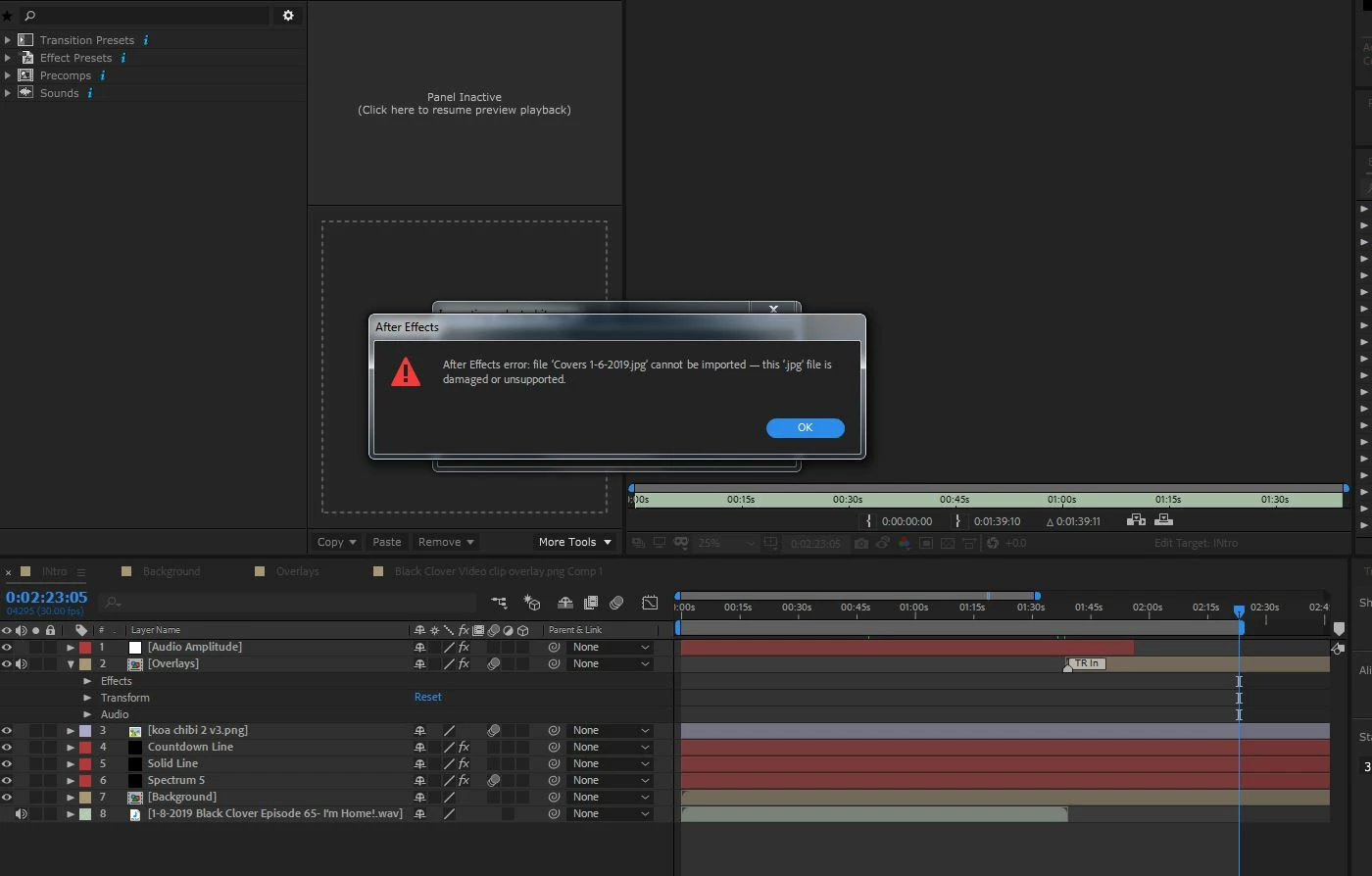
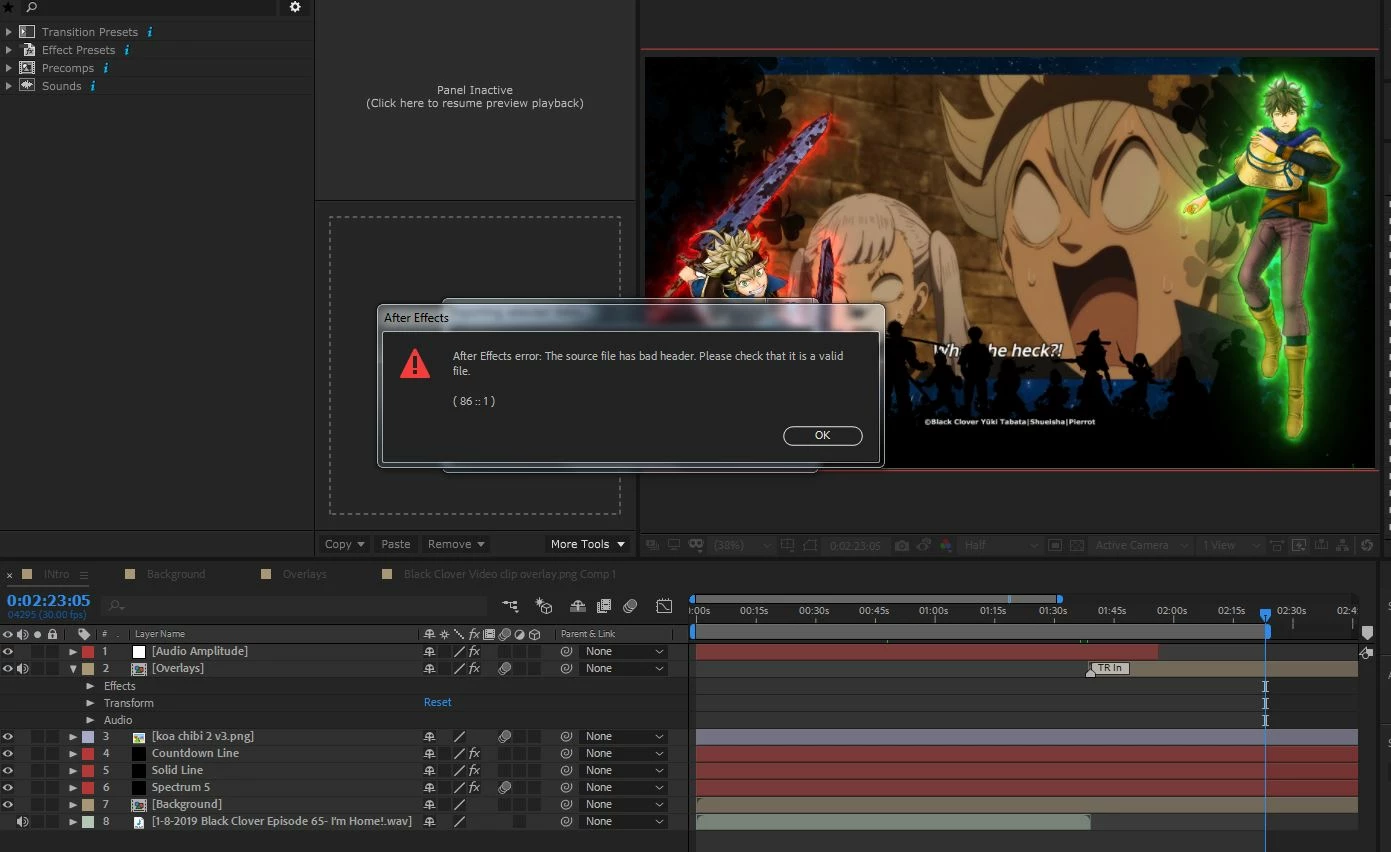
Can't import JPEG into After Effects? 86::1

  • January 8, 2019
  • 1 reply
  • 5781 views

I keep getting Bad Header Error 86::1 from same PSD file, TBH only started doing this recently, out of the 35-50 jpg images that come out of this PSD file for use in backgrounds some are getting this error. Now none will load. Been using same software AE 15.1.2 and PS CS6 for almost a year nothing changed in PSD, so IDK what to do? (I could save as other format but I want to know why its messing up.)
This topic has been closed for replies.
Correct answer Avostear

Hmm okay, using the same "save" different PSD it worked, so it maybe something in the PSD. I guess I will just built a new one!

UPDATE: YEP WORKS NOW! Created new PSD created jpgs from that and they went right in.

Do anyone know the reason, can a PSD just corrupt like that?

1 reply

Andrew Yoole
Inspiring
January 8, 2019

Can you post a screen grab of the save dialog(s) that appear when you save the Jpegs from your PSD in Photoshop?

Can you save Jpegs from other PSDs that work in AE?

AvostearAuthorCorrect answer
Participant
January 9, 2019

Hmm okay, using the same "save" different PSD it worked, so it maybe something in the PSD. I guess I will just built a new one!

UPDATE: YEP WORKS NOW! Created new PSD created jpgs from that and they went right in.

Do anyone know the reason, can a PSD just corrupt like that?

Dave_LaRonde
Inspiring
January 9, 2019

The obvious culprit:  CMYK rather than RGB.