
Participant
August 8, 2023
Question

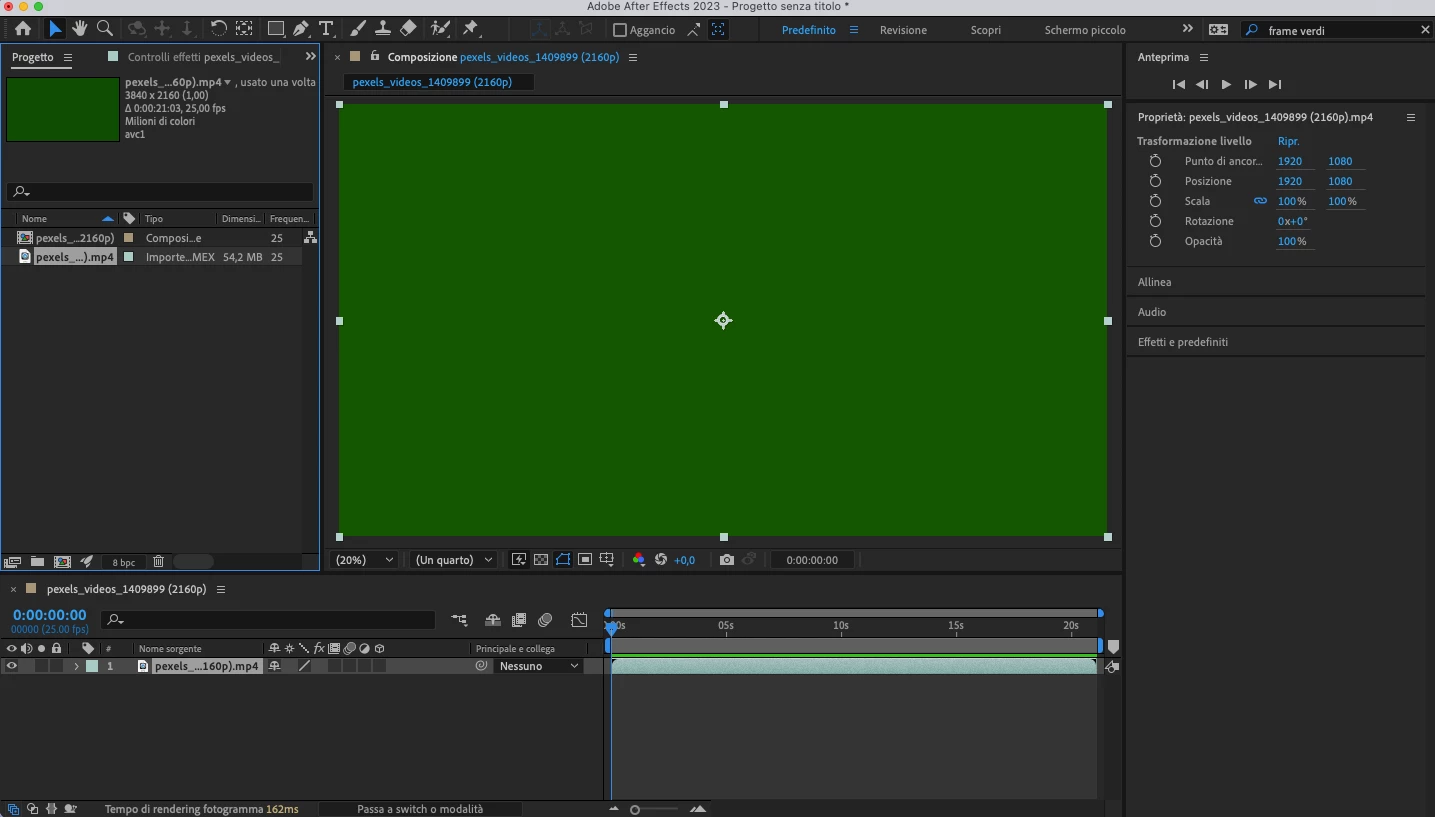
Can't import video - green frame

  • August 8, 2023
  • 2 replies
  • 184 views

Hi, I can't use Adobe After Effect 23.5.0
because it fails to import videos correctly.
Frames are green (in some videos completely, in others like Glitch, only some frames) in any video format (.mov, .mpg, .mp4....)
I already tried to modify some settings: I deactivated "hardware accelerated decoding" and emptied the cache and all the hints found online but the problem persists and I can't work!
I have a MacBook Pro
2,5 GHz Intel Core i7 quad-core
Memory: 16GB 1600MHz DDR3
Graphics Card: NVIDIA GeForce GT 750M 2GB
Intel Iris Pro 1536MB
Please help me!
This topic has been closed for replies.

2 replies

ShiveringCactus
Community Expert
Community Expert
August 9, 2023

In my experience green frames are connected to codecs.  I can see your footage is from Pexels.  Does it open in Media Encoder and can you convert it in that program?

Ishan Y
Community Manager
Community Manager
August 8, 2023

Hey Beatrice,

Sorry for the issue. Your system might not match the minimum requirements for After Effects 23.5. (Please check the list of supported GPUs here: https://helpx.adobe.com/premiere-pro/system-requirements.html#graphics-cards). You can check if there are any driver updates available for your GPU. Outdated GPU drivers can cause similar issues.


Thanks,

Ishan