
Inspiring
June 26, 2016
Answered

Can't install DUIK

  • June 26, 2016
  • 3 replies
  • 13976 views

Hi,

I'm new to AE and am trying to install the Duik plugin.

I've downloaded the installer for Mac, but when I run it, it says it can't find a valid version of AE.
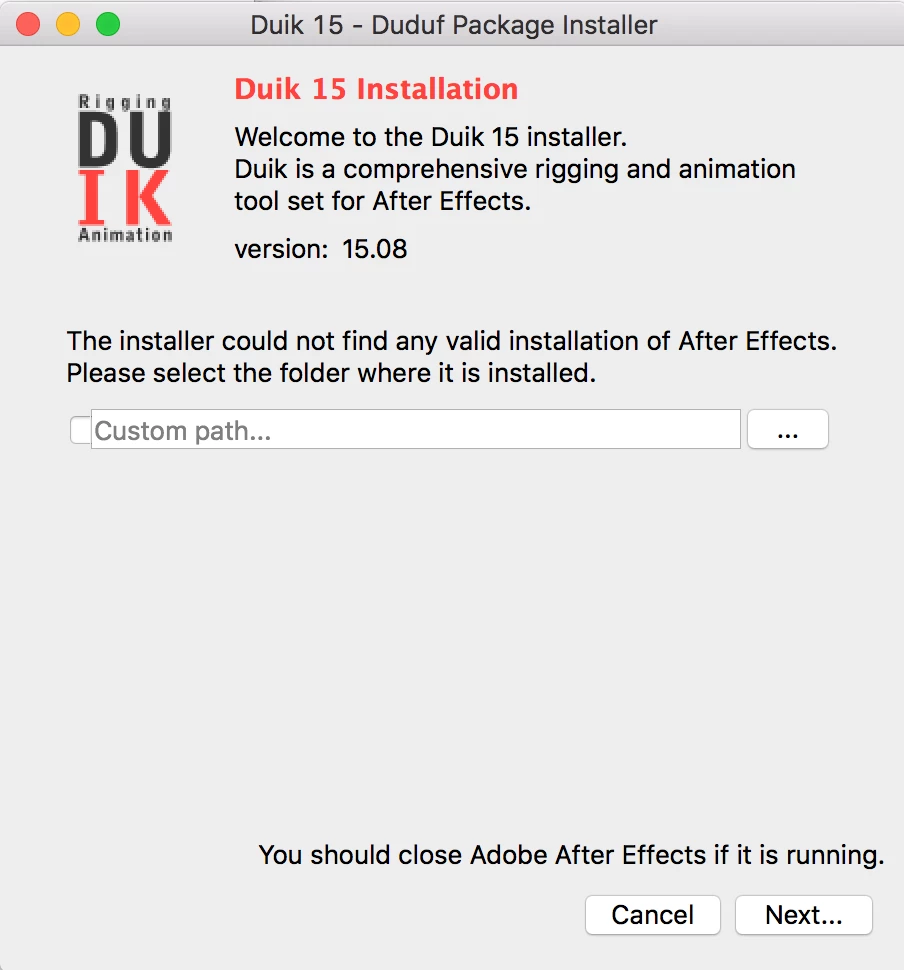
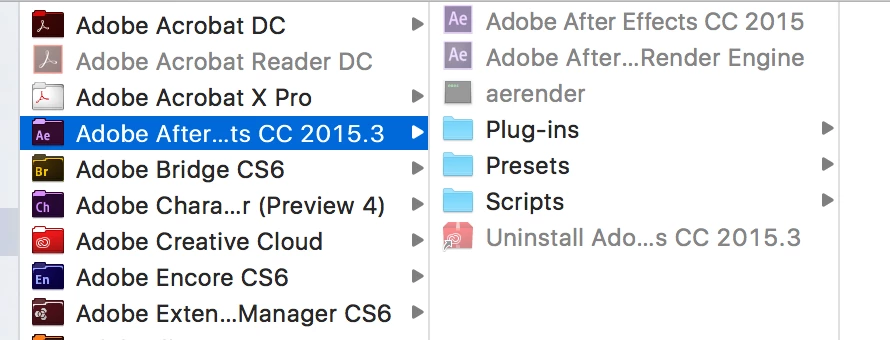
I click on the '...' button and navigate to the App folder
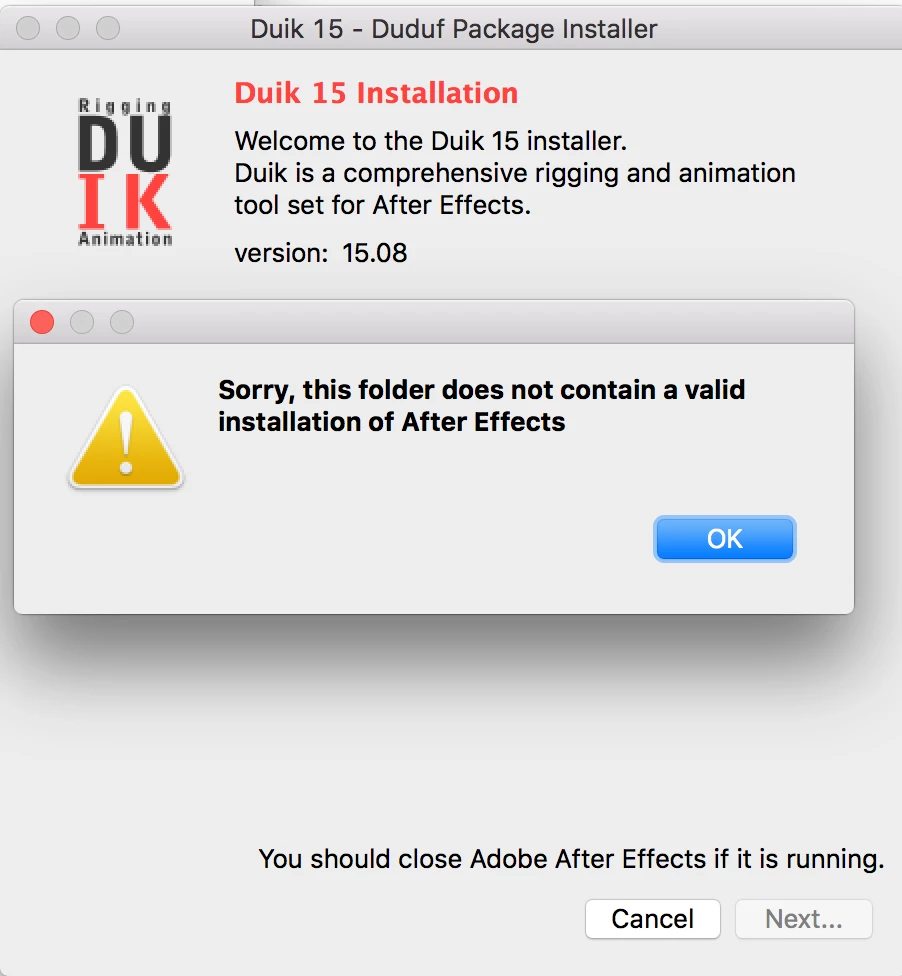
And then get the following message
As you can see from the screenshot, I clearly have AE installed.

I am running OSX El Capitan with AE CC 2015.3 and trying to install Duik 15.08.

Can anyone help please?

Thanks in advance!

Oli

    This topic has been closed for replies.
    Correct answer Rick Gerard

    I'm assuming that you checked with the manufacturer. If you have not I would install a previous version of AE, run the installer, then either create an alias to the folder if you are going to keep a previous version installed. or move it to the new location. It would seem the  only other option would be to wait for an updated installer.

    3 replies

    Participant
    April 13, 2024

    i cant instal

    Participant
    July 24, 2016

    Yeah, same here, DUIK is a huge part of my workflow, at the website DUIK says this:

    So people at Adobe, can you please check this? I'm sure that a lot of character animators and motion designers would like to see this fixed.

    CEJLLC
    Known Participant
    April 10, 2017

    The Installer did not work for Windows 10 either.  The Solution was:

    • Custom Path/Program Files/Adobe/Adobe After Effects CC 2017/Support Files/Scripts/ScriptUI Panels/

    I am not certain what the Mac equivalent is [been a while] but I do not think Duik is handled like a plug-in on a Mac either.  It is a script.  In theory I would determine where the scripts are located.

    Participant
    April 24, 2020

    Sorry for bothering, I have a problem, I have After Effects 2015 (Windows 10, PC) and I want to get the DUIK Bassel, I know that I need to have After Effects 2018 and above but is there any possible way that I could get it on 2015? I'm currently trying to improve as an animator and it would be much easier if I could have this setting!

    Rick GerardCommunity ExpertCorrect answer
    Community Expert
    June 26, 2016

    I'm assuming that you checked with the manufacturer. If you have not I would install a previous version of AE, run the installer, then either create an alias to the folder if you are going to keep a previous version installed. or move it to the new location. It would seem the  only other option would be to wait for an updated installer.

    Inspiring
    June 30, 2016

    Hi Rick,

    Thanks for the reply (and apologies for my late one.

    I haven't contacted the manufacturer yet, but that's a good idea so I will do now.

    Cheers

    YOYOJIN
    Participant
    July 3, 2016

    Hi olic

    I had same problem

    but if you have Duik files in CC 2015 you can just copy and paste to cc2015.3

    It seems work

    but still when i try to make Auto body connect after effect just turned off...

    hm...