
Inspiring
December 3, 2020
Question

can't preview animation

  • December 3, 2020
  • 2 replies
  • 409 views

Hello, doing a 3d animation and everytime i try to preview a few seconds of it, it either does nothing, only previews about two seconds of it or I get an error message that reads "cached preview needs two or more frames to playback", any ideas?
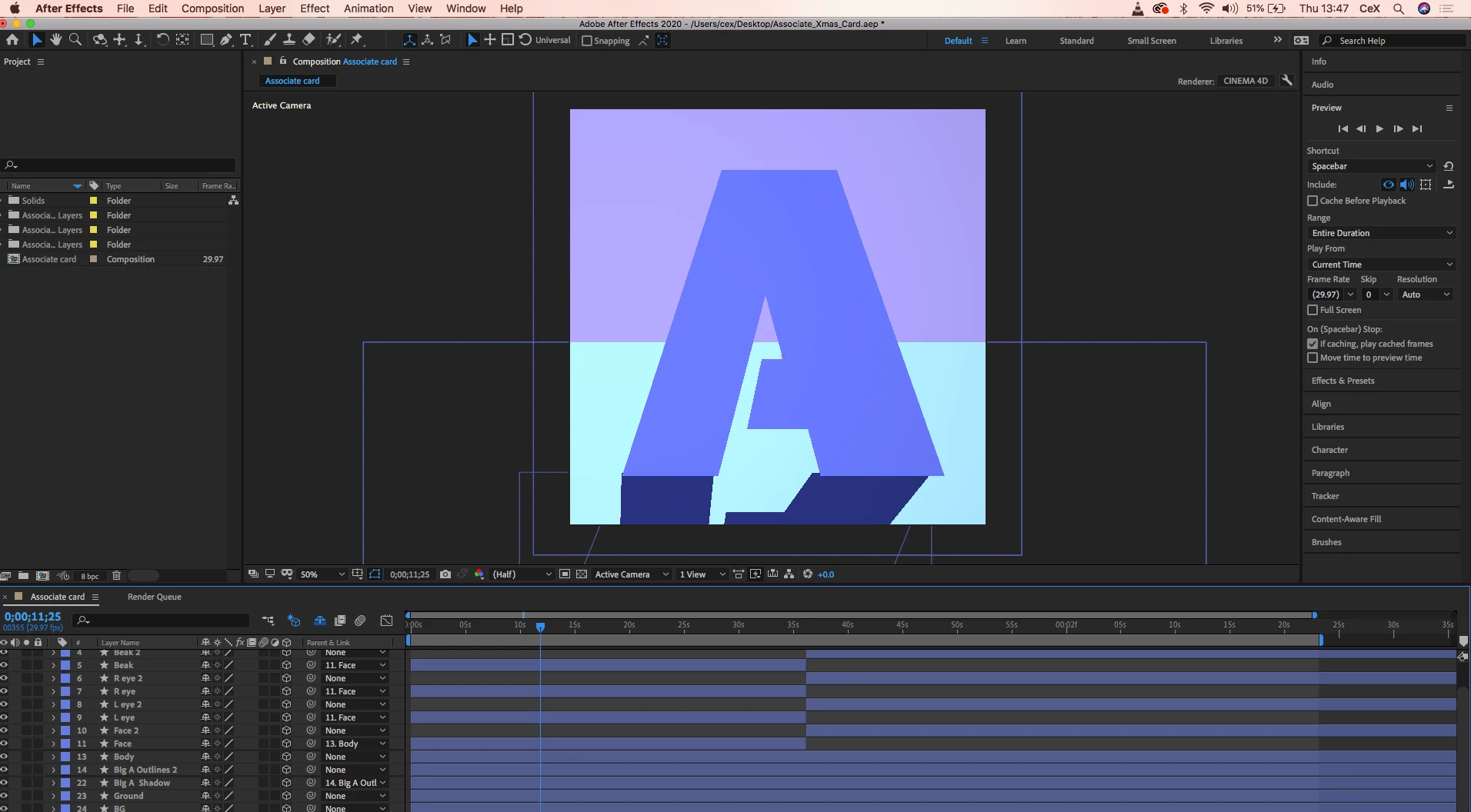
This topic has been closed for replies.

2 replies

nishu_kush
Community Manager
Community Manager
December 3, 2020

Hi nadrojxinnam,


Sorry for your issue.

Could you share more details on your system specifications (CPU, GPU, RAM, OS)? Try to change the cache location to an SSD or NVME drive if possible.

Let us know how it goes.


Thanks,

Nishu

Inspiring
December 4, 2020

Hi nishu_kush, thanks for reply, CPU is  2.3 GHz Intel Core i5,  GPU is Intel Iris Plus Graphics 640 1536 MB, RAM is 8gb, and i'm using Sierra, I don't have a drive at the moment unfortunately

Inspiring
December 4, 2020

Also i get this big glitch monster now

Inspiring
December 3, 2020

Update, i've watched a video https://www.youtube.com/watch?v=khZALLKtd-0&ab_channel=SchoolofMotion on this, done nearly everything in the video and it's STILL happening, the only thing i haven't tried is using another folder for my disc cache, not sure where i can put it but i'll try