

Cannot change duration of still images
I cannot get still images I import into AE to be longer than 5 frames. This is the first time I have encountered this problem and have made about 10 videos using this same method.
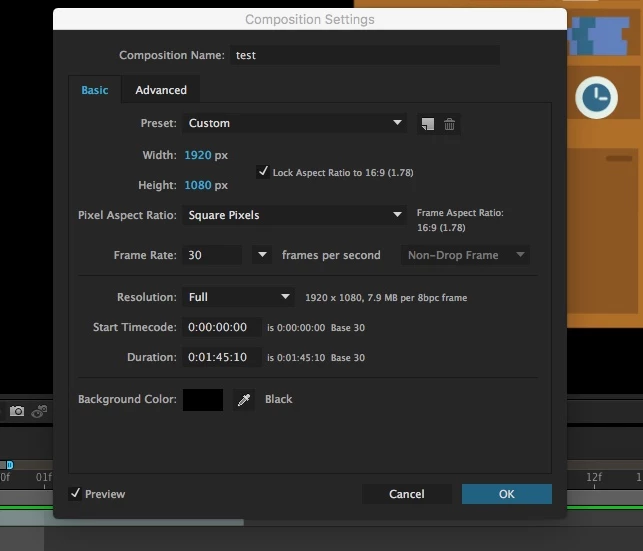
My composition duration is 1:45 minutes:
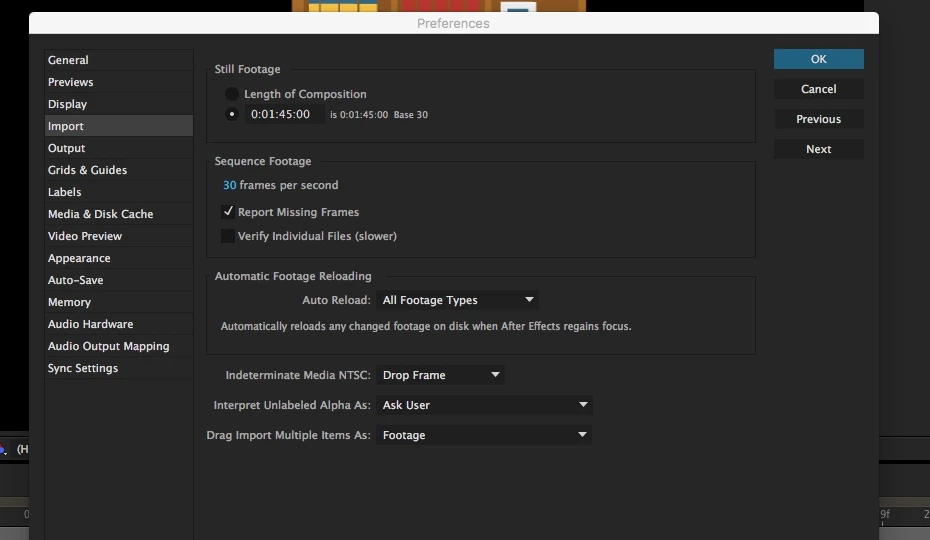
My import settings say import still images to a specific length. (I have also tried importing to composition length and still get the problem.)
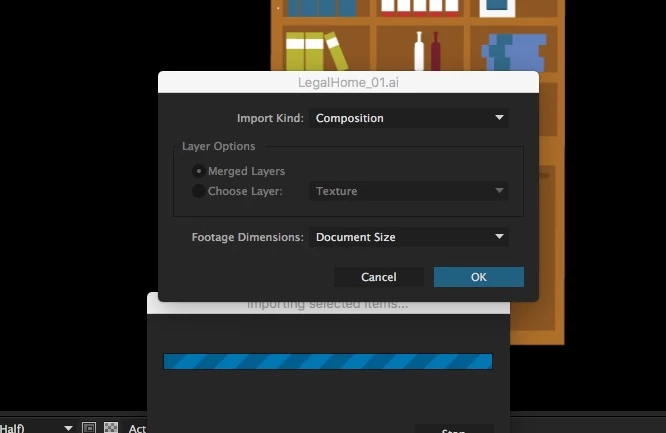
I want to import an illustrator file as a composition so that I can animate the layers separately. (I have also tried importing as footage and still get the problem.)
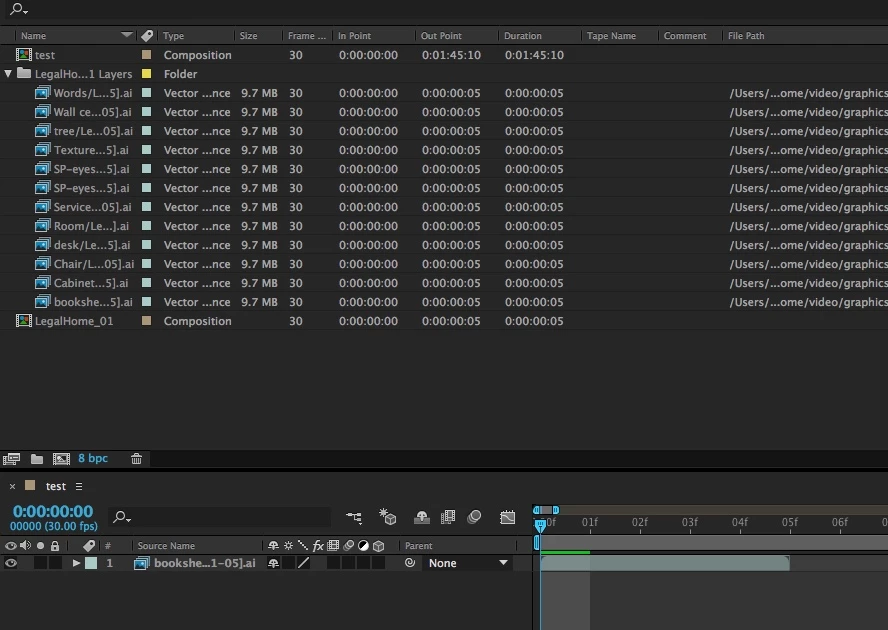
The composition and composition layers are all 5 frames long. I cannot edit the duration:
I am currently uninstalling and reinstalling AE. I am using MacOS Sierra 10.12.5. Is there a compatibility issue?
I tried right clicking the layer in the timeline and selecting time > new duration, but it gives me color bars instead of the image. (I even tried render and exporting.)
I am currently uninstalling and reinstalling AE.

 AdChoices