

Question
Cannot select track points in 3D Camera Tracker
Hi,
I'm having an issue where I track my footage, create a 3D Camera Tracker, set plane and origin etc. I manage to create a few layers of images from the track points
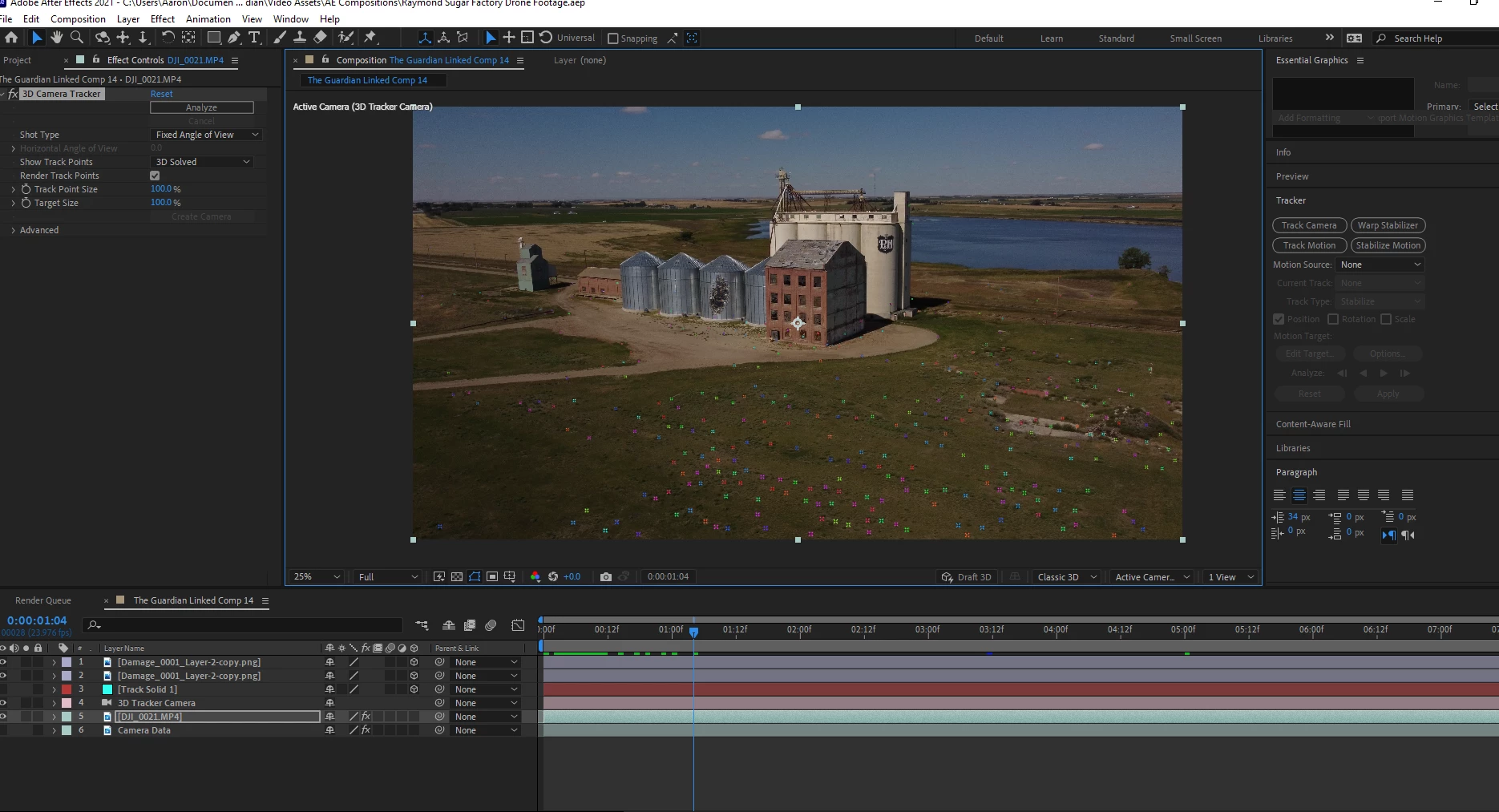
. But then all of a sudden I can no longer select my track points to create more images. I've done some research online and I have double checked that my Active Camera is selected, and under the "tool bar > View > Show layer controls" is selected as well. I can also still see my track points, just cannot select them.
I've never had this problem before, I've always been able to use this with no issues.
Anyone have a solve? Could this be a bug?
Thanks in advance
 AdChoices