


Known Participant
March 11, 2024
Question

CC Composite Time Sampling Issue

  • March 11, 2024
  • 2 replies
  • 344 views

The CC Composite samples over only the first frame of the footage - true / false?

EXPECTATION: I expected CC Composite to layer the original over my filtered layer - that's at least what all tutorial makers show, as there is no description in AE Help, which specifically forwards to Cycore, who tell even less.

REALITY: As soon as I applied CC Composite to Time Remapped precomp, where time value is other than 00:00:00:00, I get what's seen in the screenshot; Overlay mode used.
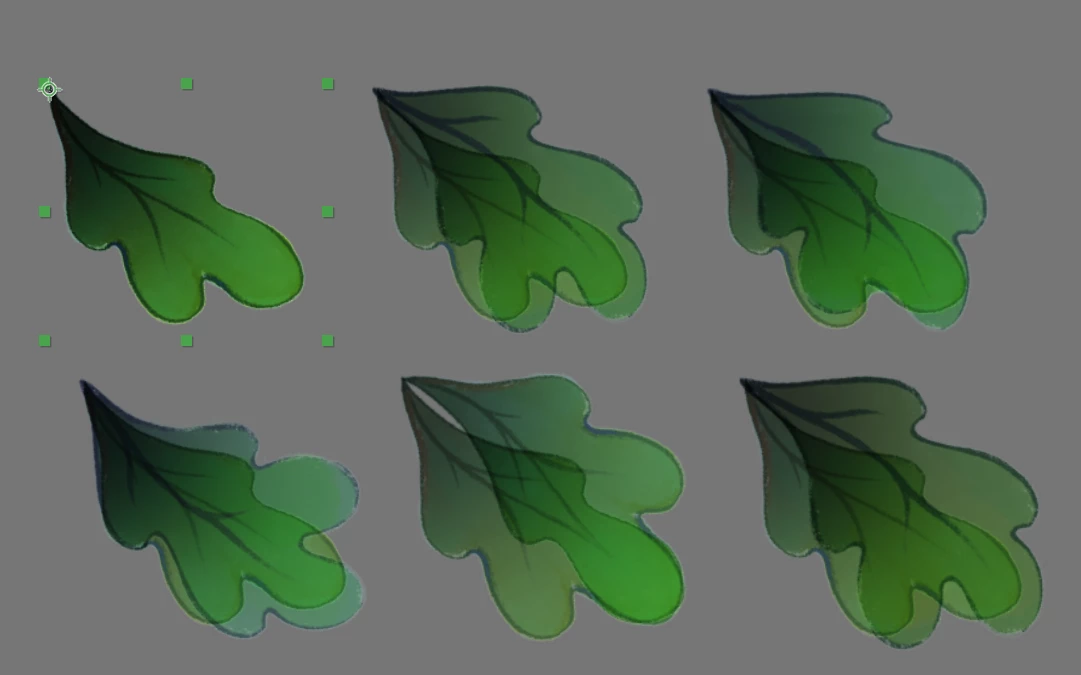
Apparently, it is time-remapping-unrelated thing, which is also independent from Preserve Frame Rate/Resolution When Nested switches. Tried to enable/disable those with no change in behavior.


What would be the workaround? I need to composite time-synced and filtered footage over itself within the bounds of same layer.


AE 24.2.1. | Win11Pro

This topic has been closed for replies.

2 replies

nishu_kush
Legend
March 11, 2024

Hi CucaramblaX,


Thanks for creating the thread and posting the workaround. Feel free to create a feature request about it in the Ideas section of the community.

Let us know if there are any other questions.

Note: Moving this thread from Bugs to Discussions.


Thanks,

Nishu

Known Participant
March 12, 2024

Hey nishu_kush,

Unfortunately, there was no workaround, which I was implicitly looking for. And, the issue still needs a solution for the cases where the user needs to re-iterate duplication of many layers that contain any effect that has a Layer Control widget.
Yeah, completely possible to solve it by writing a scripted action, however, unless such script already exists, this solution is unavailable for the users with no familiarity to javascript, even more - to AE libraries.
Btw, can you suggest the script that creates x copies of the layer which also will preserve relative links to self/other layers in applied effects?

P.S. IDEA: whole layer duplication process should be revised, so that it checks for self-references - any effect that uses a layer pulldown property that points to its own name, keeps this specific setting. Otherwise, open that property to the expressions, where user can insert thisLayer.

Known Participant
March 11, 2024

Ok, apparently there is no bug, and the effect works as expected.
The "bug" happened when duplicating layers - it just keeps original layer's setting, even it was pointing to itself - the pointing-to-itself wasn't duplicated. And, there is no way to script the TopLayer property to thisLayer, which in turn undermines the flexibility of automatic layer customization - user will need to enter the every copy and re-set every layer and effect with Layer control properties.