Flawless_life5C4D
Known Participant
January 17, 2018
Answered

change image placeholder

  • January 17, 2018
  • 2 replies
  • 5600 views

Hi there,

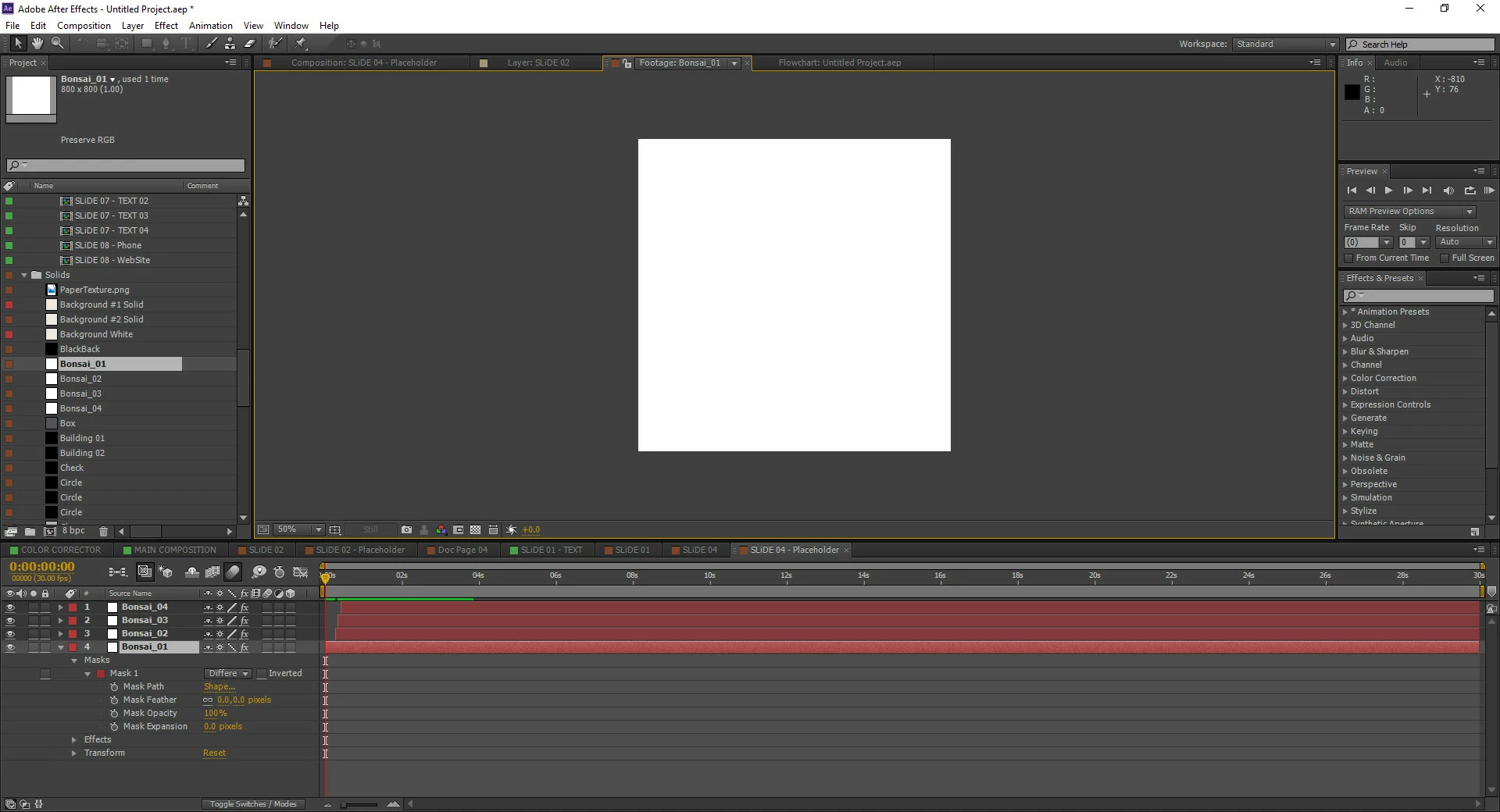
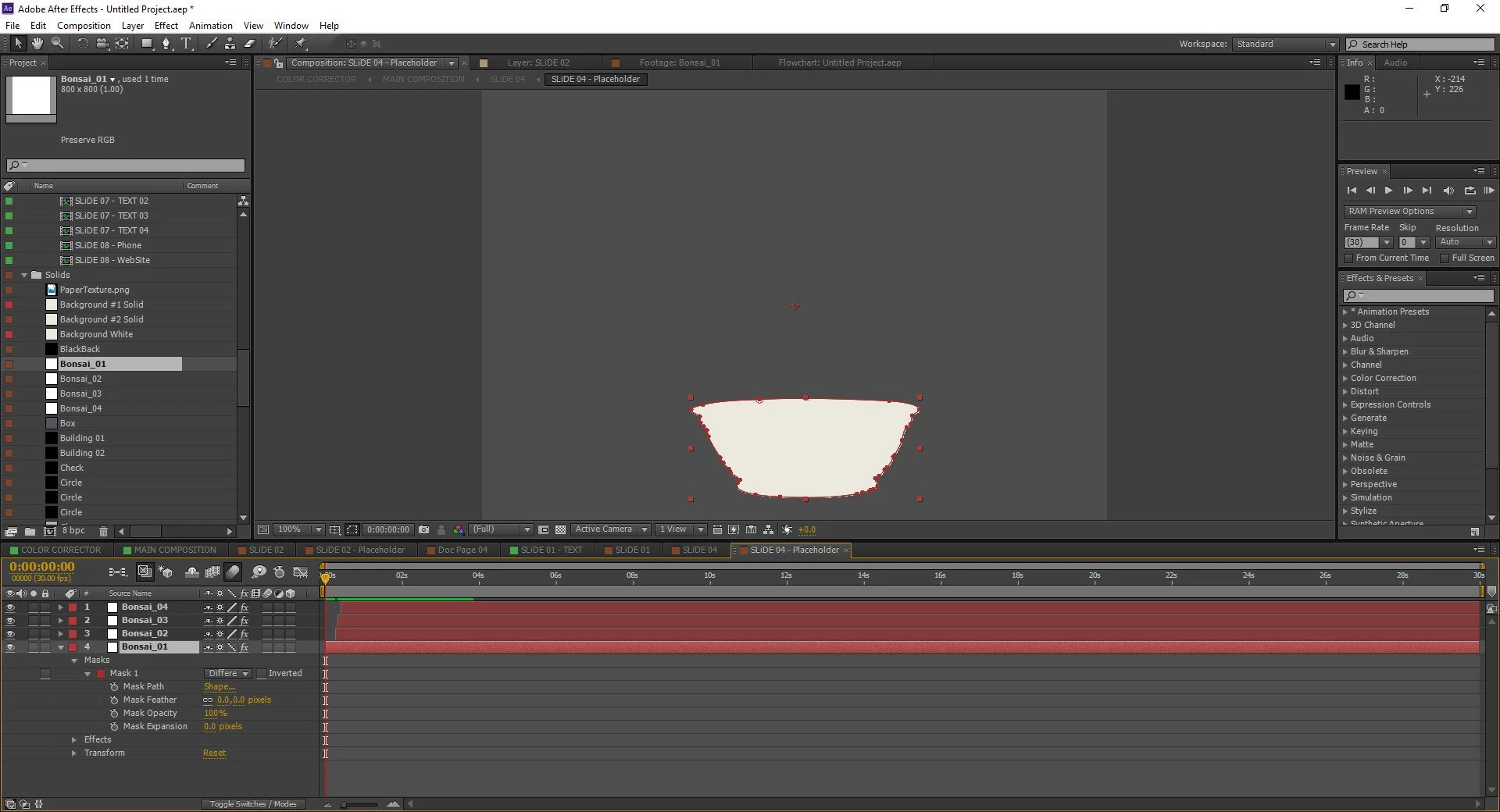
I want to replace this bonsai vase image with another image. Does someone please can tell me how I can do it?

Thanks in advance,

Nico
    This topic has been closed for replies.
    Correct answer Roei Tzoref

    Hi @Katie Houghton,

    Thank you very much for your answer. I pasted it as new mask but as you can see the colour white should be inverted. Is there anyway to do it?

    Thanks,

    Nico

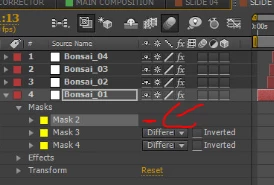
    close the mask
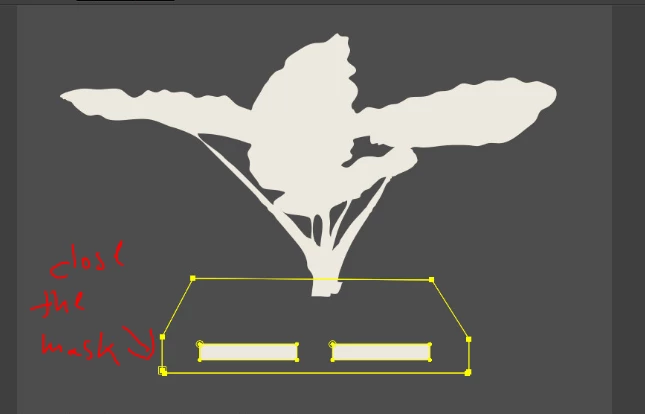
    you can see it's open also because there is no mask mode available for it:
    2 replies

    Dave_LaRonde
    Inspiring
    January 17, 2018

    Got an image in the same general shape as the masked thingy in the top shot?  Use the masked whatever in the top shot as a track matte for your other image.

    Flawless_life5C4D
    Known Participant
    January 17, 2018

    hi Both,

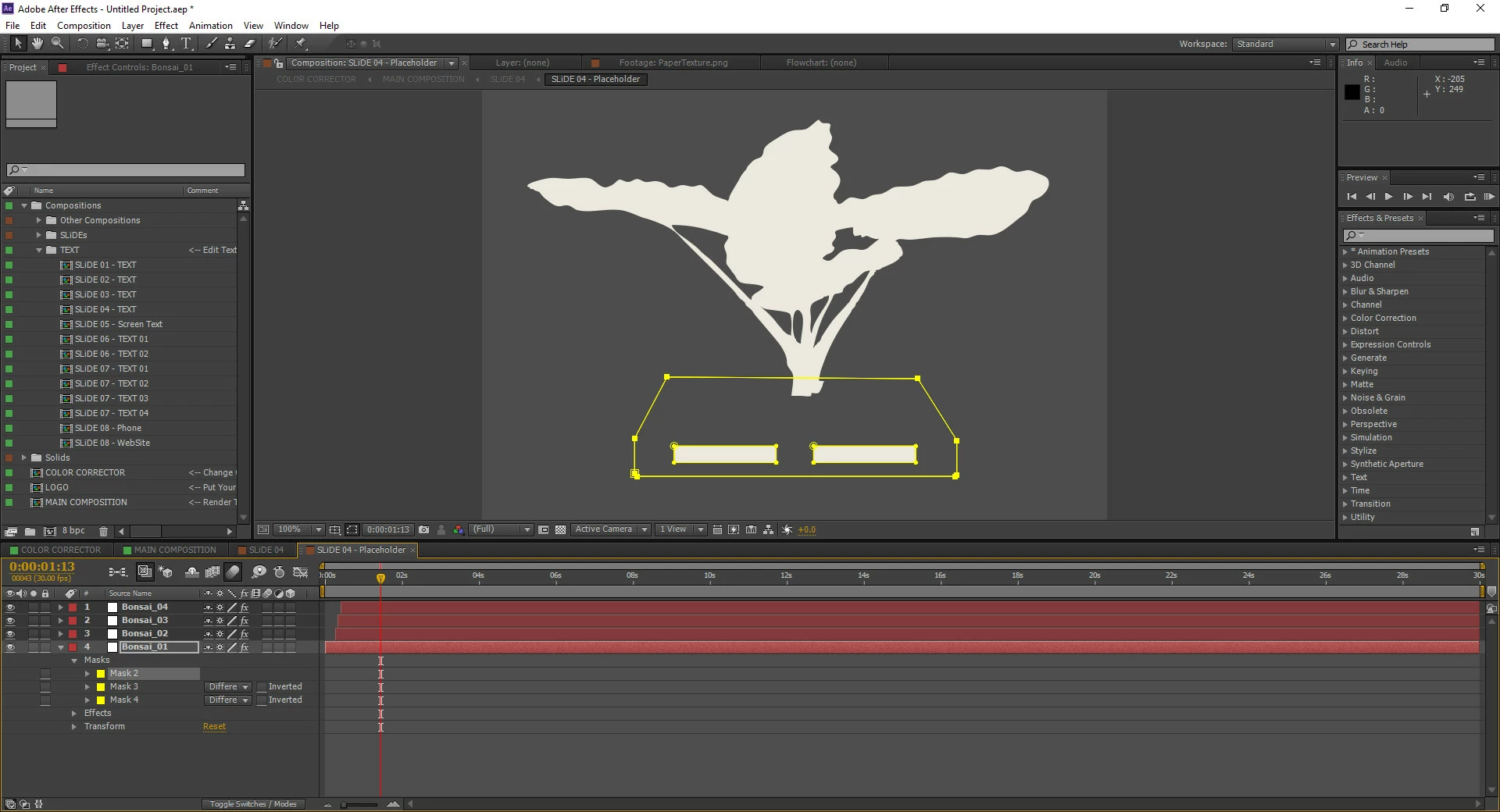
    thank you for your Tipps. I actually want to replace the vase with a pallet form mask image like this on photo belove.

    Maybe I can use Photoshop?

    Flawless_life5C4D
    Known Participant
    January 19, 2018

    close the mask

    you can see it's open also because there is no mask mode available for it:


    Hi @Roei Tzoref

    Thank you very much, it solved my Problem. I got it working!!

    Nico

    Warren Heaton
    Community Expert
    Community Expert
    January 17, 2018

    While Bonsai_01 is selected in the Timeline, start to drag and drop the source footage item that you would like to replace is with and then add the Alt key before you let go of the mouse.  Adding the Alt key tells AE that you want to replace the source of the selected layer.