
CINEMA 4D Education version causing me issues as well as my CINEMA 4D Lite
Hello,
I have recently downloaded Cinema 4D education version R20 and Updated my after effects to AE CC 2019, when I activated the Cinema 4D educational version
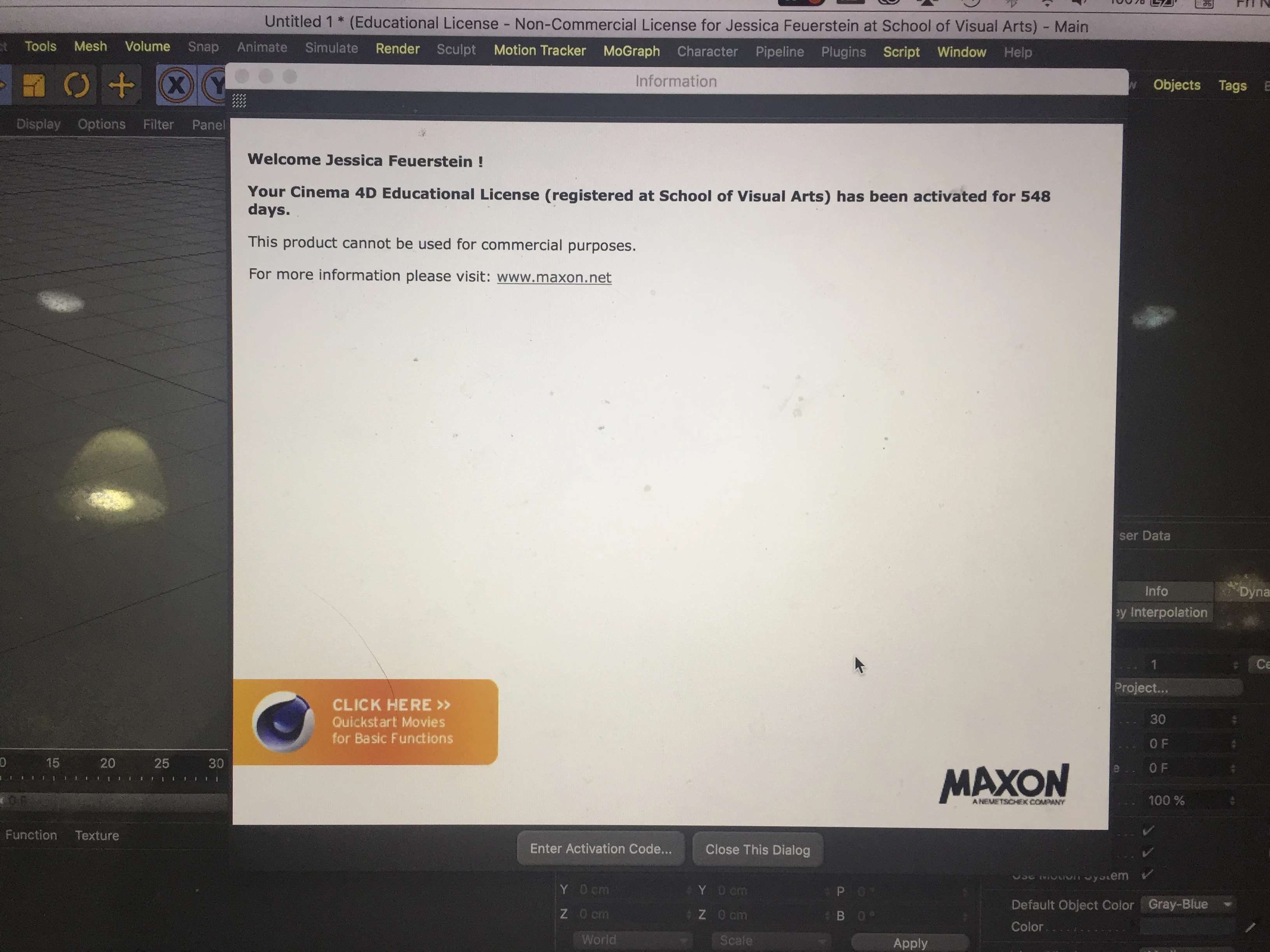
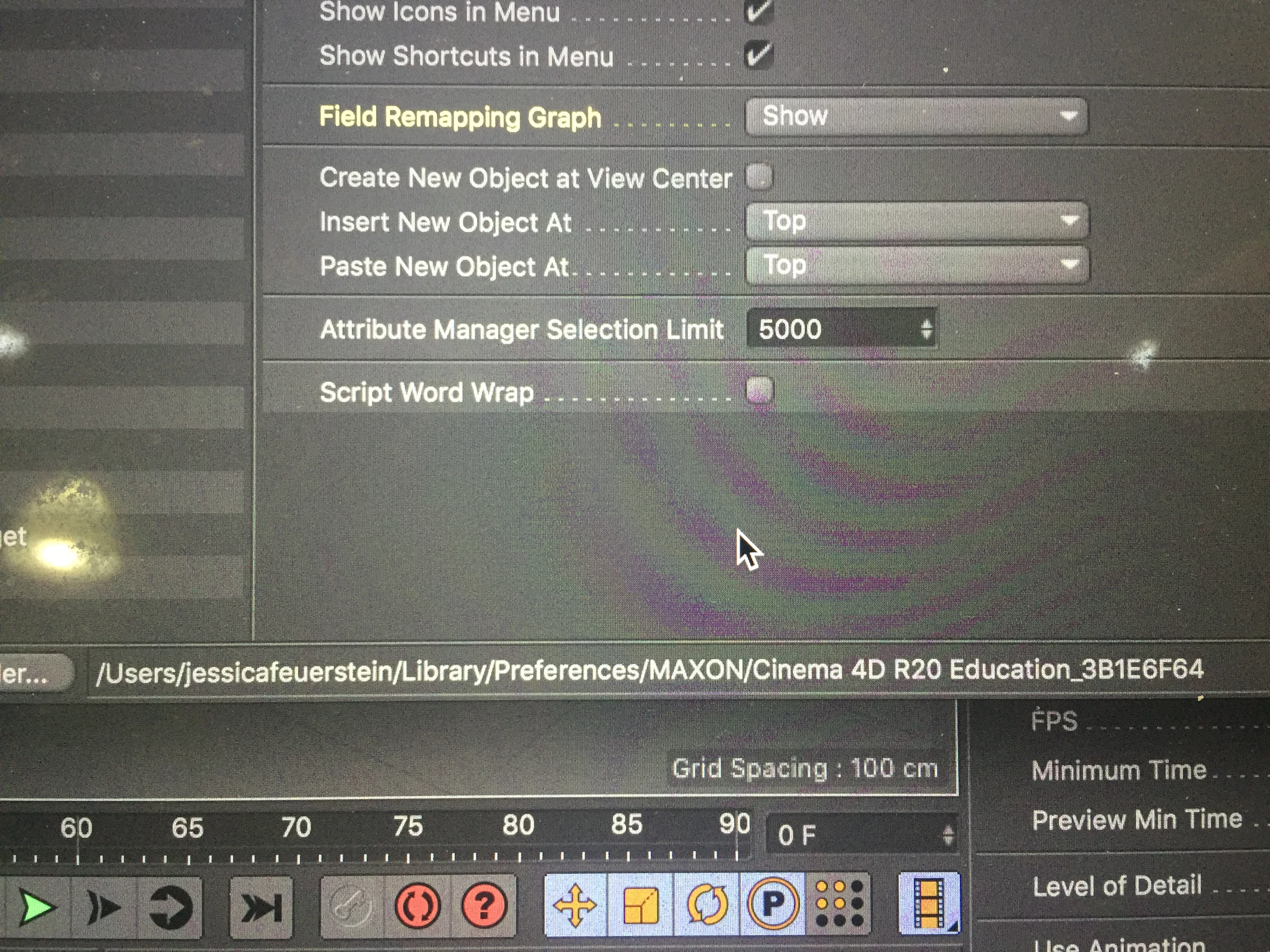
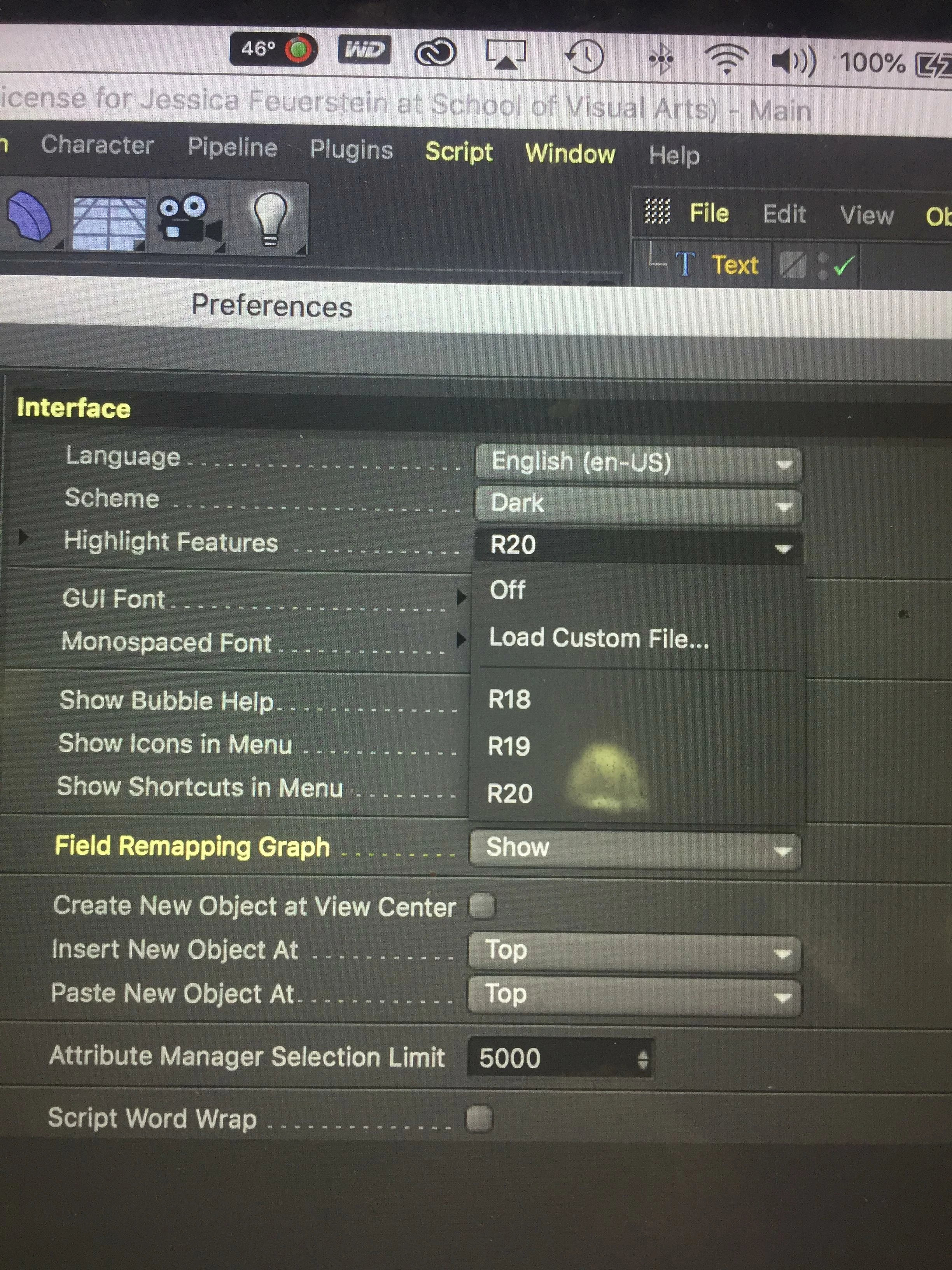
(for image 3 of the preferences in Cinema 4D education I have Highlight features R20, R19, R18 I want to know what that means? if that could help fix the problem? or is part of the problem?)
I want to be able to work with After effects and Cinema 4D education version for my college projects so I called MAXON for help a employee told me to do this process
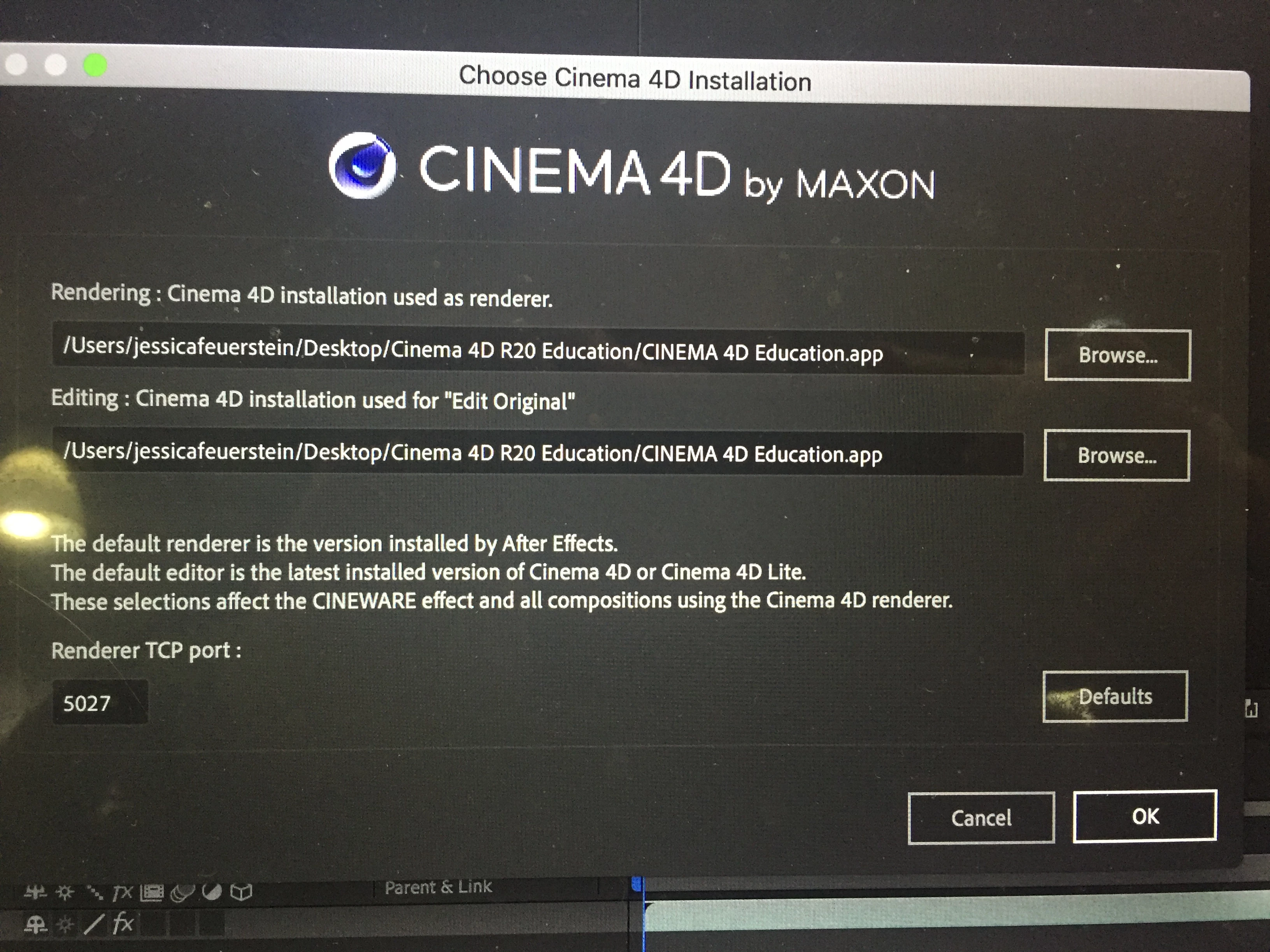
(in the 3rd image of the Cinema 4D Installation I changed my Renderer TCP port from 5030 to 5027 nothing helped with that change)
and since I installed the education version for my college work I am using this as renderer and "Edit Option" I got this message (so I went with restarting my computer)
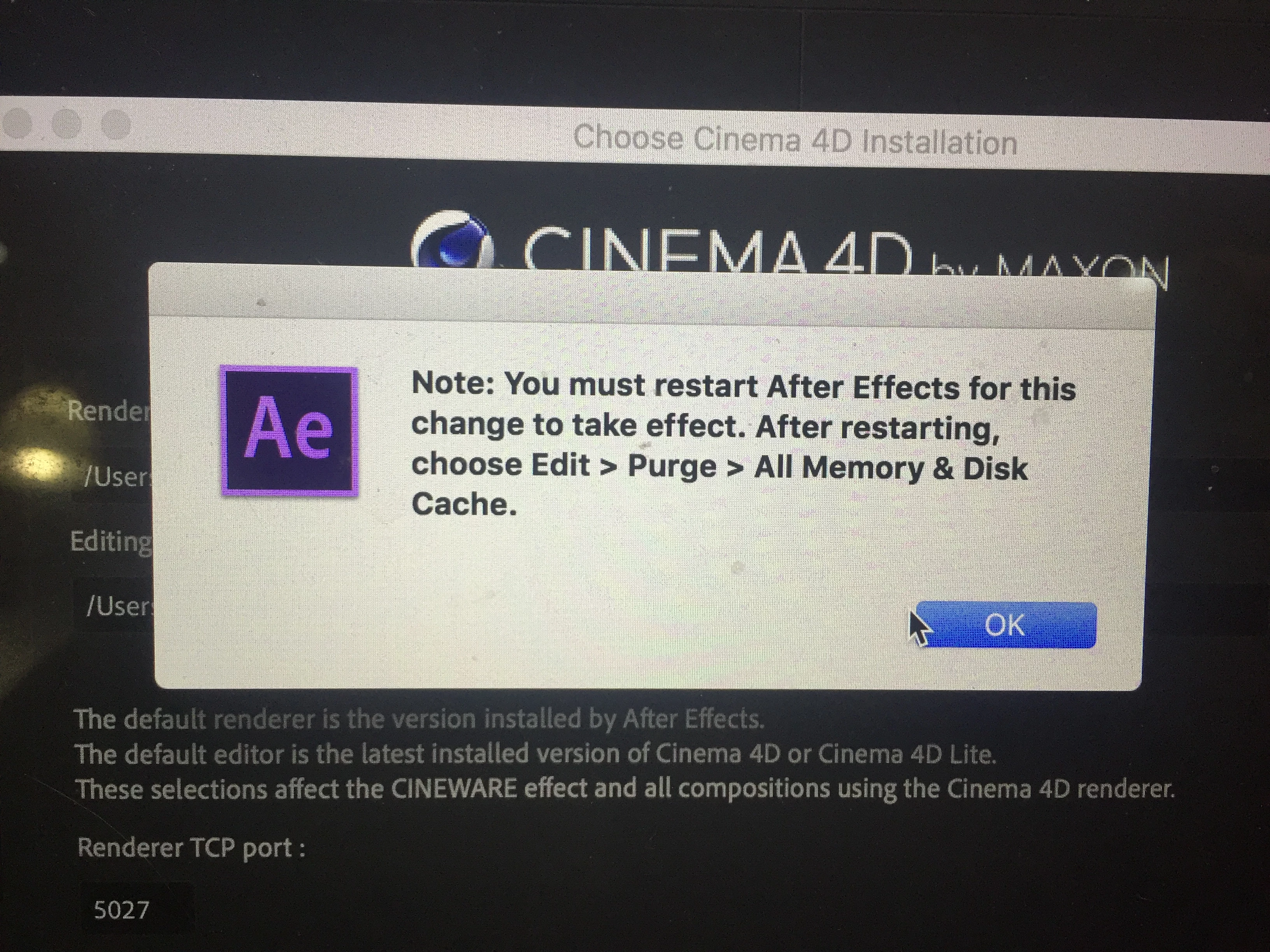
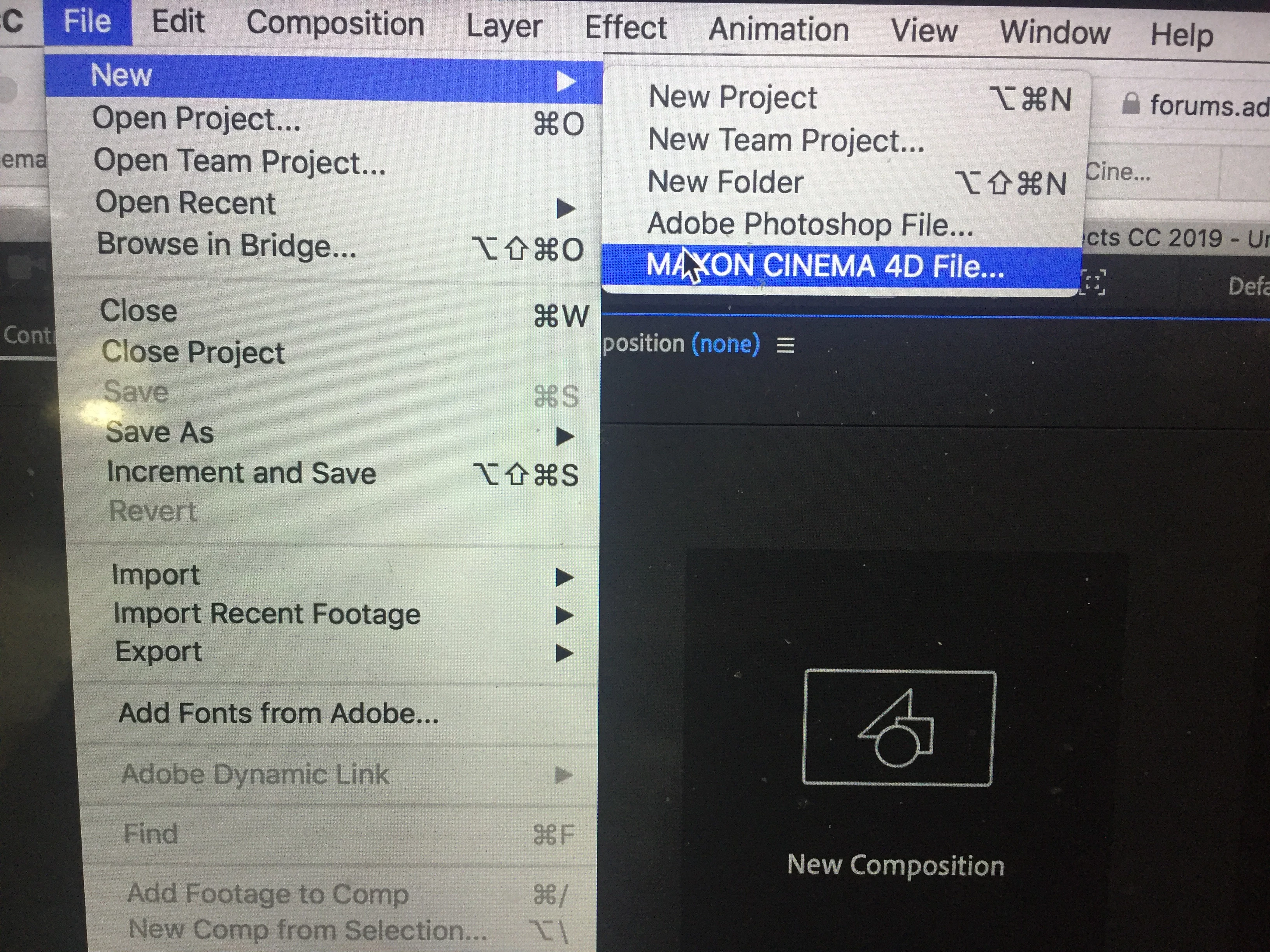
After I restarted my computer to make sure it worked I reopened After effects and I went through the process that my professor did which was
File > New > MAXON Cinema 4D
but this happened
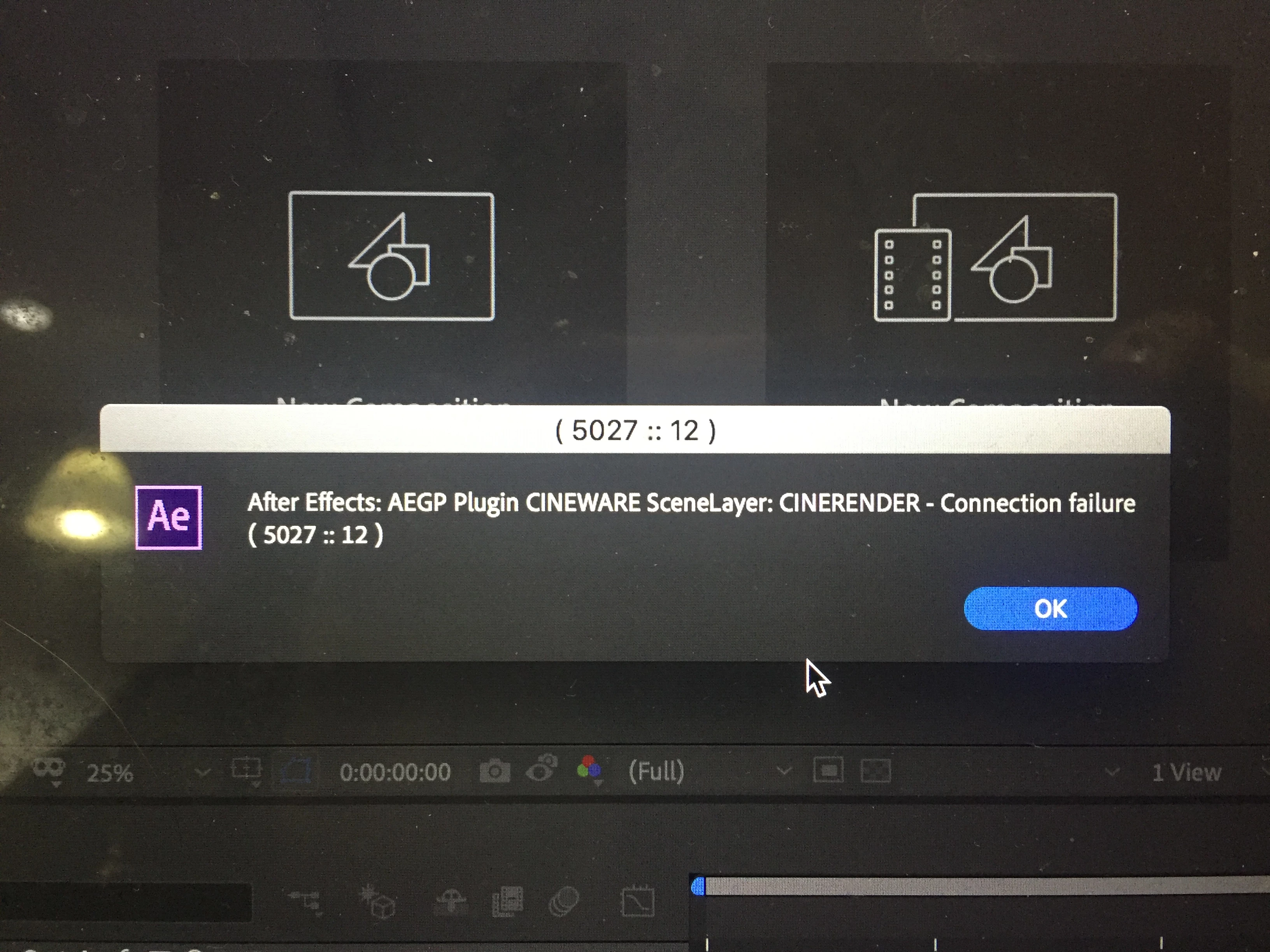
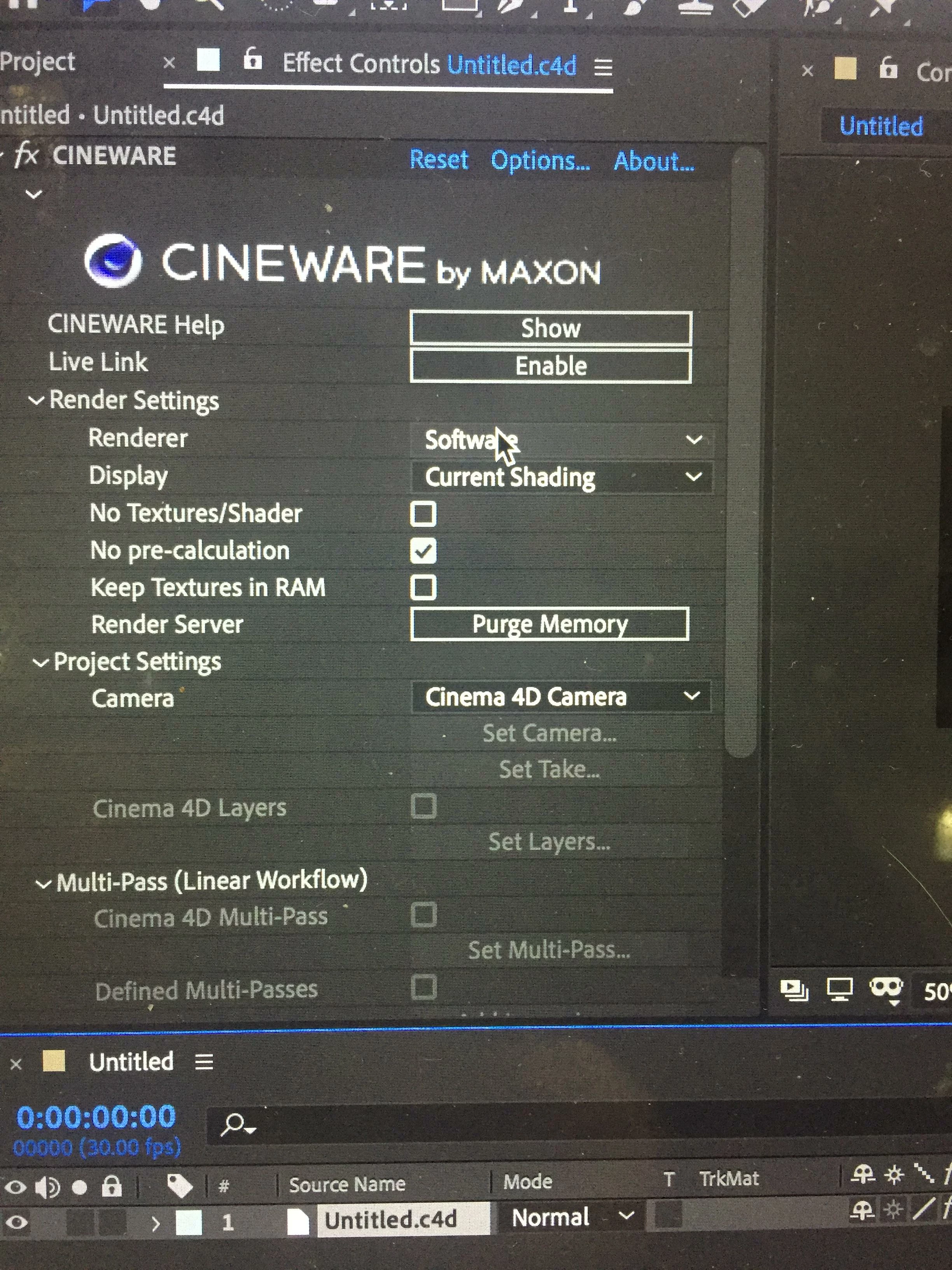
But then I would click Okay and then my CINEMA 4D in my After Effects titled untitled.c4d
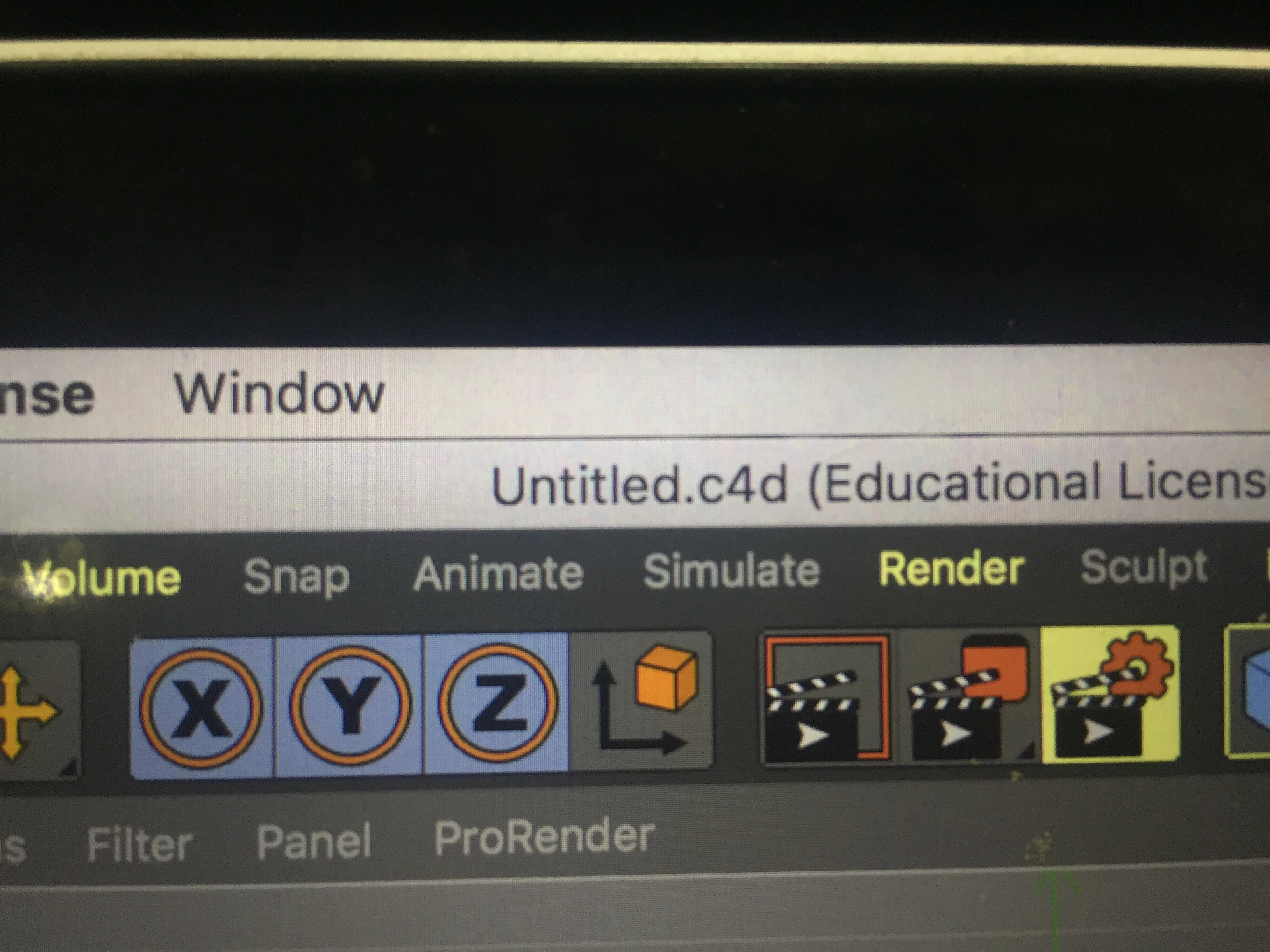
would have this
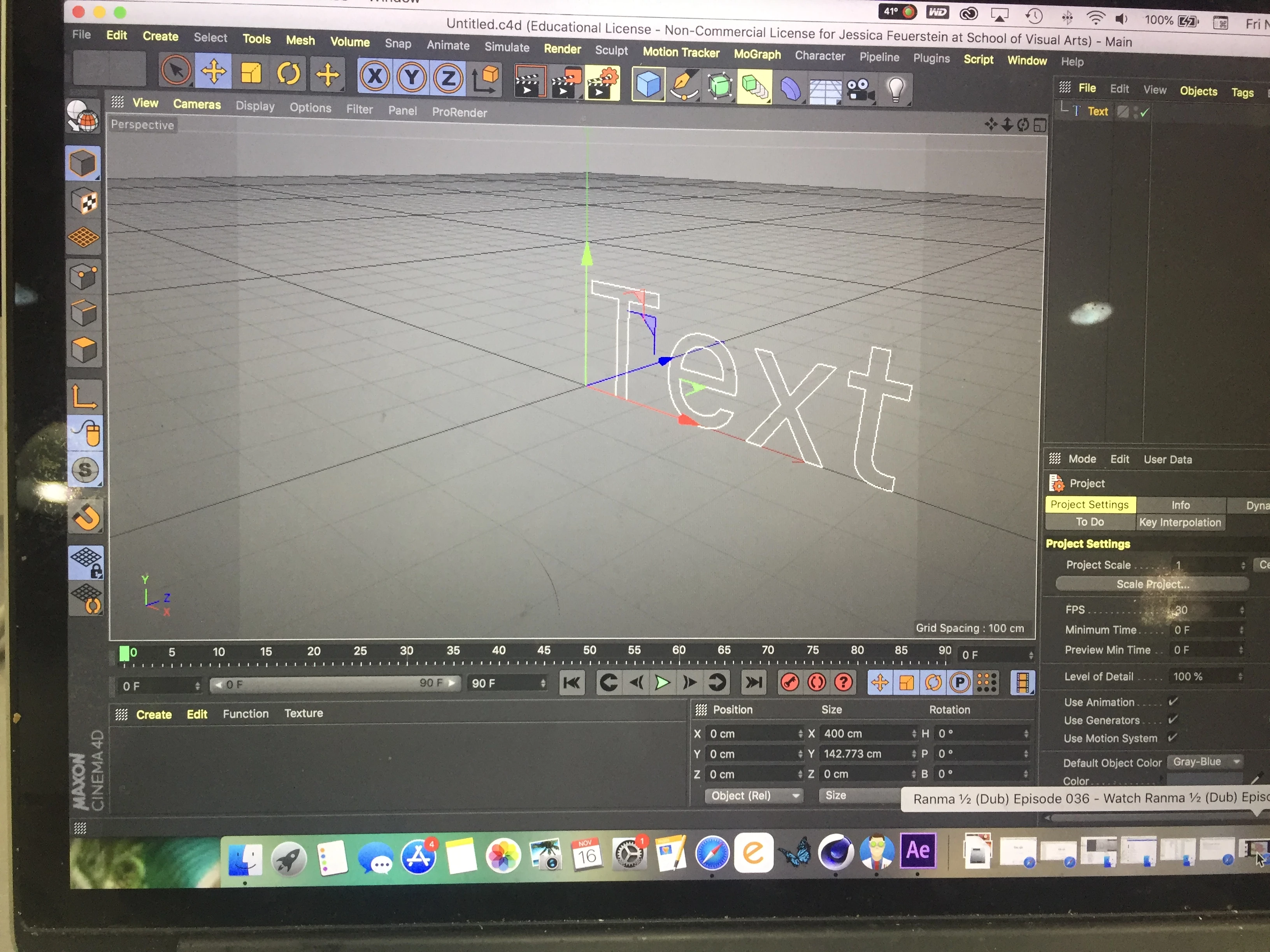
and in my after effects it would show up like this
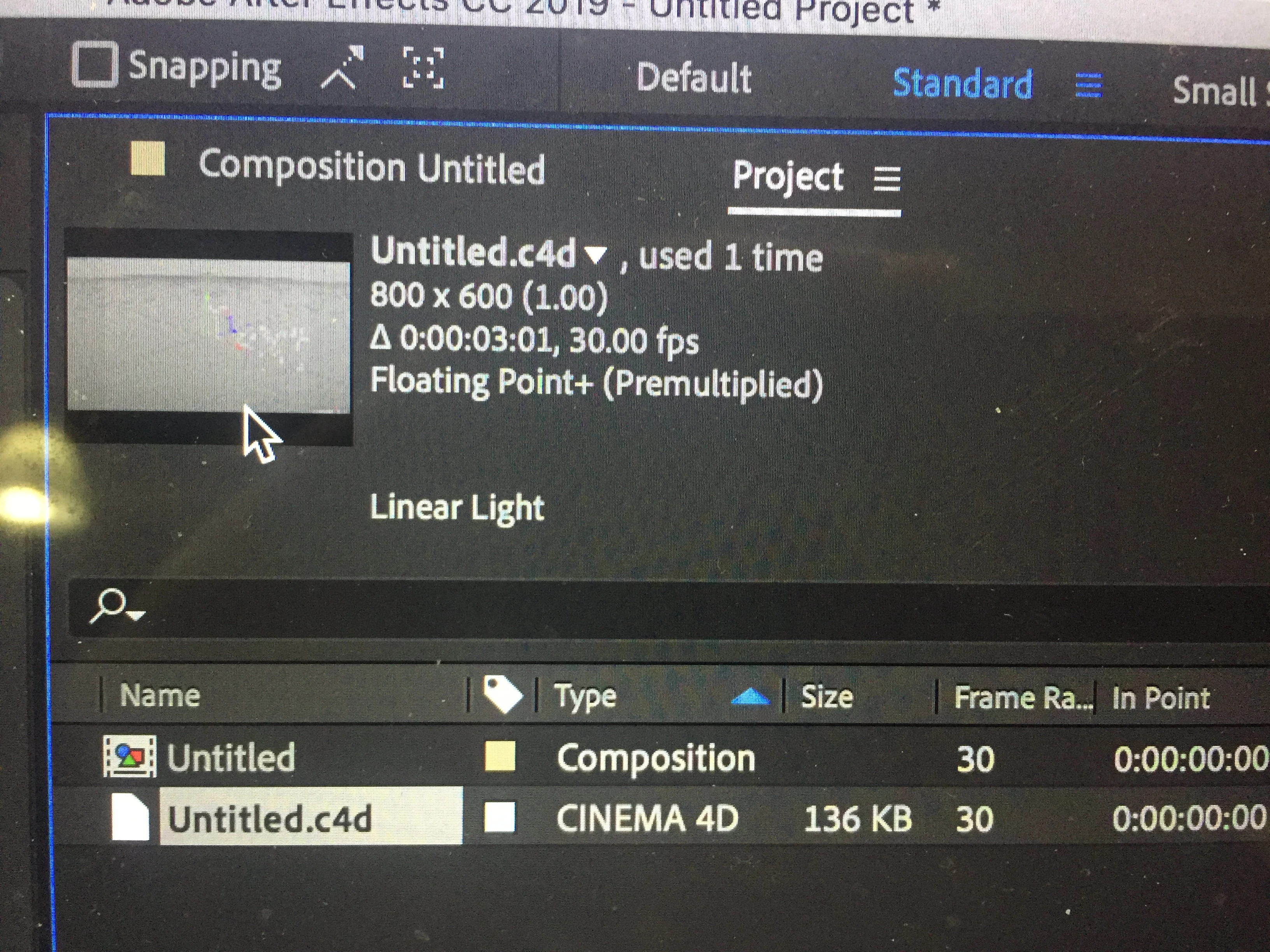
meaning that everything I make a new file I would have this text in cinema 4D education Cineware version and I don't know why and both the Education and Cineware software open each time I create a new Cinema file
As well as the problem with my CINEMA 4D Lite when I downloaded After Effects is causing me problems, after changing the "Renderer and Edit Option" to the Education software of Cinema 4D the Lite software started to act up and now both software versions are causing me issues please anything to help would be grateful. My CINEMA 4D Lite wont open and I have called both Adobe and MAXON and both are as confused as I am, I don't know what to do.
 AdChoices