
Answered
Color information
If you select RGB, Info panel shows what are the colors are there. For example if you select AFTER EFFECTS Info panel shows:
R:147
G:26
B:26
A:225
What is the purpose of having separate R, G, B?
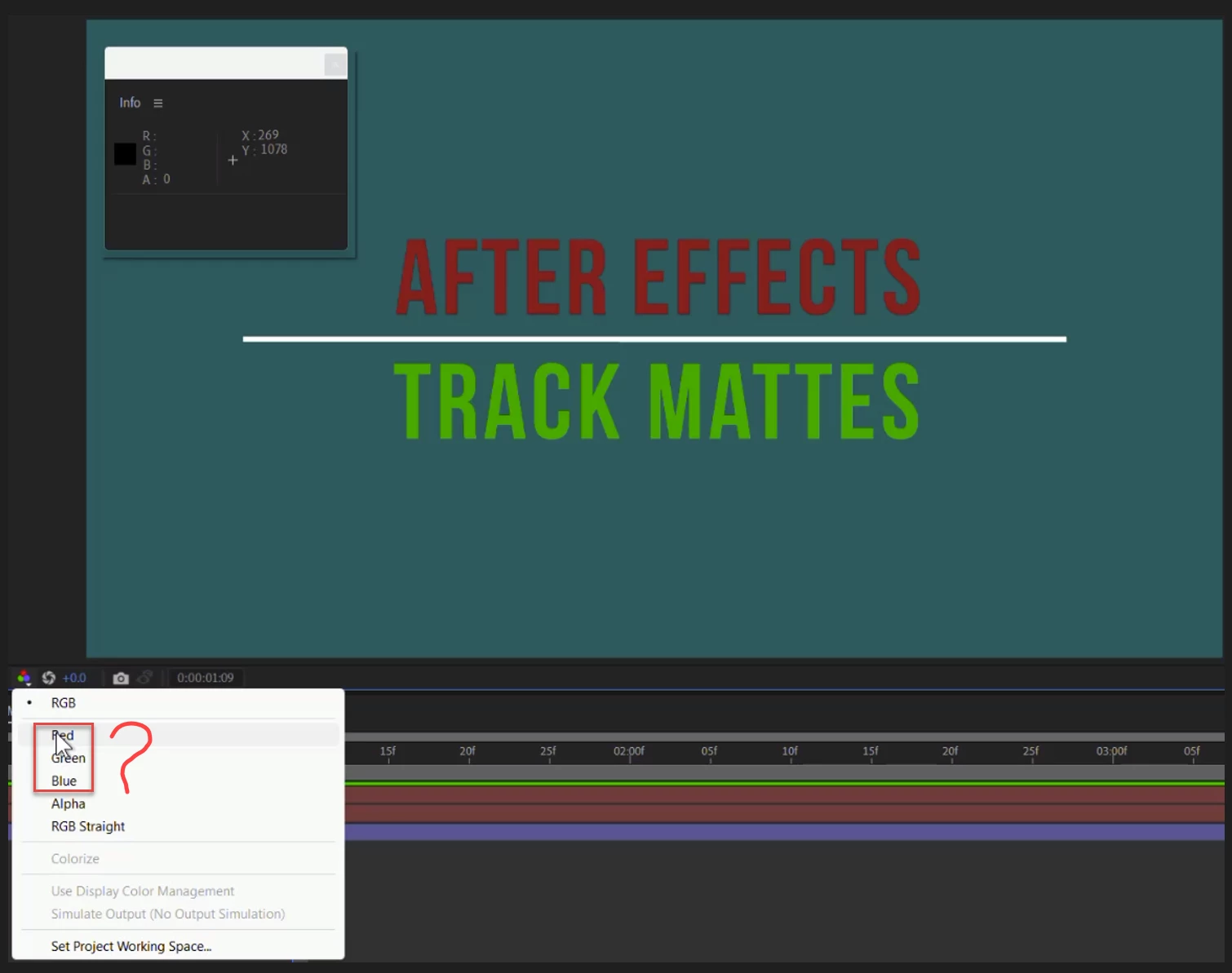

If you select RGB, Info panel shows what are the colors are there. For example if you select AFTER EFFECTS Info panel shows:
R:147
G:26
B:26
A:225
What is the purpose of having separate R, G, B?
What is meant by "There is no color in the color channels".?
All channels are values from darkest to lightest. In 8-Bit color, there are 256 possible shades of gray for each channel. The values are displayed with numbers from 0 to 255. Change to 16-Bit color, and you now have the maximum possible number from 0 to 32,768 per channel. Change to 32-Bit color and the count now changes from 0 to 1, but it is calculated using floating-point, which means that there are 16777216 different values available because of the number of decimal places available, so that's an almost unlimited number of distinct values for each color channel.
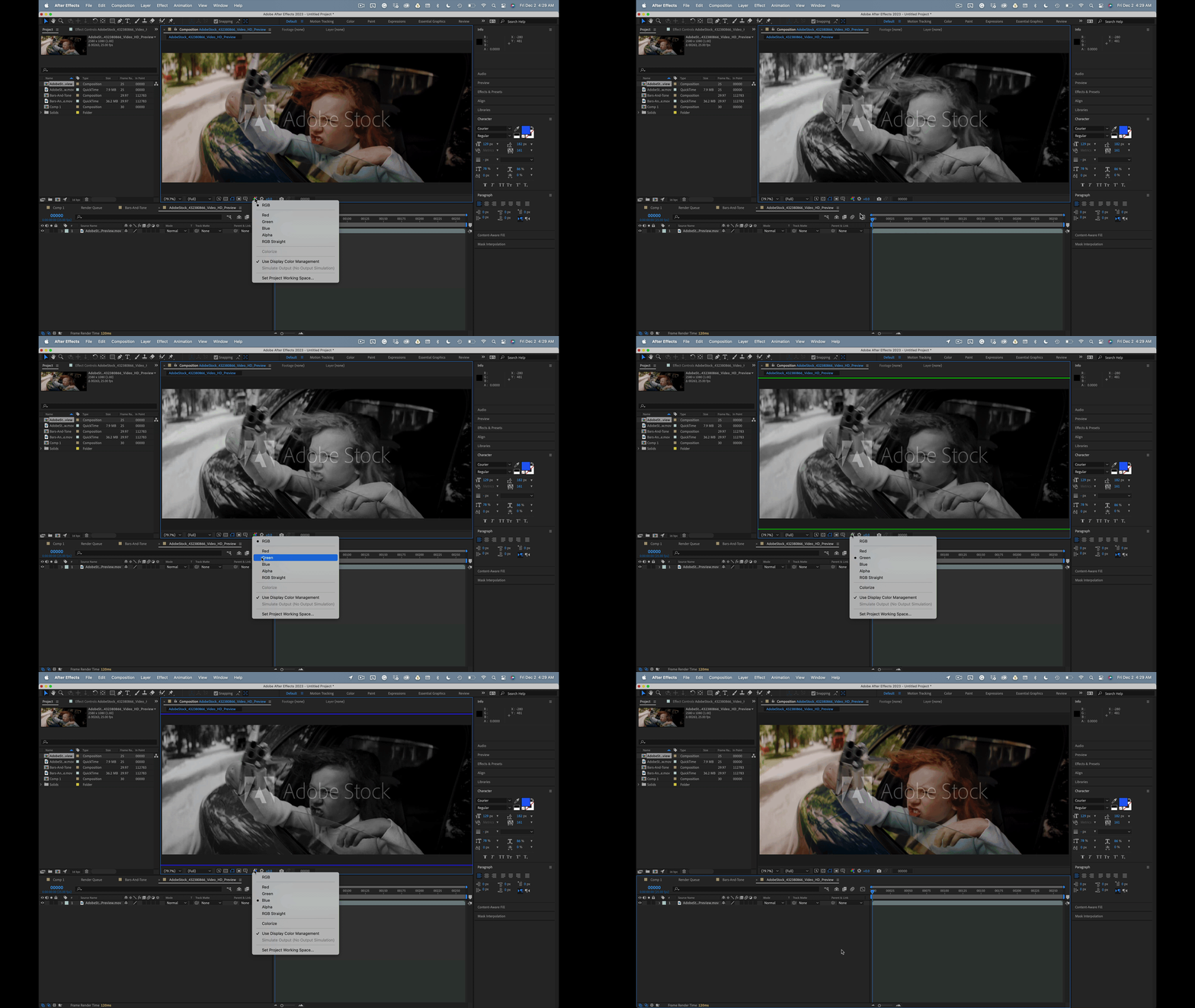
Colors are produced when you calculate the difference between the available color channels. If you look only at the value of a single color channel, there is no color. If you look at the red channel and ignore the other channels, the channel can only get brighter or darker. Black or White.
You could artificially supply zero values to the Green and Blue channels and create a red display on your screen, but if you only look at one value, you only get something bright or dark. You have to calculate the difference between all three channels if you are going to get color. Otherwise, all you are going to see is black and white. It is often useful to look at the different values as an image, but unless you artificially add in a Zero value for the missing colors, you just get a black-and-white image.
Did you follow all that?
Already have an account? Login
Enter your E-mail address. We'll send you an e-mail with instructions to reset your password.
 AdChoices