Answered
Color Picker Interface
Why does my After Effects color picker look like Microsoft Paint?
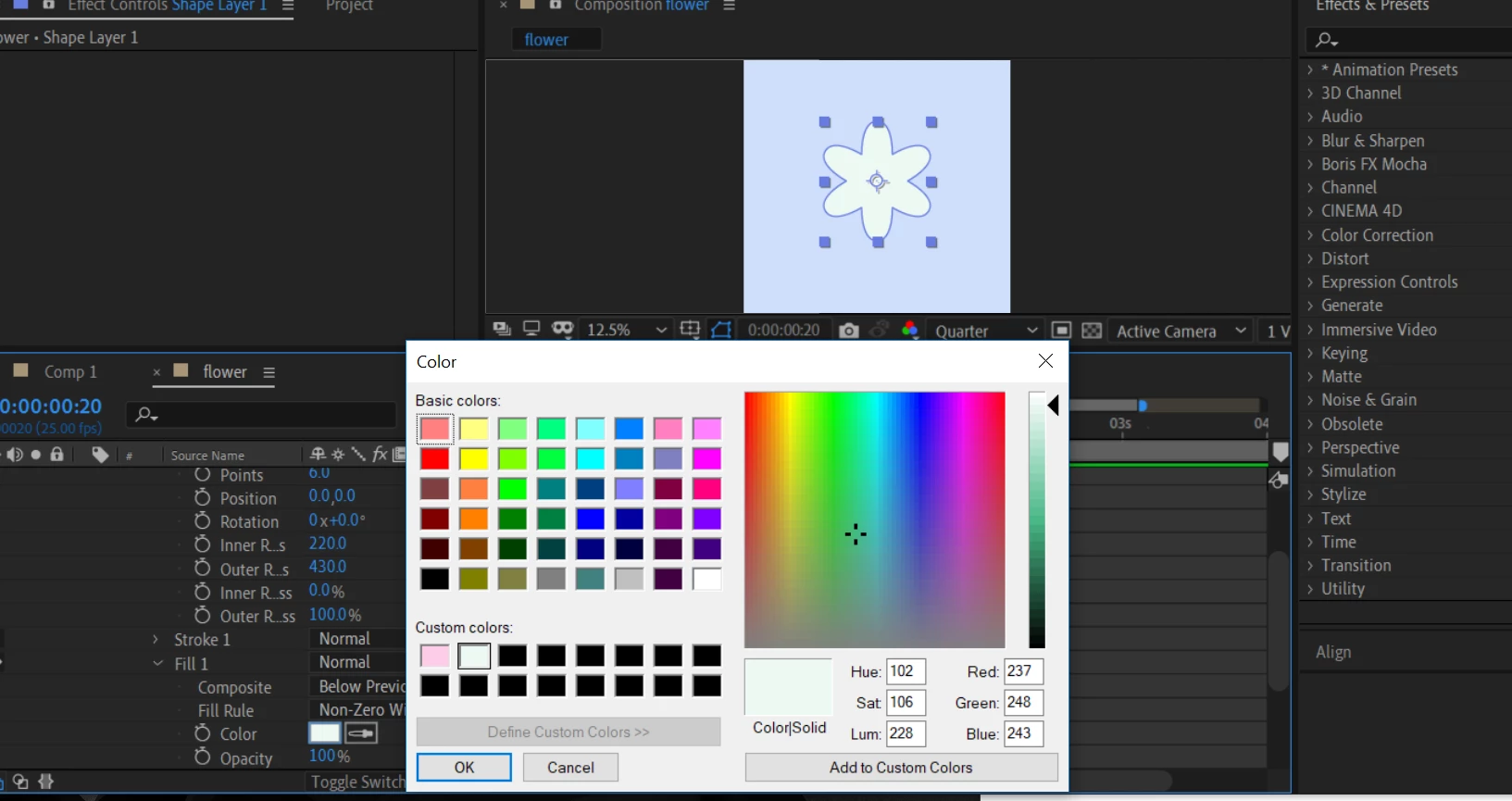

Why does my After Effects color picker look like Microsoft Paint?
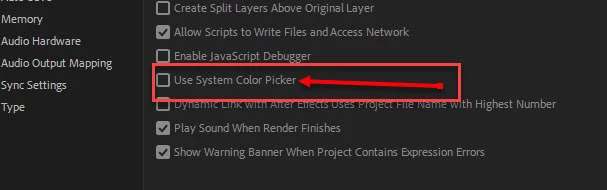
The reason is likely your preferences. If you want to see or change it go into the "General" section of your preferences and untick "use system color picker".
Already have an account? Login
Enter your E-mail address. We'll send you an e-mail with instructions to reset your password.
 AdChoices