
Colors become blue when rendering RGB + Alpha
Very new to After Effects, only working on premade graphics and templates. On two separate files I've tried rendering graphics with transparent backgrounds, and for whatever reason the colors all change to blue after it renders. First file I used was a red, white, and blue patriotic sequence and all my reds looked fine until I opened the finished rendered file in VLC or in Premiere.
Same issue with the file I'm working on now, everything looks like the correct shade of green in the project, while it's rendering, and only turns green after I open the finished file. Exporting through Media Encoder results in the colors all working properly, but I don't want to have to open ME every time I need to render something when I'm not working with complicated stuff.
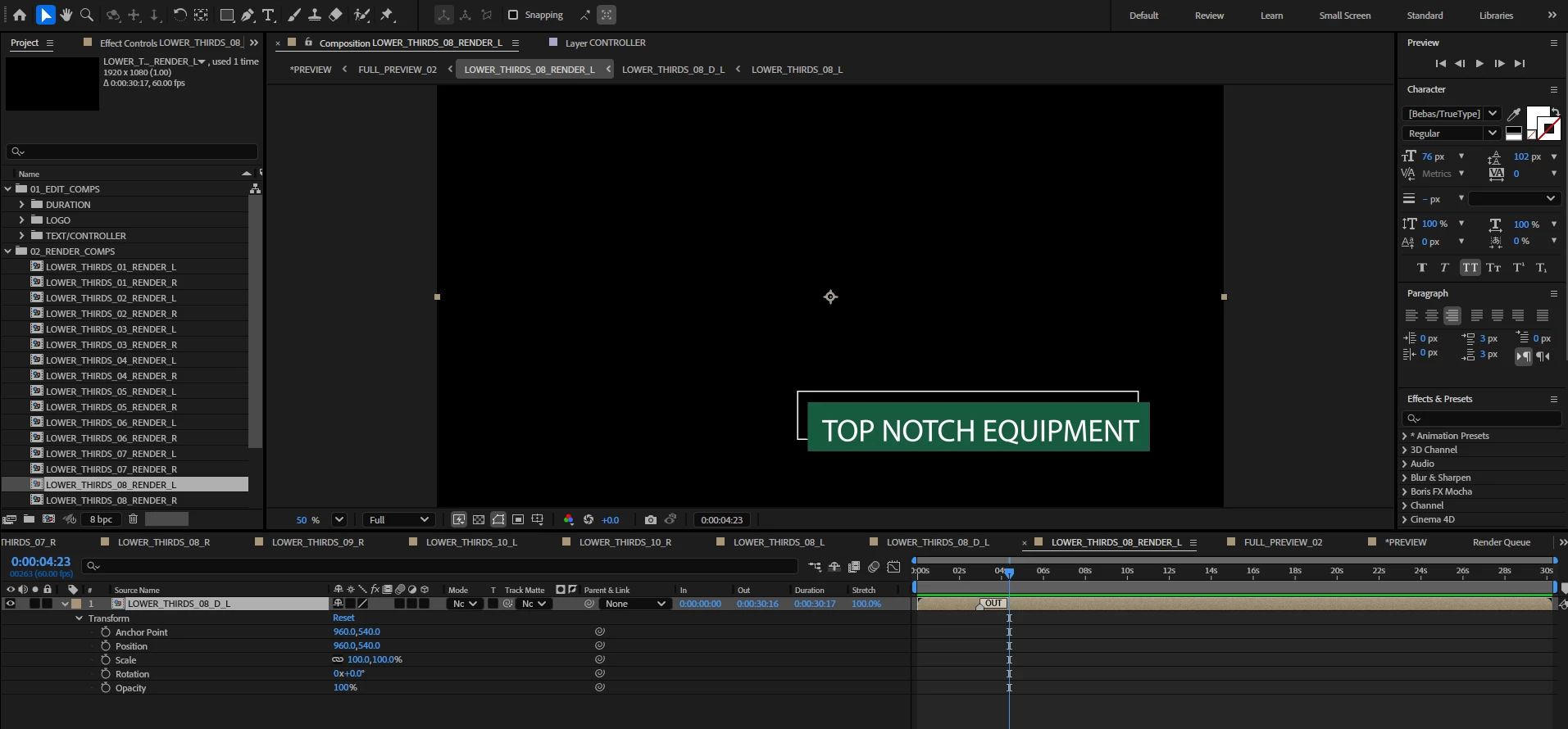
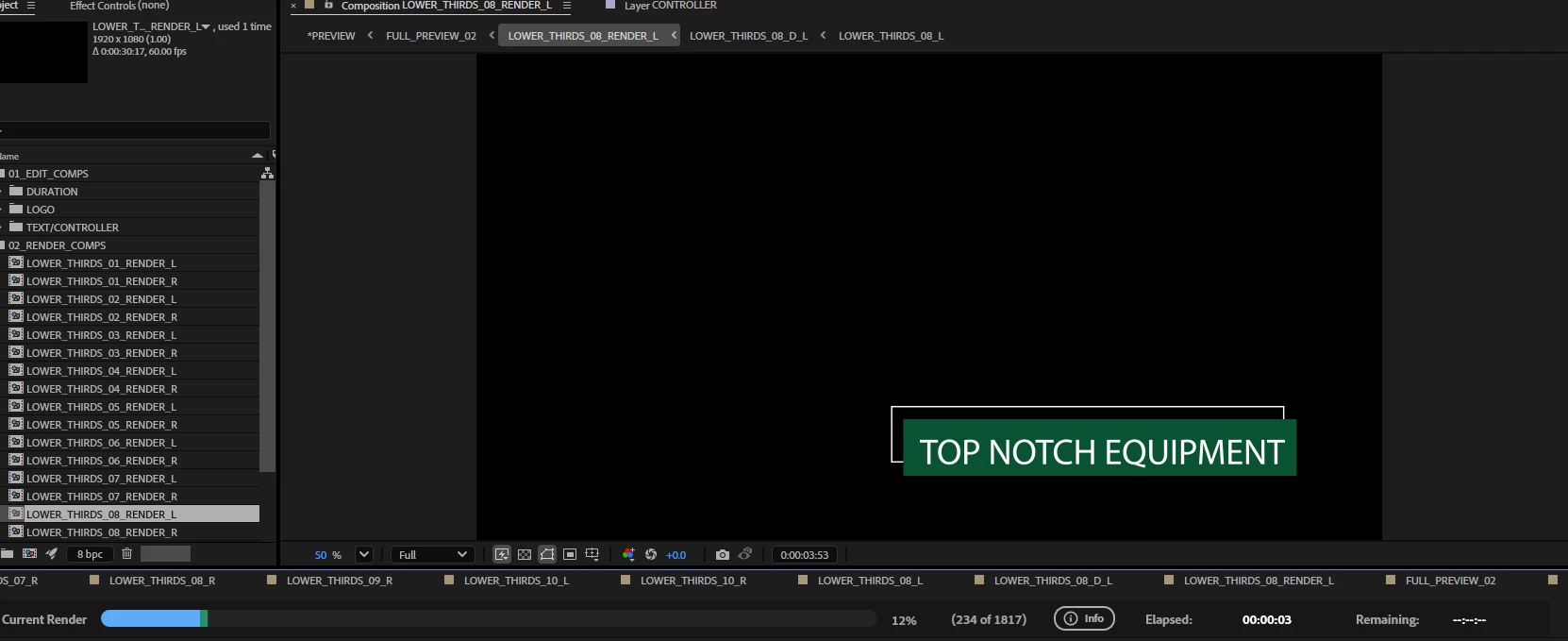


Above are photos of the colors in AE, while it's rendering in AE, and then afterwards in VLC. The last photo is the render in VLC when I went through ME.
Below are photos of every setting I could think to grab, but if anyone needs to see a different setting let me know. For Video Rendering and Effects I have it set to Mercury GPU Acceleration (CUDA) but also tried on Mercury Software Only to the same effect. I've also tried "None" under Working Color Space, also with the same issues after rendering.
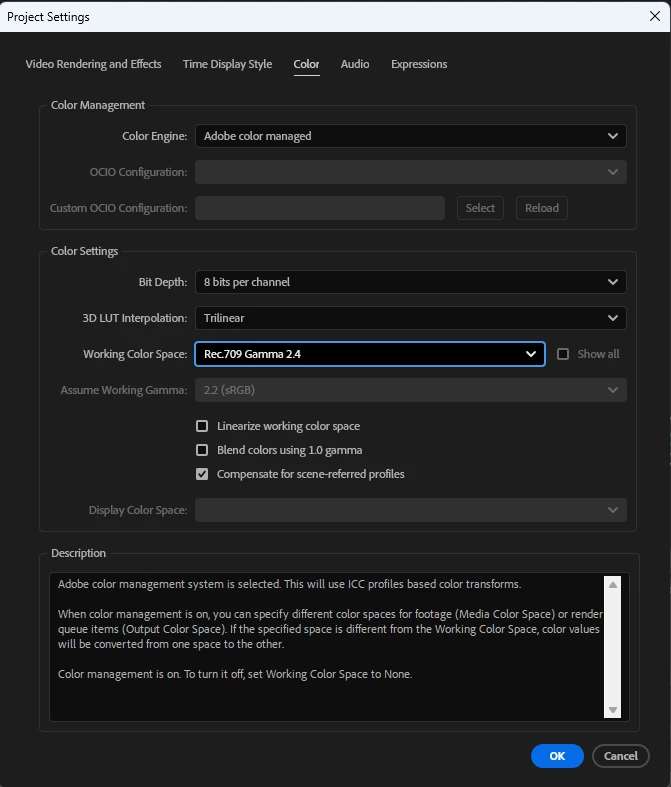
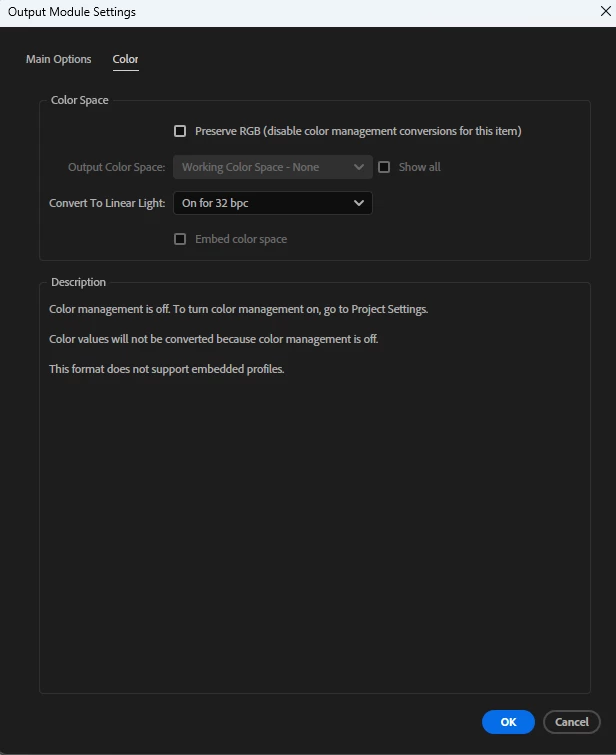
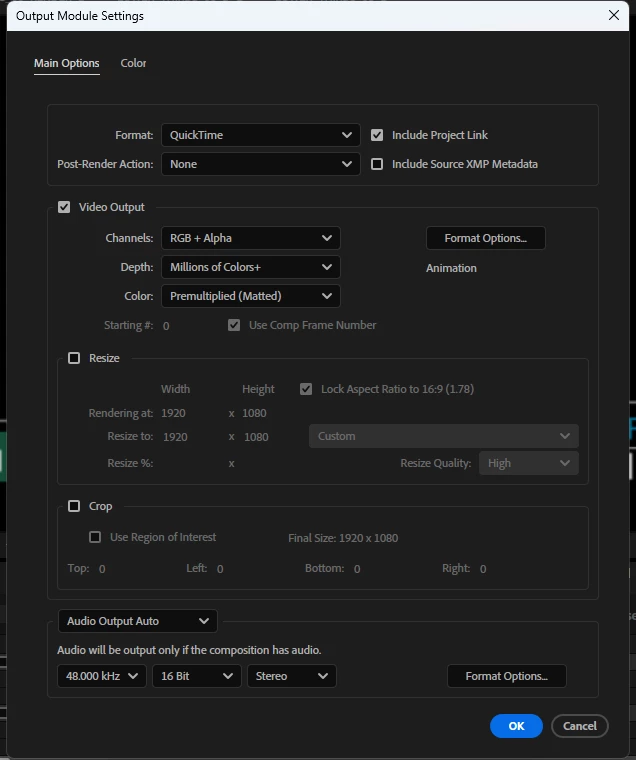
I'm at my wits end, and haven't found any threads anywhere about this particular issue. Thank you!
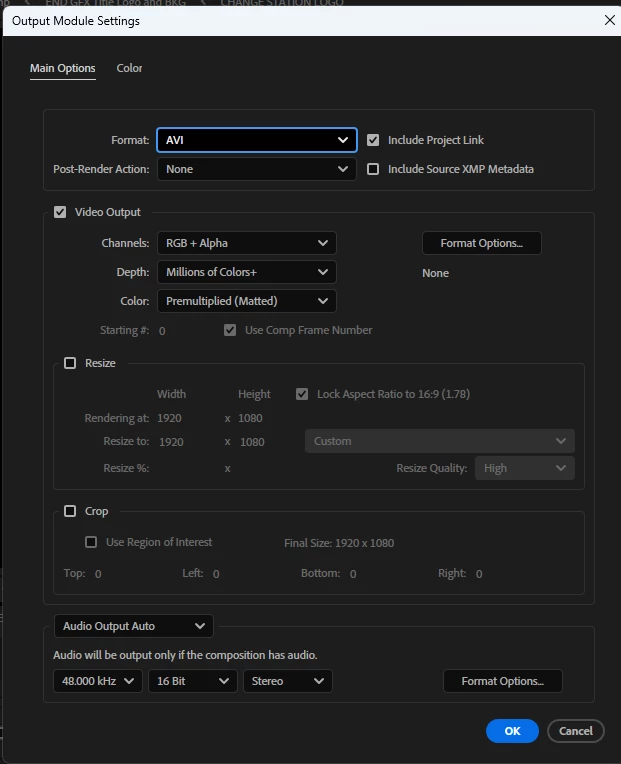
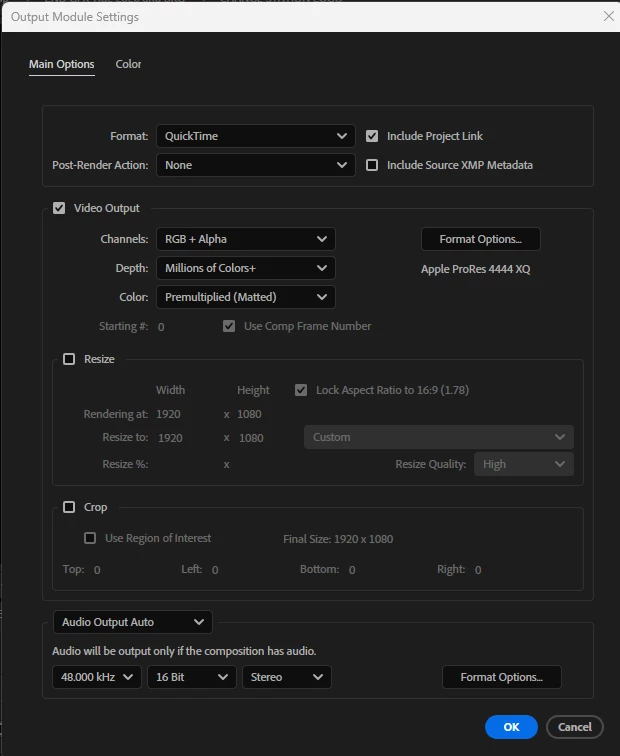
 AdChoices