
Question
Colours come out darker when rendering with latest AE update.
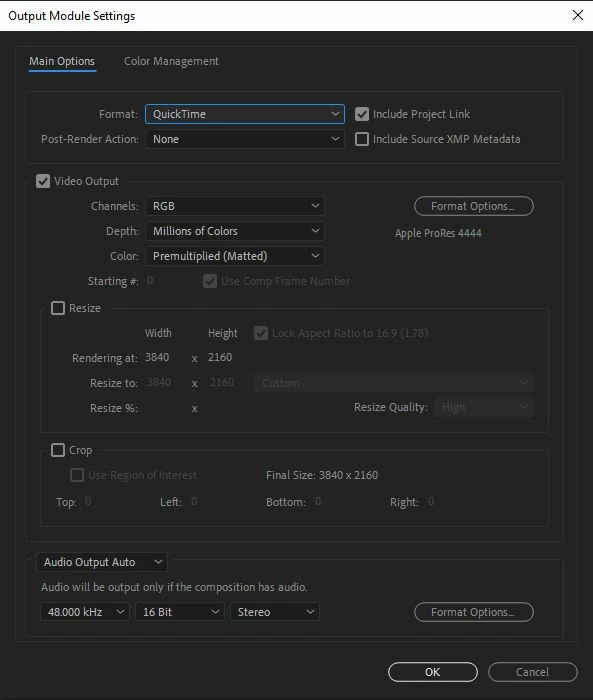
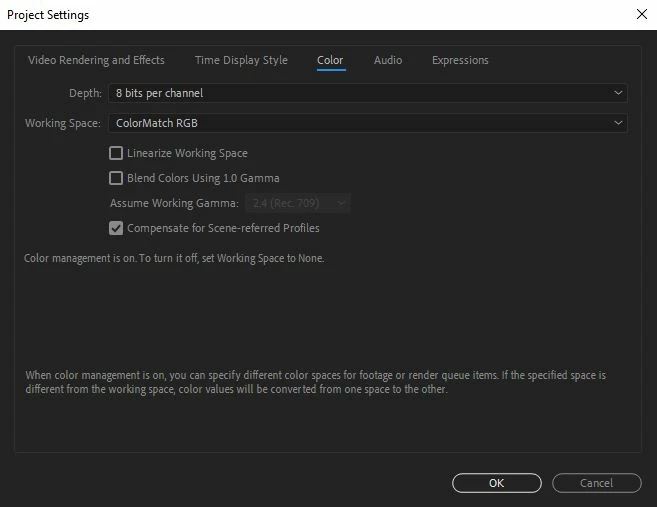
After downloading the latest AE version 17.5, every time I render out in mov or avi the colours are much darker.
All the settings are exactly as they come when downloading the latest verison 17.5. They have not been changed, and the issue never come up before downloading it.
I've tried exporting a png sequence and the colours look correct, but I need to be able to export movs and avi's.
Is anybody else having this problem with the latest update?
How do I fix this?
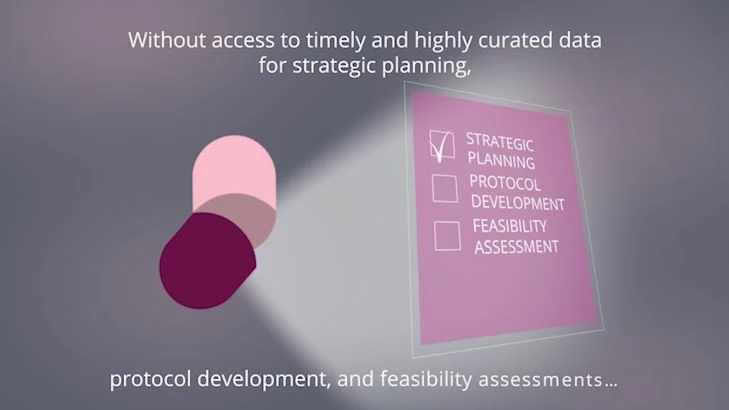
AE Preview - correct colours
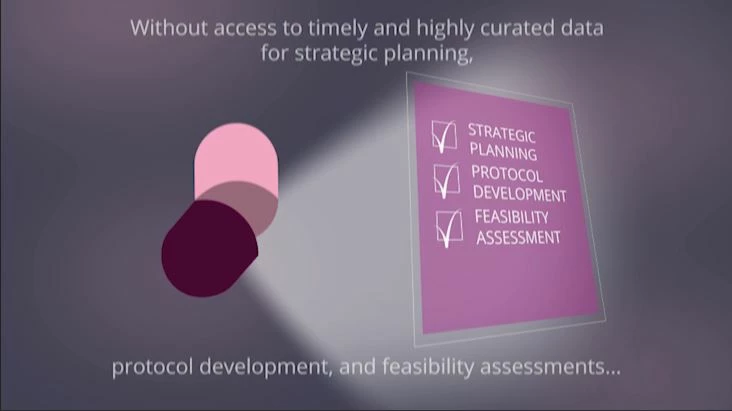
Rendered video - (incorrect) darker colours
Thanks
K
 AdChoices