
Combining paths for stroke generation
Hi All -
So I have a logo made up of multiple paths (it's the name of a company, but the letterforms have been modified, so I can't just use text). I imported from AI and Created Shapes from Vector Layer. I've deconstructed everything that created down to just the paths (which may not have been necessary):
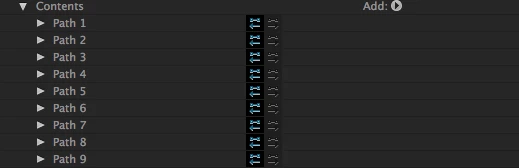
I'm trying to create an effect similar to this one: After Effects Tutorial - Automating outline effects - YouTube which requires the Stroke effect. I can't seem to figure out how to:
- get those paths into a single path
- get that path into a Mask I can target with the Generate>Stroke effect
Everything I've tried googling leads me to the Merge Paths function, but that doesn't seem to do what I need. All that does is giveme a merged "thing" i can put a regular stroke on, but nothing I can use with the Generate>Stroke Effect.
Any thoughts or guidance?
 AdChoices