
Composition is now showing over my video,,
Hello folks.
I am a newbie with Adobe products but struggling to make something.
So here is my premiere. Everything is up-to-date version.
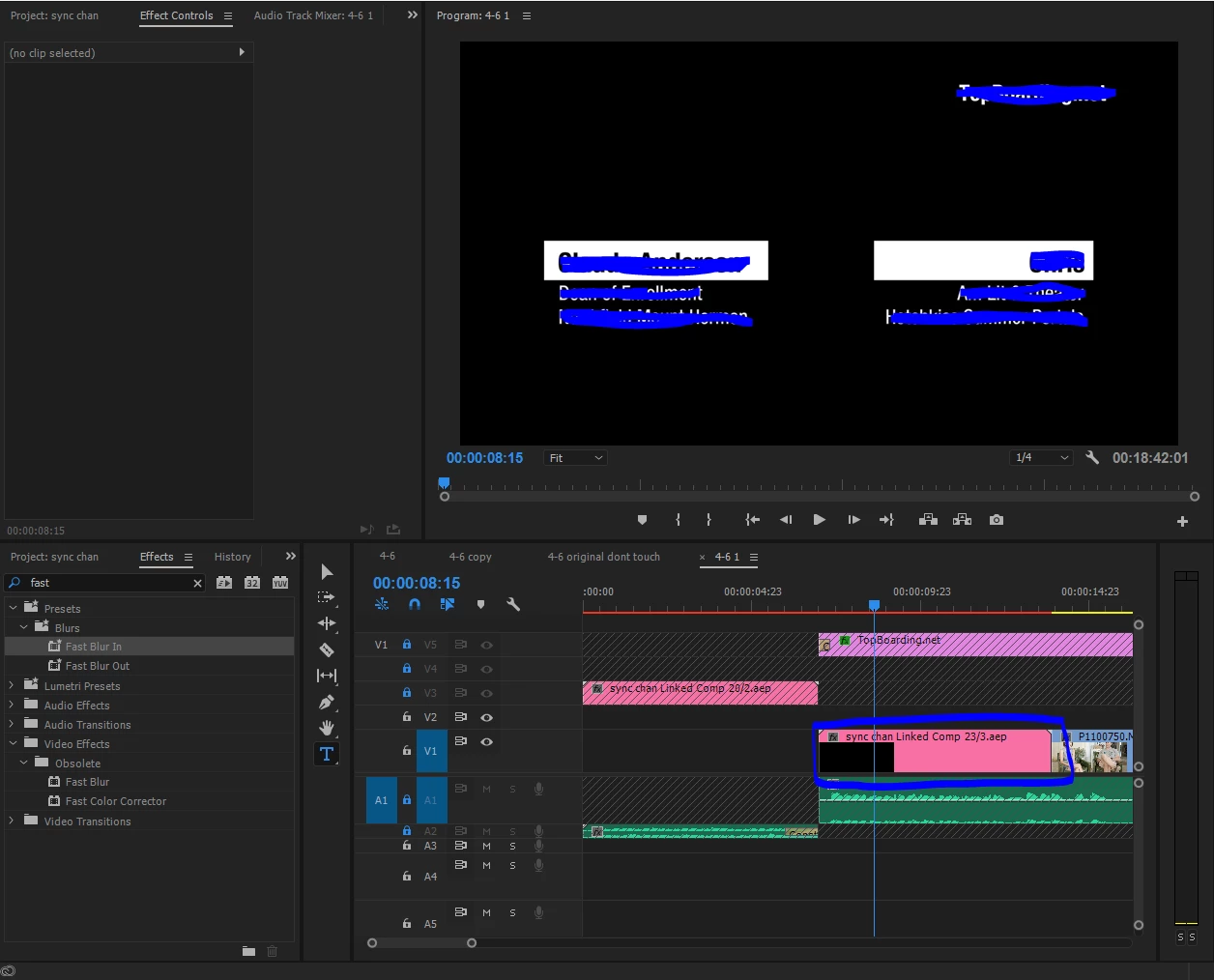
For that blue area, I chose to "Replace with After Effects Composition".
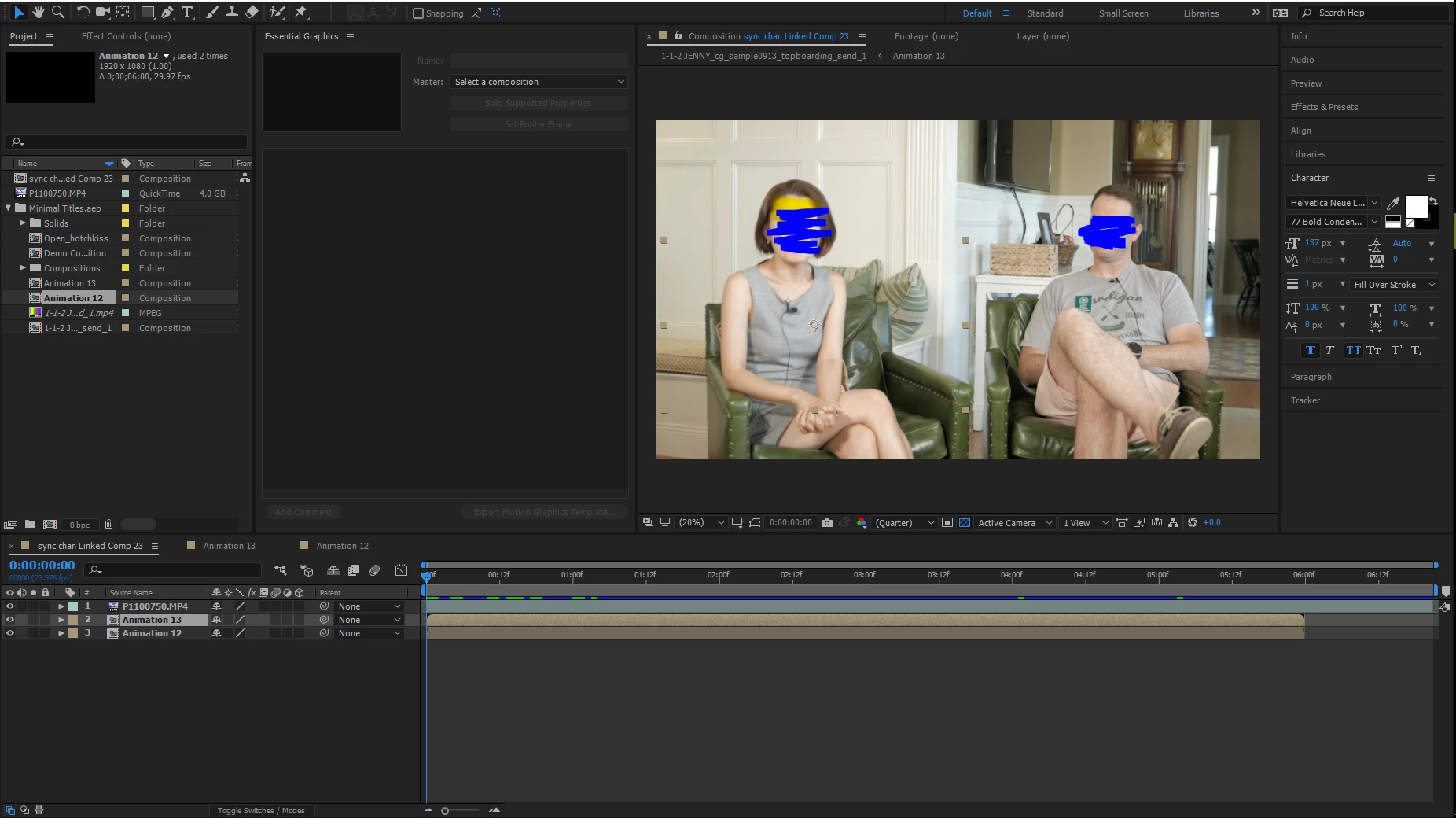
Here is the deal.
The first line is the video from the premiere
and the second and the third are the compositions of animation. They are like name tags for the interviewer and the interviewee.
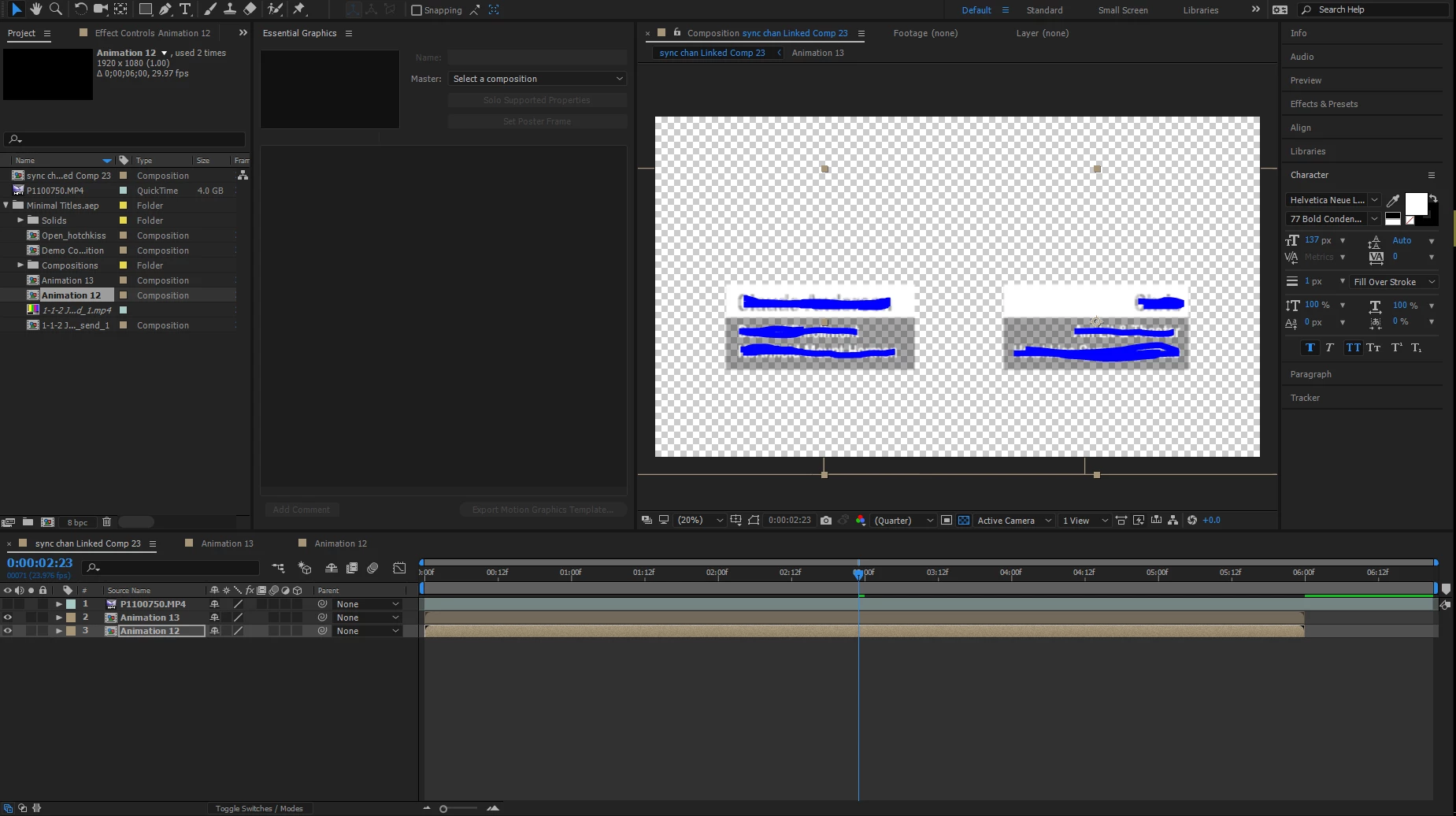
Yeah, like this.
My problem is there is no way I could overlay these nametags on the video from the premiere.
Only video is shown or only nametages are shown. Not together.
I tried with 'Switches' section, but it didn't work.
Somehow my first part of the video worked with overlaying something, but these are not working. and I am *** damn exhausted now..
Please save and help me!!
---------------------------------------------------------------------
update 1.
So I changed the opacity of the video. (50%)
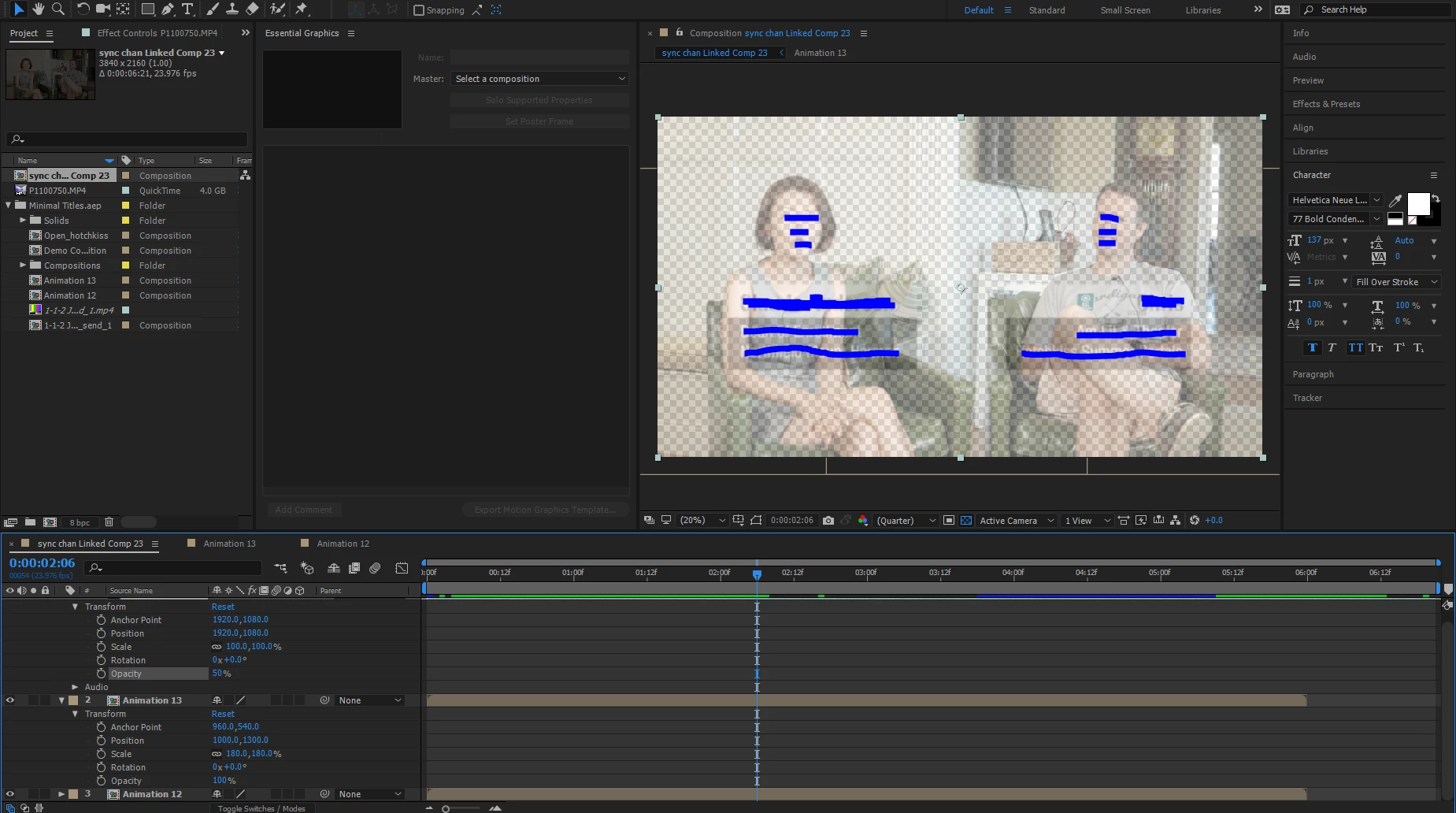
It does appear at my screen on After Effect.
So as Premiere.
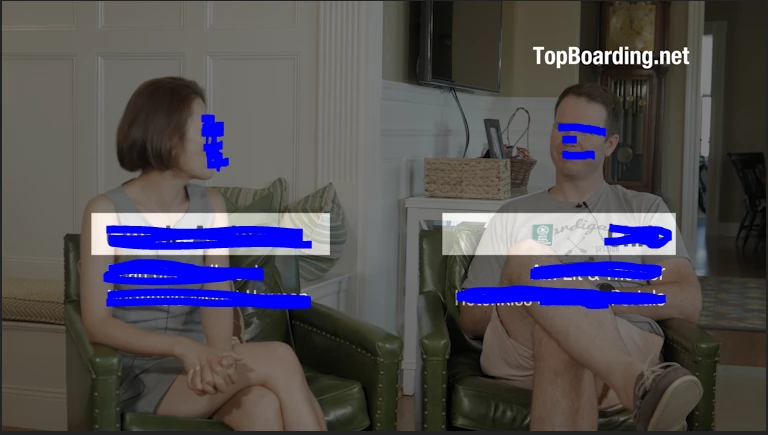
Now my problem is I don't want my whole video with 50% opacity to show nametags.
 AdChoices