
andrewdraws
Inspiring
June 2, 2022
Question

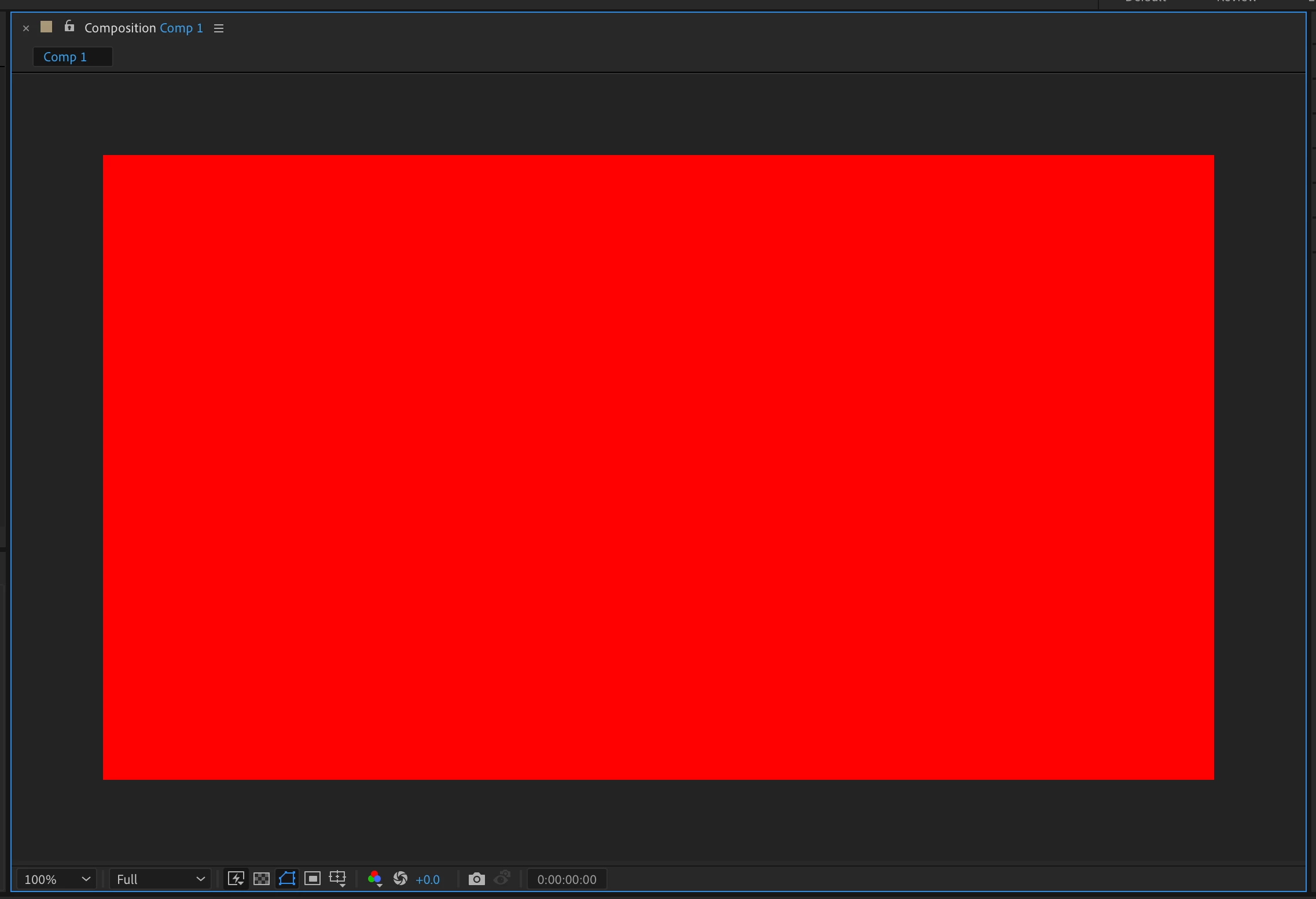
Composition window looks half size?

  • June 2, 2022
  • 3 replies
  • 567 views

Hello! I'm sure there's an easy fix to this. 


When I make a 1920x1080 Composition, It "looks," in the Composition window, half sized (see attached screen shot). Magnification is at 100%.  When I output, or make a similar shape in Illustrator, it's twice as big... what I assume 1029x1080 should look like. Help!
This topic has been closed for replies.

3 replies

Jose Panadero
Community Expert
Community Expert
June 2, 2022

Be careful with the pixel aspect ratio. Enter into your composition settings and check if you are using a Square pixel format. If you are using a non-square pixel format like the HDV your illustations will appear different than normal.

Conrad_C
Community Expert
Community Expert
June 2, 2022

This might be because After Effects, like other applications that use pixels as measurement, defines 100% as one image pixel to one screen pixel. Applications such as Illustrator that are more print-oriented, especially those using inches as the default measurement, may define 100% as one inch on the on-screen ruler equals one inch in print, and that can create a 100% magnification that is different than for pixel/video apps, because the print definition of 100% (actual size) must compensate for both the display ppi and the image ppi.


Try this… In Illustrator, open Preferences, and in the General panel, change the definition of 100% by making sure Display Print Size at 100% Zoom is deselected:


That should use the non-print, pixel-based (more like video) definition of 100%.


Does that make Illustrator match After Effects?

andrewdraws
Inspiring
June 2, 2022

Thanks Conrad!  ... that did make a difference. It shrank the Illustrator preview by about ... 25%. But still, there's a disparity between what I'm seeing when both Illustrator and AE are previewing at 100% (see attached)

Conrad_C
Community Expert
Community Expert
June 2, 2022

1920 x 1080 in both applications match at 100% for me when that preference is deselected, so hmm…

…in Illustrator, what is the size of the artboard shown there? In other words, if you select the Artboard tool and look at the Properties panel, what does it say for W and H?


Also, although I don’t think this should be a factor, what model of display is it?

andrewdraws
Inspiring
June 2, 2022

Follow up! ... Is it possible that the issue is with Illustrator and not AE? What I'm saying is that when I look at artwork in Illustartor, at 100%, it "look" twice as large as the same artwork imported into AE... also at 100%.  Why is this?