


Kevin-Monahan
Community Manager
Community Manager
April 3, 2019
Question

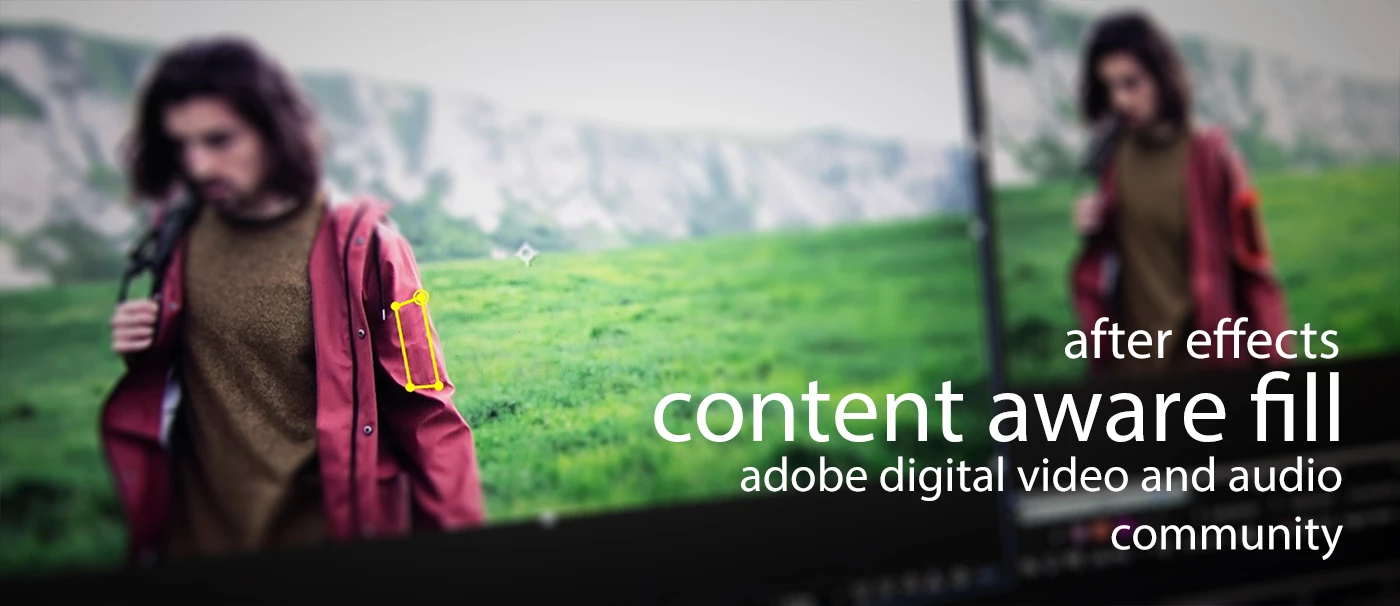
Content Aware Fill for Video is now available in After Effects (16.1)
  • April 3, 2019
  • 7 replies
  • 8150 views

Content Aware Fill for Video, previewed in a Sneak at 2017 MAX, is now available in the latest version of After Effects. This feature allows you to remove unwanted objects from your video footage.

Simplified directions:

  1. Draw a rough mask around the subject with the pen or a shape tool. Invert the mask.
  2. Track the mask: Right click on the Mask and select Track Mask.
  3. In the Content-Aware Fill pane, press “Generate Fill Layer.” The Fill layer is created after analysis of the clip.
  4. Preview the effect to make sure the object is removed.

  • Video Info and Tutorials
    • Tips
      • 4K footage in an HD comp? Use footage that is already scaled down via transcoding for better performance.
      • Remove more complicated items in sections. For example, you can remove a person and their shadow separately more effectively than removing both at once.
      • Smaller masks take less time to process over larger ones.
      • Learning how to track a mask can really help you in pulling off a shot.
This topic has been closed for replies.

7 replies

Kevin-Monahan
Community Manager
Community Manager
April 20, 2019

From premieregal

Kevin Monahan - Sr. Community and Engagement Strategist – Adobe Pro Video and Audio
Kevin-Monahan
Community Manager
Community Manager
April 20, 2019

From Flomotion

Kevin Monahan - Sr. Community and Engagement Strategist – Adobe Pro Video and Audio
Kevin-Monahan
Community Manager
Community Manager
April 19, 2019

Fun one from Andrew Kramer and Peter McKinnon

Kevin Monahan - Sr. Community and Engagement Strategist – Adobe Pro Video and Audio
Kevin-Monahan
Community Manager
Community Manager
April 5, 2019

Fun video about Content Aware Fill for Video by Adobe

Kevin Monahan - Sr. Community and Engagement Strategist – Adobe Pro Video and Audio
Mo Moolla
Legend
April 4, 2019

CAF is great but a bit of a miss and hit affair. Sometimes it works flawlessly and at other points you get what I call "the space time continuum rip" effect lol. Its really dependent on the footage and complexity of movement, surroundings etc. But overall for a quick removal of non complex shots its a winner. Wonderful work by the coders all round and looking to see it flourish into something truly powerful.

M

Kevin-Monahan
Community Manager
Community Manager
April 5, 2019

CAF is great but a bit of a miss and hit affair. Sometimes it works flawlessly and at other points you get what I call "the space time continuum rip" effect lol. Its really dependent on the footage and complexity of movement, surroundings etc. But overall for a quick removal of non complex shots its a winner. Wonderful work by the coders all round and looking to see it flourish into something truly powerful.

Thanks for your feedback, Mo. Please make sure the team reads it on user voice: After Effects: Hot (1419 ideas) – Adobe video & audio apps

Kevin

Kevin Monahan - Sr. Community and Engagement Strategist – Adobe Pro Video and Audio
Kevin-Monahan
Community Manager
Community Manager
April 3, 2019

From Szalam over on Reddit:

"You probably already know that you can move your playhead around and keep on working on something else while it's analyzing and rendering the fill sequence, but did you know that it'll change which frames it's rendering based on where the playhead is? What that means is, if you have a frame or two you really want to make sure it's getting right, you can put your playhead on those frames and check them out before it goes through and renders the entire sequence."


Kevin

Kevin Monahan - Sr. Community and Engagement Strategist – Adobe Pro Video and Audio
Kevin-Monahan
Community Manager
Community Manager
April 3, 2019

Tried it yet? How'd it go? If you see any good articles or video tutorials, let me know.

Boone Loves Video

ProDesign Tools

Adobe’s New Content-Aware Fill for Video Will Blow You Away

Thanks,

Kevin

Kevin Monahan - Sr. Community and Engagement Strategist – Adobe Pro Video and Audio