
KlausKi
Inspiring
October 22, 2024
Question

Content Aware Fill is ignoring reference frame – How to fix this?

  • October 22, 2024
  • 1 reply
  • 507 views

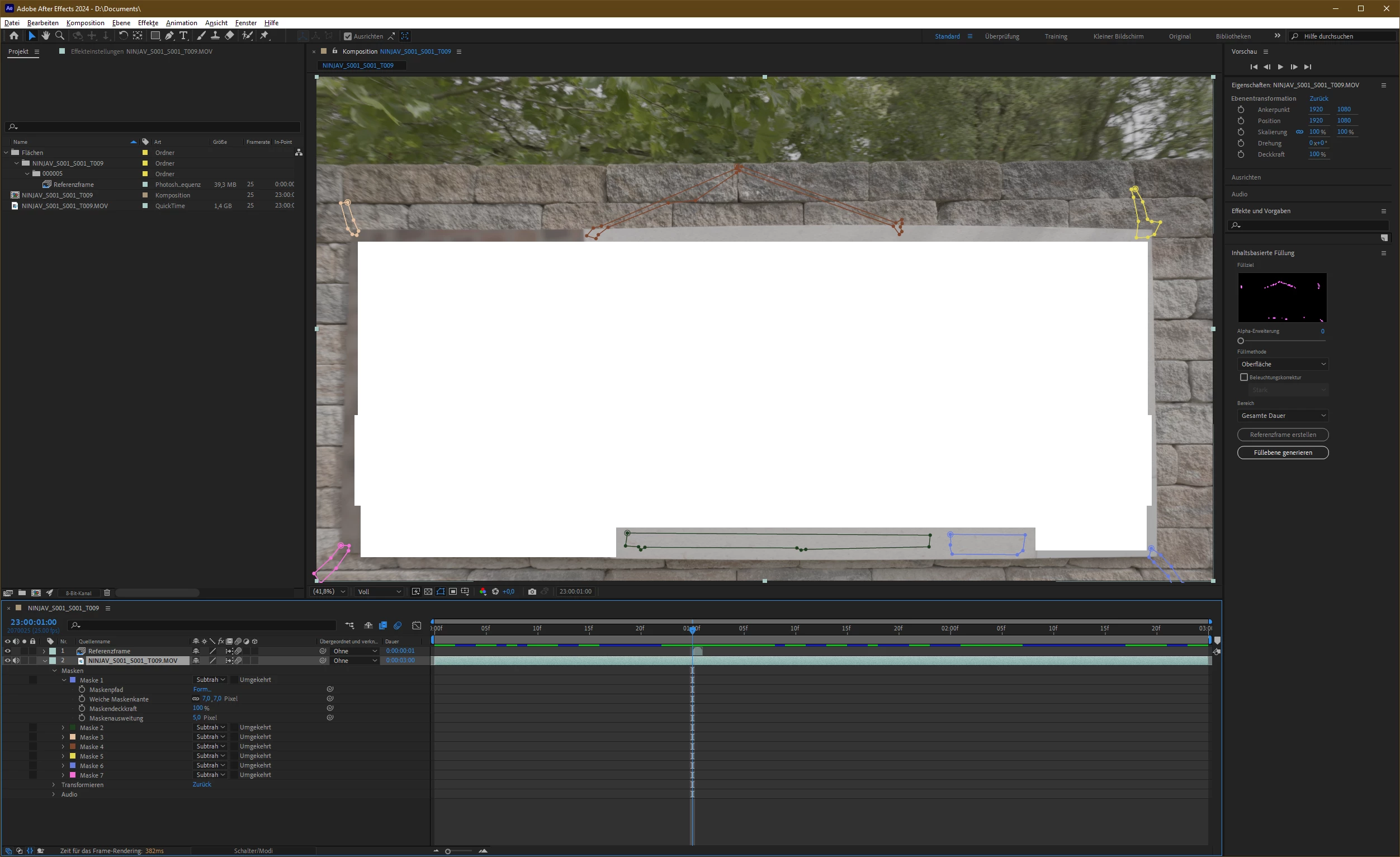
To remove some content from a footage, I created a mask and a reference frame from the footage.

But Content Aware Fill seems ignore the reference frame:



What did I do wrong? Why isn't Content Aware Fill using the reference frame for rendering its output?


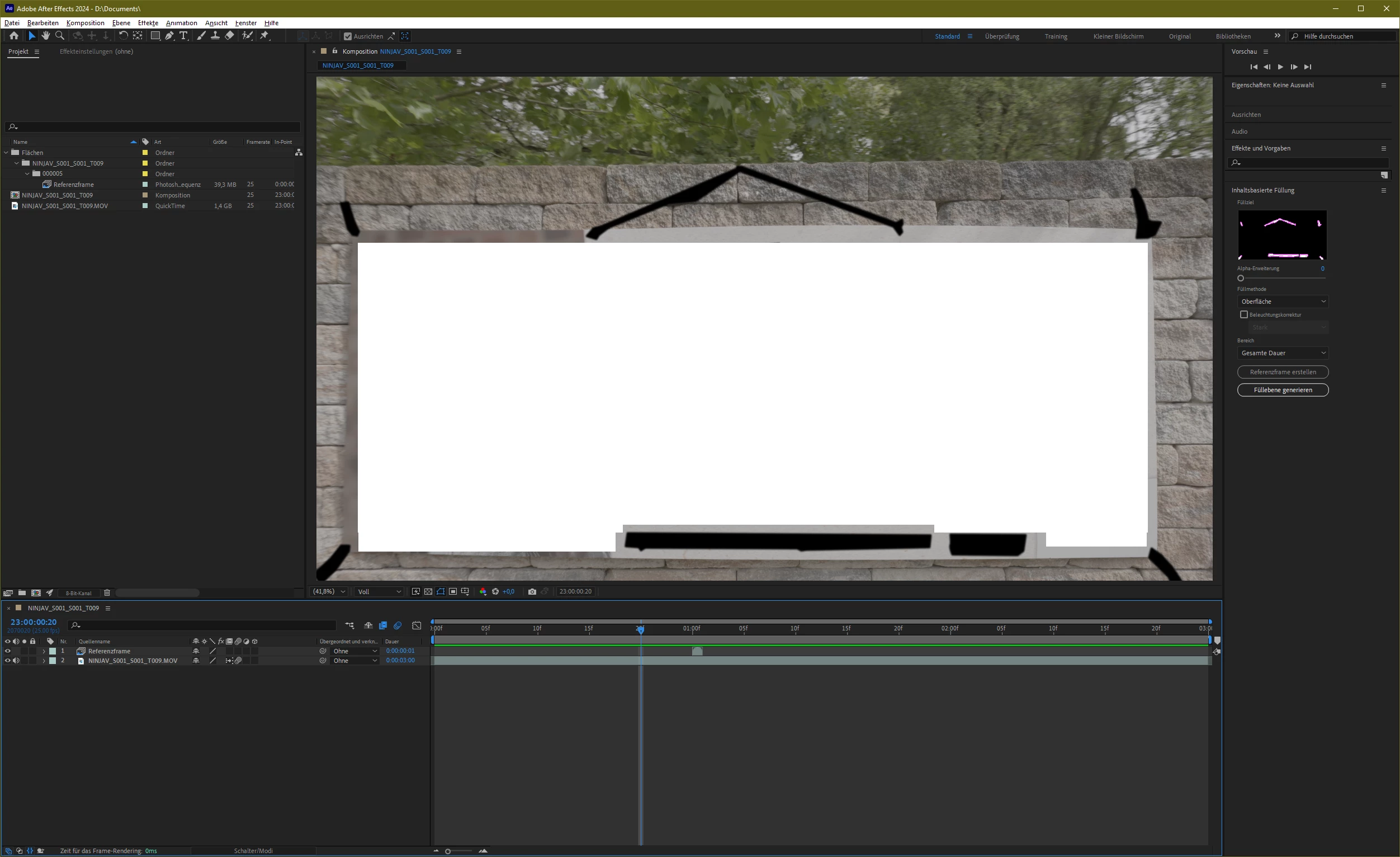
Strange: The mask in the Content Aware Fill effect window is very ragged when displaying the frame using the reference frame. It doesn't resemble the selected masks at all:


It looks very different when the CTI is at another frame:


1 reply

KlausKi
KlausKiAuthor
Inspiring
October 23, 2024

I now found a workaround that's producing something that is, well, rather close the intended result …


The reference frame is still is ignored, yet rendered. So, I duplicated the created matte sequence and shifted an adjacent frame from that sequence above the reference image and finally hid the reference image:


Yet, that's not what I intended. The automatic dissolve algorithm didn't even come close dissolving as good as the reference image.


Allow me to be frank: The current implementation of Content Aware Fill in After Effects is crap:


  1. The reference image is ignored and there is no input field available in the Content Aware Fill panel for designating reference frames to the Content Aware Fill algorithm.

  2. I am unable to edit the reference image once it's created. I am forced to manually find the file, manually open it in PhotoShop and then finally manually update the AE reference in the project.

  3. Masks are not being tracked:


  4. I don't know if mask tracking actually has been implemented. Yet, if it existed, I would not be able to edit the mask tracking keys as there are no keys inserted into the masks' timelines.

  5. The whole Content Aware Fill process is far too much of a black box: I am neither able to preview nor am I able to provide hints before or to edit the generated paths after analysis.

  6. Even worse: The Content Aware Fill process in the version I'm using (24.5.0) is suffering from a severe memory leak. I have 128 GB of RAM. Running the Content Aware Fill process less than ten times renders my machine inaccessible: After Effects is then displaying "Out of memory" numerous times and I'm not able to gracefully shut down anything.