
Known Participant
October 27, 2019
Question

Control Direction of a Shadow

  • October 27, 2019
  • 3 replies
  • 764 views

Hi,

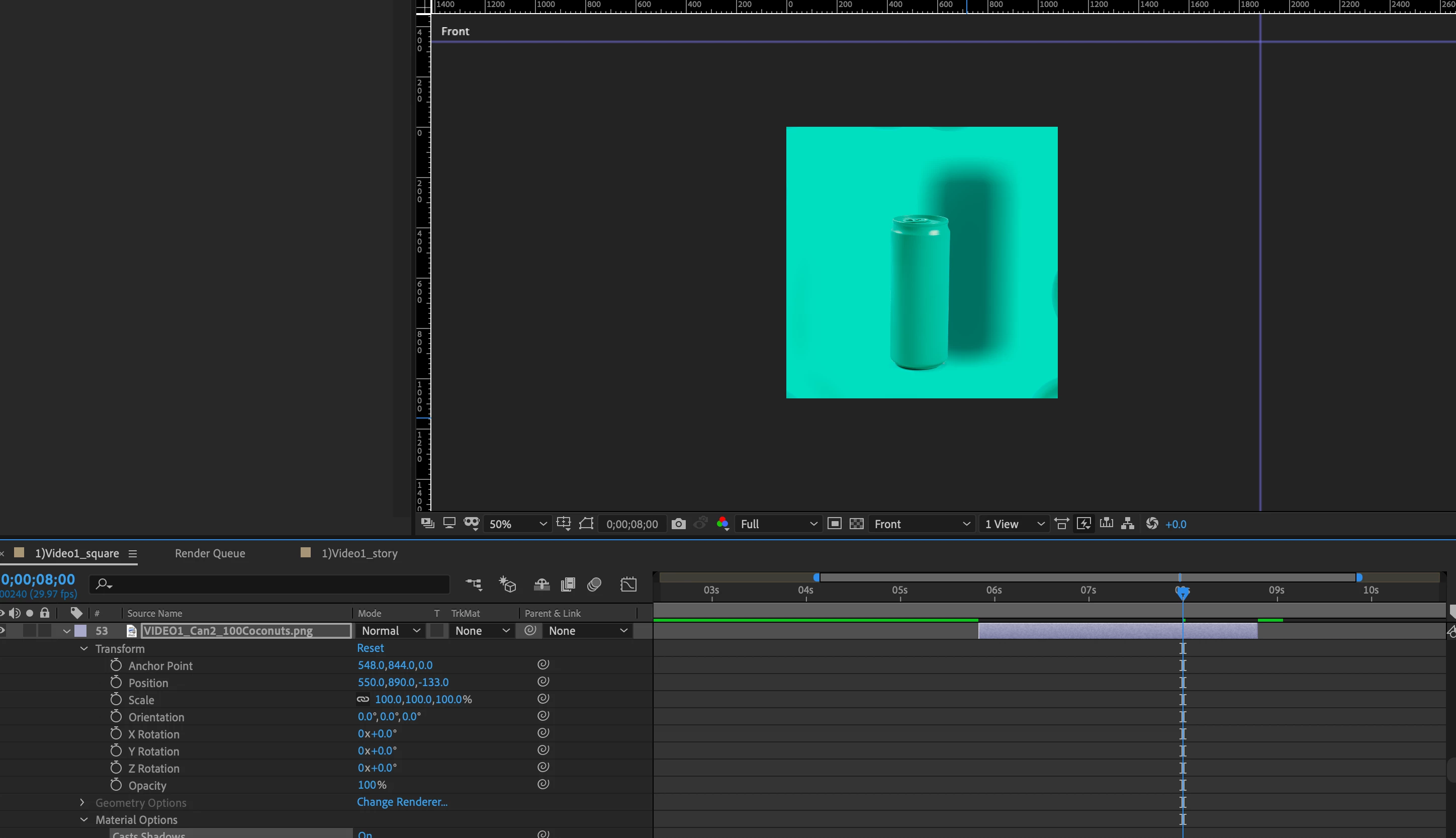
this is the shadow that I started to work with. 
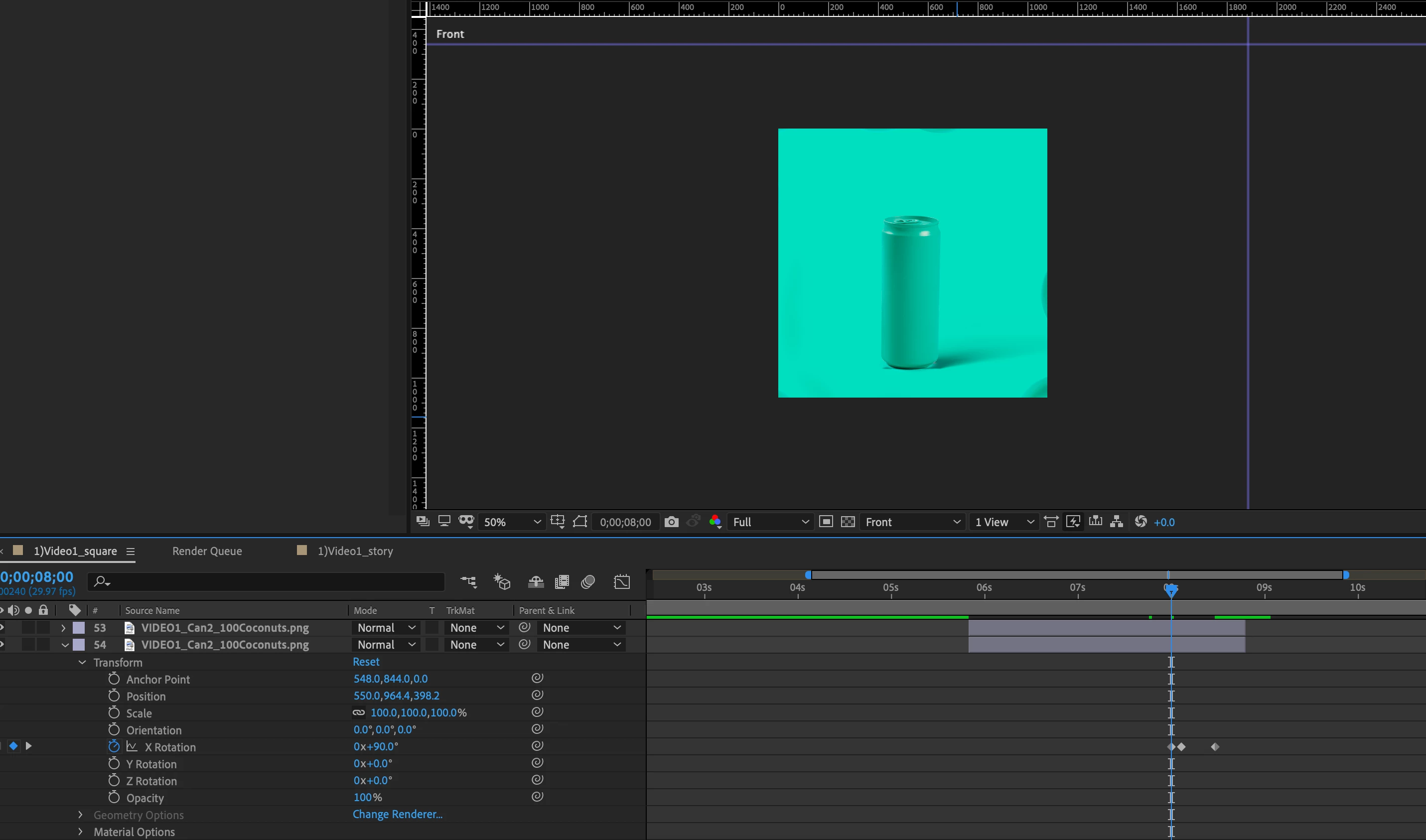
But I would like to create something more like below with the shadow was on the bottom right as if the can was on a surface. I created a new layer. The first does not cast shadow the other one does and X is 90 degrees, but the result is not as expected. it doesnt feel like the actual shadow of the can, Is there any trick to make this shadow better? 
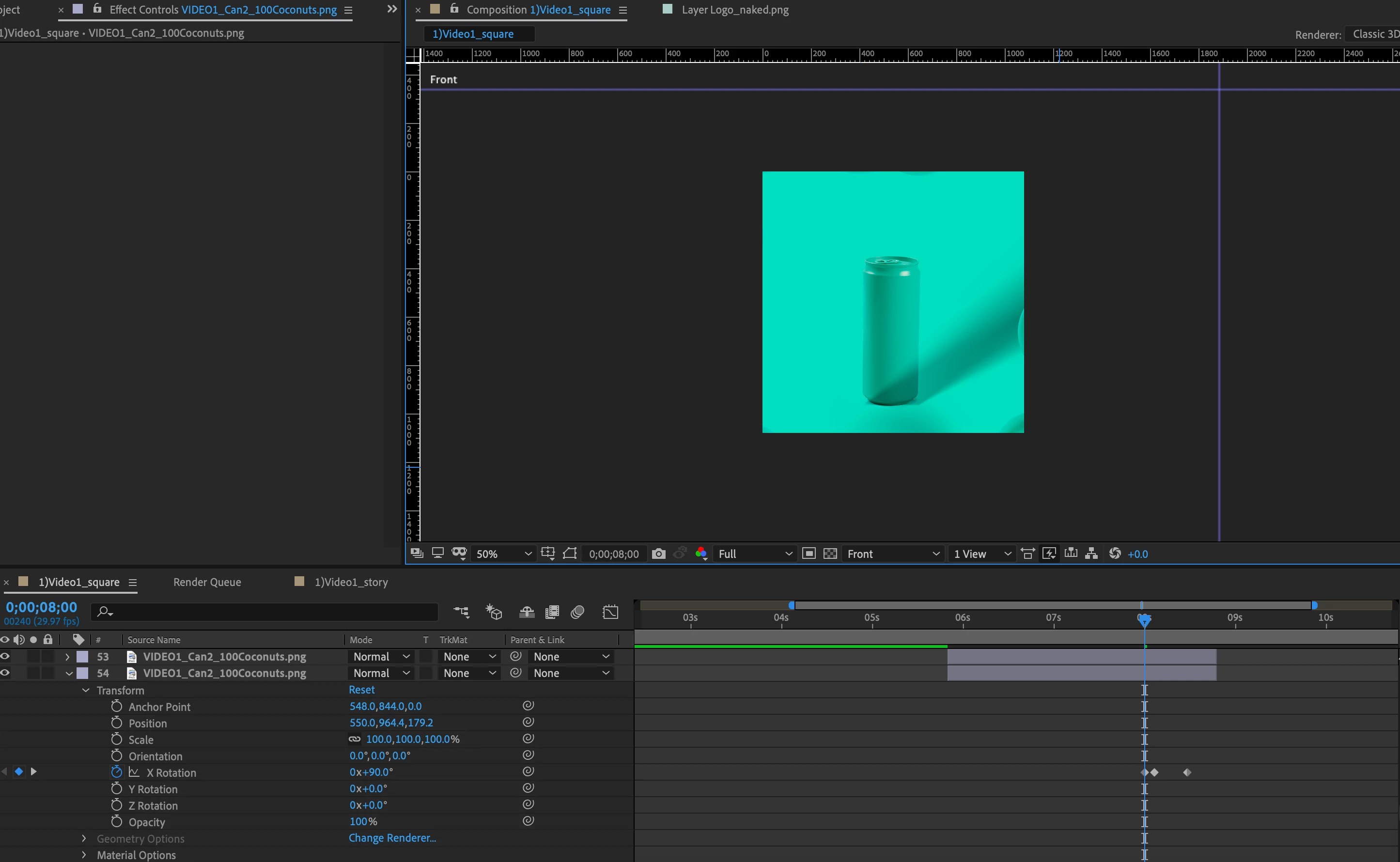
Below is a little more like i want, longer shadow but the shadow is in front of the can and still not quite right. any tips?
thank you,


melanie


This topic has been closed for replies.

3 replies

Community Expert
October 28, 2019

If the shadow does not go where you want it to go then you need to re-arrange the layer catching the shadow. This is really basic stuff. You really need to spend some time with the User Guide or the Getting Started tutorials you will find in the Learning section of the After Effects Home screen:

This is basically how I would set up a comp. You should be seeing everything that I did to these layers to make the lights and shadows seem real.

Roland Kahlenberg
Legend
October 28, 2019

Look at using CC Power Pin or AE's built-in Corner Pin to create a new perspective for just the shadow.

Very Advanced After Effects Training | Adaptive & Responsive Toolkits | Intelligent Design Assets (IDAs) | MoGraph Design System DEV
Community Expert
October 28, 2019

Enable the Home Screen in AE or go to the AE Product page and click on any of the Basic AE learning links and explore how AE's 3D space, layers, lights, and cameras work. This is really basic. If you move a light that is casting a shadow the shadow moves. 

Known Participant
October 28, 2019

thanks, I know the shadow is moving when I move a light but it does not go where i want it to be and does not look how I want to be, as I attached earlier. I tried a lot of different things before posting here but I am stuck. 

Roland Kahlenberg
Legend
October 28, 2019

SHIFT + Parent the Light to the 3D Layer that you want to cast a shadow. Move the Light away, slowly, from the 3D Layer to see the shadow. The closer the light is to the floow, the longer the shadow. Adjust the Light Layer's Shadow Intensity and Shadow Diffusion to taste.

Very Advanced After Effects Training | Adaptive & Responsive Toolkits | Intelligent Design Assets (IDAs) | MoGraph Design System DEV