
Control Font Weight Expression
I am currently working on an Essential Graphics Template for a client. For this template I need the option to change font weight inside a text layer. Attached you see a picture of my problem.
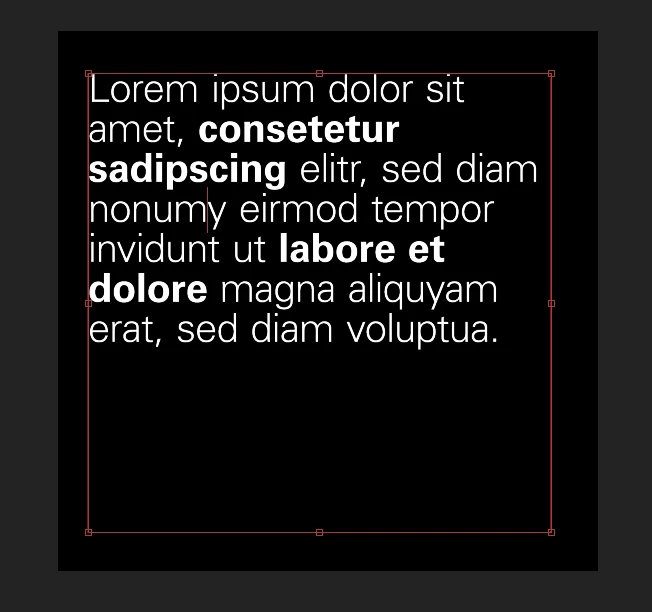
Can anyone help me with an expression to control the font weight inside a text layer? I already know, that I have to split the different font weights in seperate layers and control the main text layer via sourceRectAtTime but I can't figure out where to write the code needed for this to work.
I've seen a post, where the same topic was discussed, but because the link expired I can't see the full code of the solution to my problem. Here the link to the other post: https://community.adobe.com/t5/after-effects-discussions/controllable-font-weights-style-setfont-with-an-expression-selector/td-p/11475195
Thanks in advance for your help!
 AdChoices