

Copied mask has incorrect size after being pasted
Dear Adobe After Effects users,
I have a simple question: how do you copy masks with them maintaining the same absolute size and shape?
Here's what I am working with:
I pasted a picture into my composition and used the ellipse tool to create a circular mask, making the image itself seem like a circle:
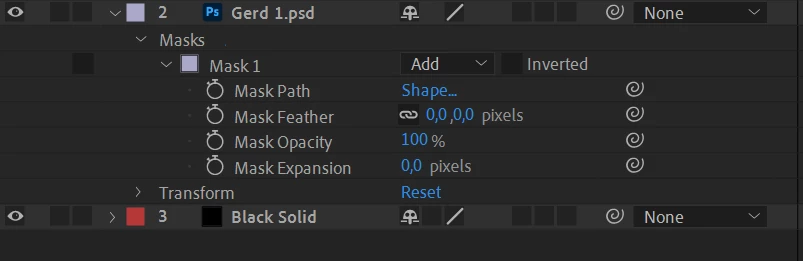
It looks like this:
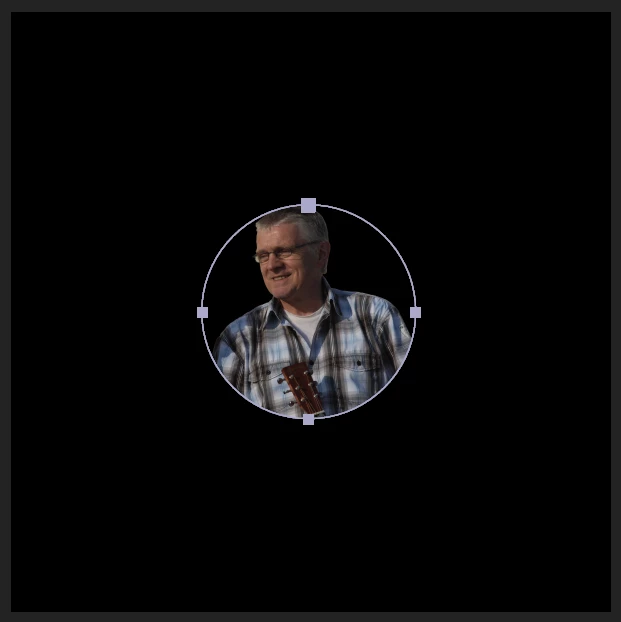
(The circular shape is the mask)
(The black square is the 1200px by 1200px composition)
Now I created another solid layer above that and want to use the previously created mask on top of that layer again, which is why I copied it. But whenever I copy it, it looks like this:
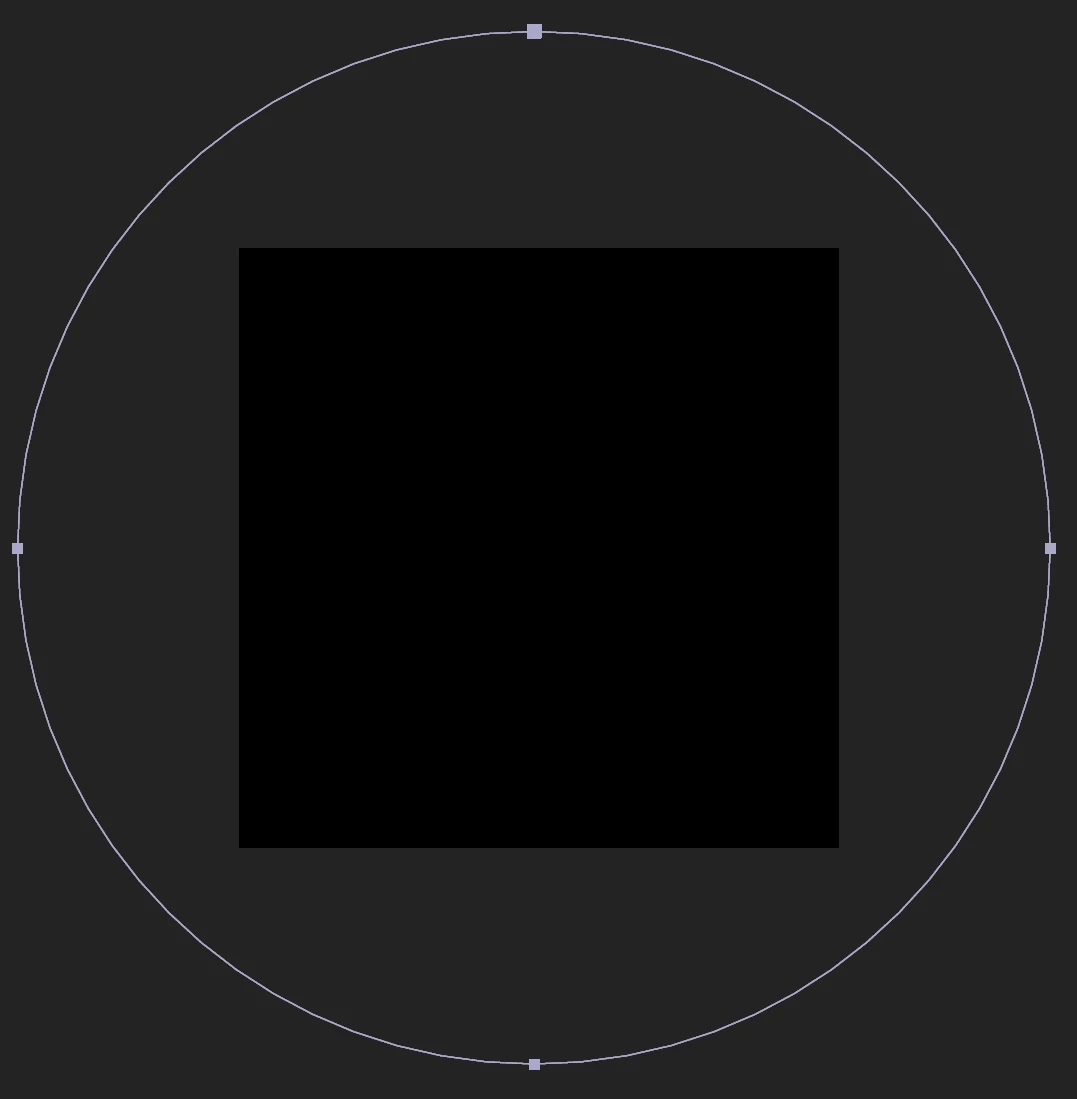
(It is black because of the black solid layer I pasted above it.)
(The circle, previously fitting into the composition, is now larger than the entire composition)
I copied the shape, so why is it a different size? Did I copy relative values (since I drew the shape when I selected the image file which is smaller than the comp) if yes, then how do I only copy absolute values?
Thanks to everyone in advance!
How to reproduce:
1. Create new composition
2. Create solid background layer
3. Insert an image
4. Draw an elliptical shape / mask around that image
5. Create another solid layer on top of everything which has the composition size
6. Select the previously created mask under the image file and copy it to the previously created solid layer
7. The shape has a different size than it should have.
 AdChoices