adamkatz2003
Known Participant
February 27, 2024
Question

Copy and pasting Keyframes Not working well

  • February 27, 2024
  • 4 replies
  • 950 views

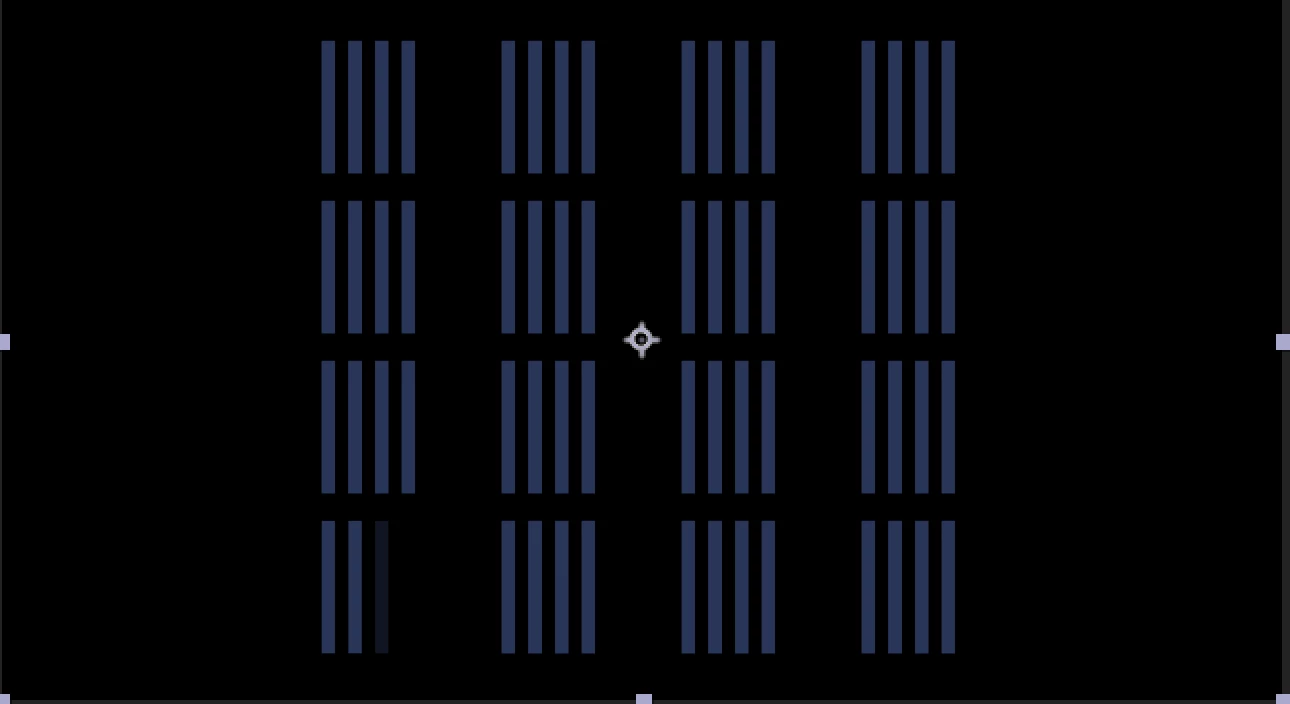
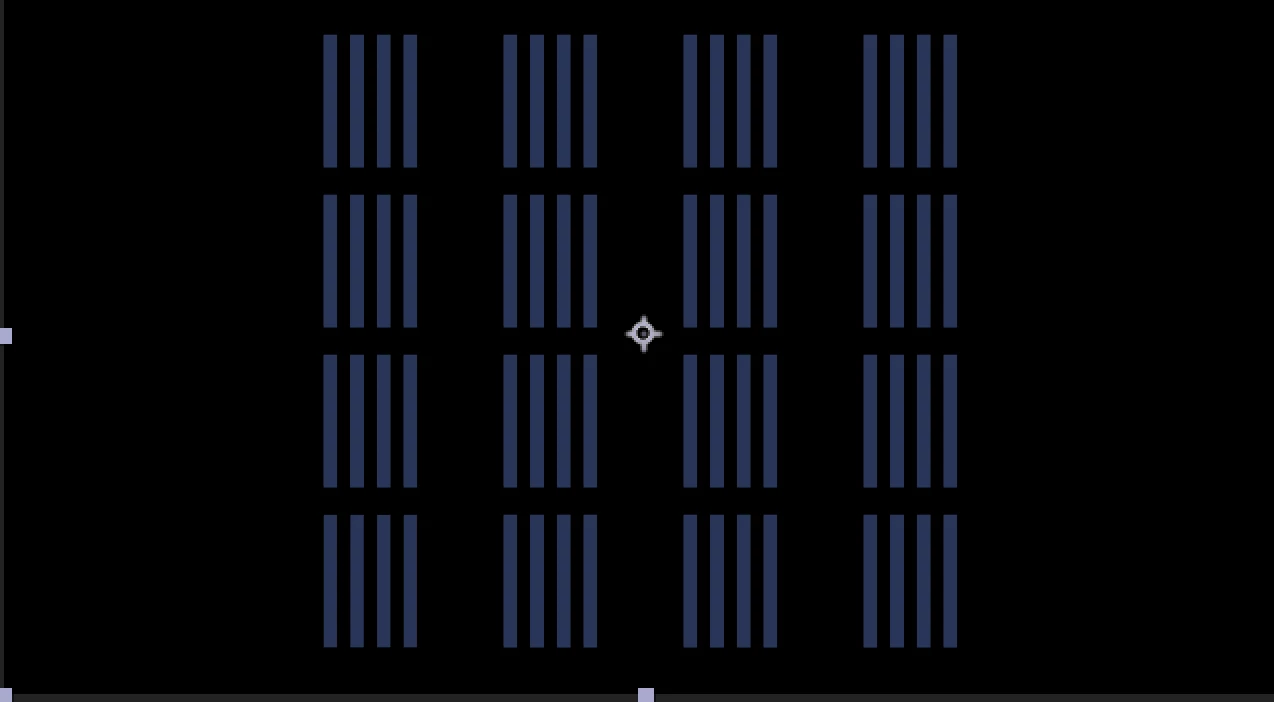
Hi im trying to create a simple lines animation and im working with repeaters,

My animation in very simple, start with 0 copies and end with 4.

When i copy The animation keyframes to all the layers above it dose not work like the first layer and 

It start to do fade in animation instade of making the repeater copies animation that i wanted.

What i did noticed is that when i copy and pasted the keyframes to the other layers it was creating  other repeater  in the layer instead of changing the values of the existing one so

I tried to delete the reapeters of all the layers and after that i pasted the keyframes again  and then the fade in effect is happening again 

I really don’t  know what to do
This topic has been closed for replies.

4 replies

JohnColombo17100380
Community Manager
Community Manager
February 27, 2024

@adamkatz2003 You might try removing the Repeater from the static layers and then paste the Repeater from the animated layer to all the static layers. The added Repeater will contain the keyframes.


- John, After Effects Engineering Team 

Legend
February 27, 2024

I began to write a script for this but it's not yet ready you should try superSelect


adamkatz2003
Known Participant
February 27, 2024

How can i do it all in once? if i have lot of them?

Legend
February 27, 2024

You need to paste keyframes on Repeater or Transform Repeater, not layers.

The selected group level is important.