


Participant
March 6, 2025
Question

Creating Fluid Gradient as Video Overlay

  • March 6, 2025
  • 2 replies
  • 553 views

Hello- I am wondering if there is a way to create an overlay for video in which there is a subtly moving freeform gradient overtop. I am needing to create a video, where there is a highlight reel video underneath and overtop there is a subtly moving freeform gradient (like illustrator with points), almost creating a border on top and bottom,  and then there will be animated type overtop.


I am wondering if there is a way to do this. I have watched tutorials on creating animated gradients but mainly find they are used as backgrounds where I need one with transparency so it can be an overlay?
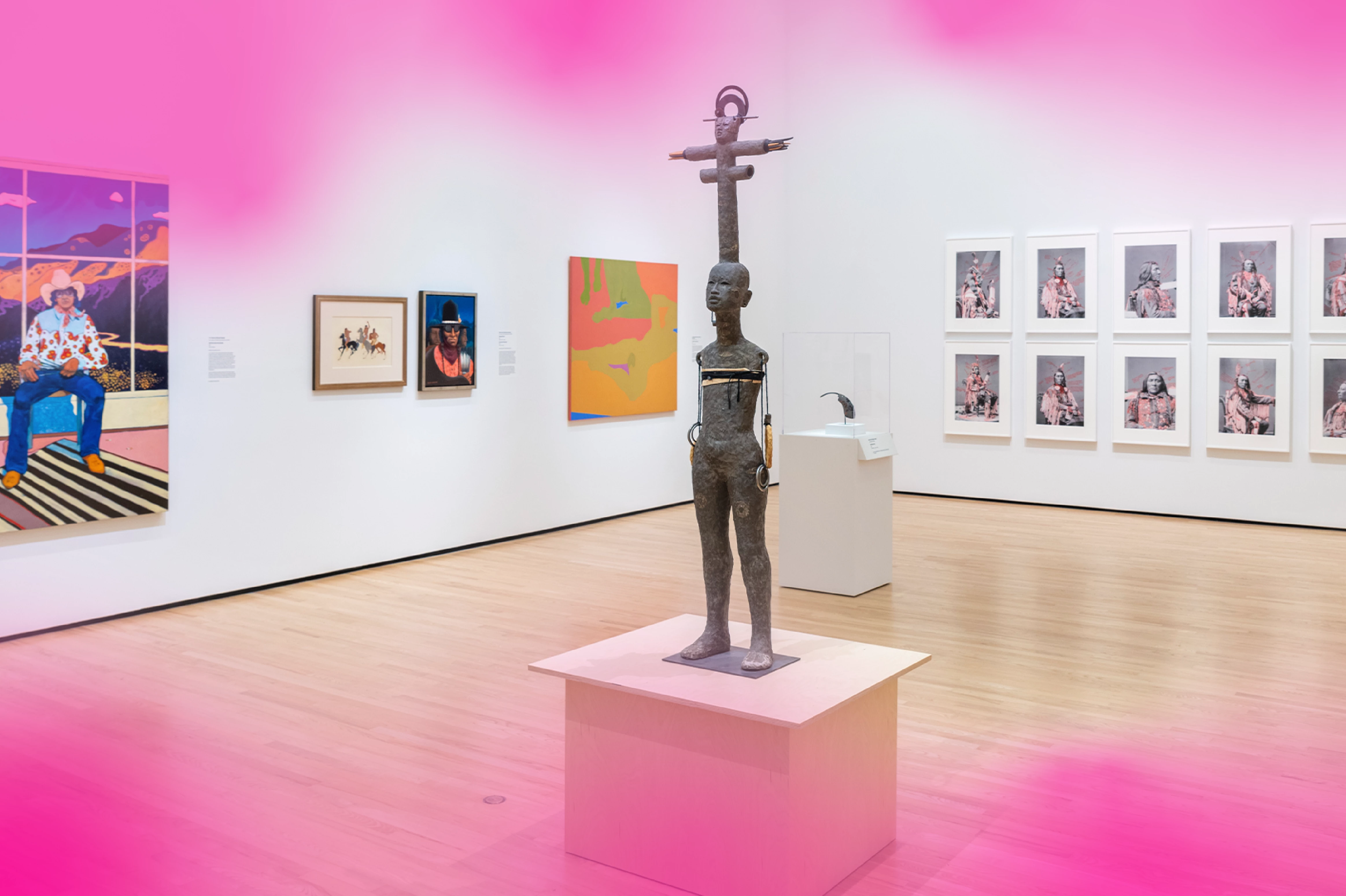
 

Similar to this, but the gradient (pink) would subtly animate and with text animation overtop. 


2 replies

nishu_kush
Community Manager
Community Manager
March 7, 2025

Thanks for writing in, Lauren. Here's how I created it.

1. Created a solid and created a mask on it so that only the top and bottom of the solid layer are visible.

2. Apply the Turbulent Displace effect to roughen the edges. You can animate its Evolution to give it subtle movement. I applied an expression (time*80) to the Evolution to animate it throughout the timeline without any keyframes.

3. Apply Gaussian Blur to blur the edges and apply 4-Color Gradient to give colors to your liking.


Let us know if it helps. I am sure that there are other methods to do it.


Thanks,
Nishu

Participant
March 11, 2025

This is helpful, thank you!

nishu_kush
Community Manager
Community Manager
March 14, 2025

Glad to hear that. Feel free to reach out. 


Thanks,
Nishu

Warren Heaton
Community Expert
Community Expert
March 6, 2025

Are you thinking something like this?

The animated GIF lowers the gradient quality, so I included some 16-bit color depth stills for reference.


Participant
March 11, 2025

Yes, this is similar. Thanks for the help!