
Participant
August 4, 2023
Answered

Creating shapes from vector layers after effects

  • August 4, 2023
  • 2 replies
  • 396 views

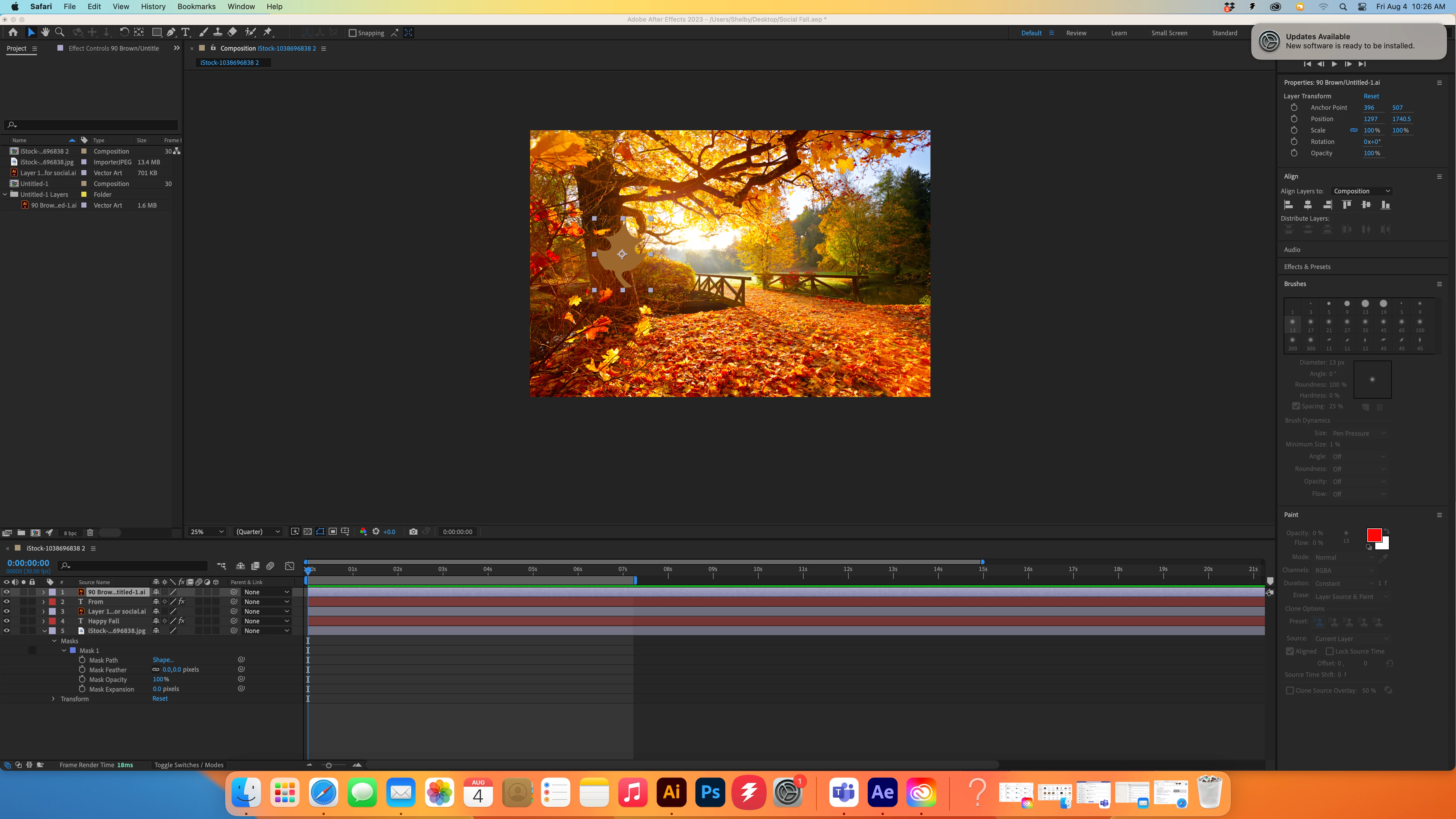
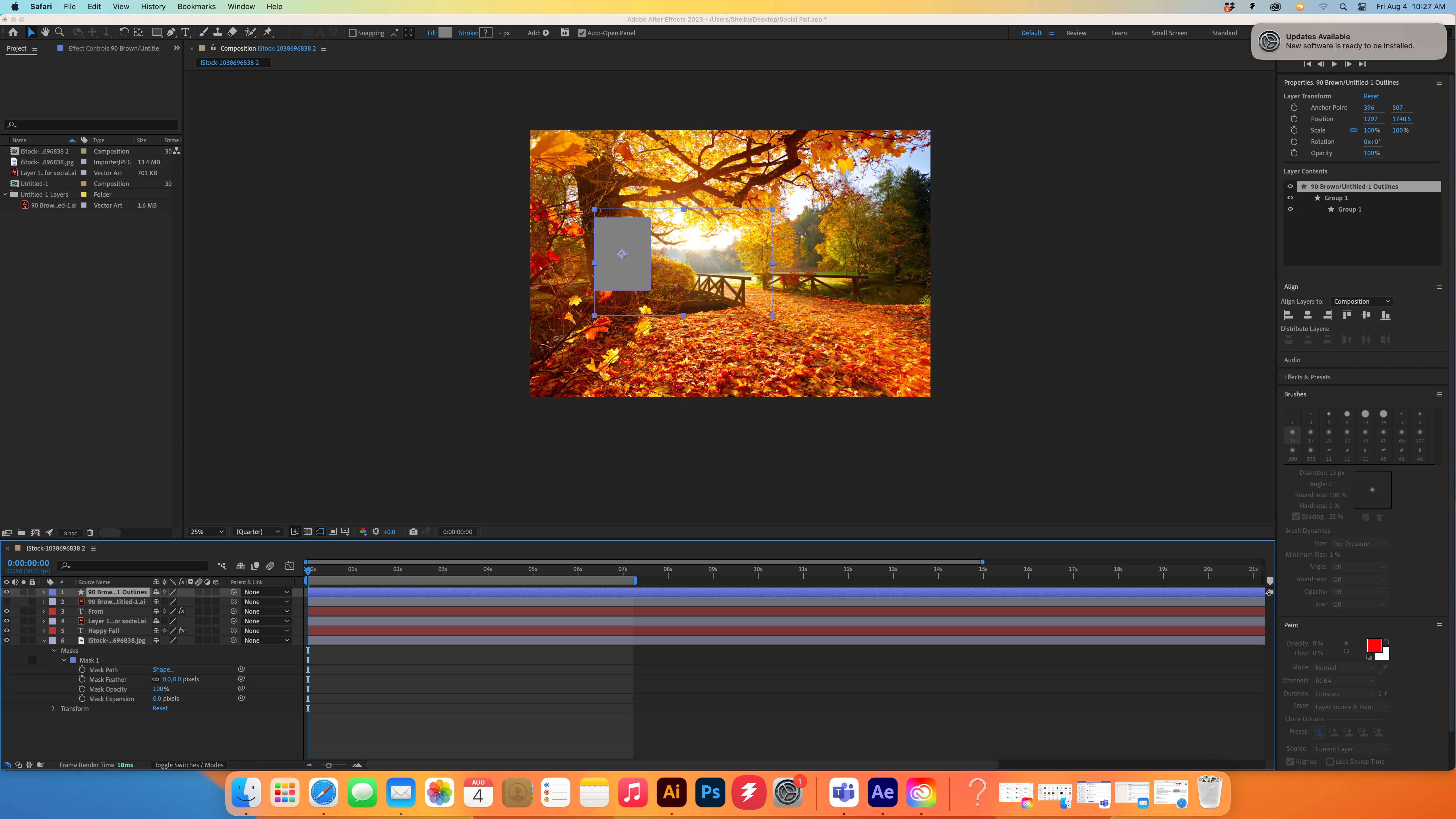
So as you can see I created a fairly simple leaf shape in Illustrator with the intention of turning into a shape on after effects and then animating it on path to mimic it falling down. However whenever I convert it it turns the shape into a gray box. I've seen other people with this issue but usually they have more complex shapes with gradients or with groups, which is not my case. I created this as a simple path in a seperate layer, and in the illustrator document i have other leafs in other colors so that I could input them into after effects and animate them seperately, but each of these leaves are having this problem. Please Help!


This topic has been closed for replies.
Correct answer Mylenium

You are in CMYK mode, which of course won't work. AE only does RGB. Refer to the online help for what's supported.


Mylenium

2 replies

Mylenium
MyleniumCorrect answer
Legend
August 4, 2023

You are in CMYK mode, which of course won't work. AE only does RGB. Refer to the online help for what's supported.


Mylenium

Participant
August 4, 2023

I didn't even think about that, I always have my stuff in CMYK on Illustrator as default because I usually am doing print work on there, thanks for clearing that up, feel silly for not thinking of it before. 

Mylenium
Legend
August 4, 2023

Your project panel not showing a preview thumbnail would pretty much be an indication that your hardware acceleration isn't working correctl, which could explain part of your issues. Anything more would require to see the actual artwork and path with anchors, but as a start, check whether you actually have expanded it if it's based on an auto-trace, Live Paint fill or similar.


Mylenium

Participant
August 4, 2023

This is what my artwork looks right now, I think my hard ware is fine, from what I looked up it looks like it should be alright. Here is what my illustrator artwork looks like