Participant
October 23, 2023
Question

Duplicated plugins crash report

  • October 23, 2023
  • 2 replies
  • 426 views

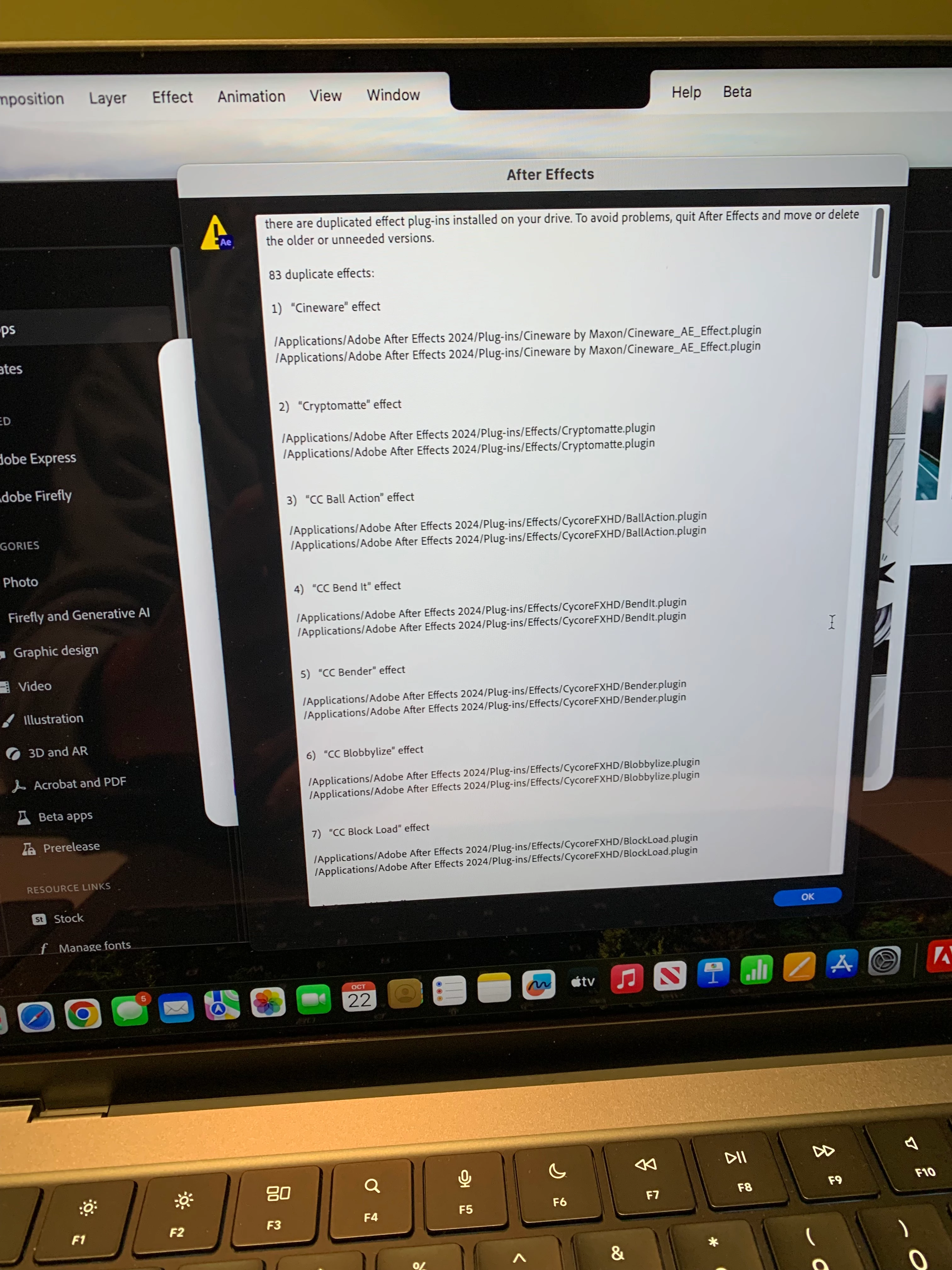
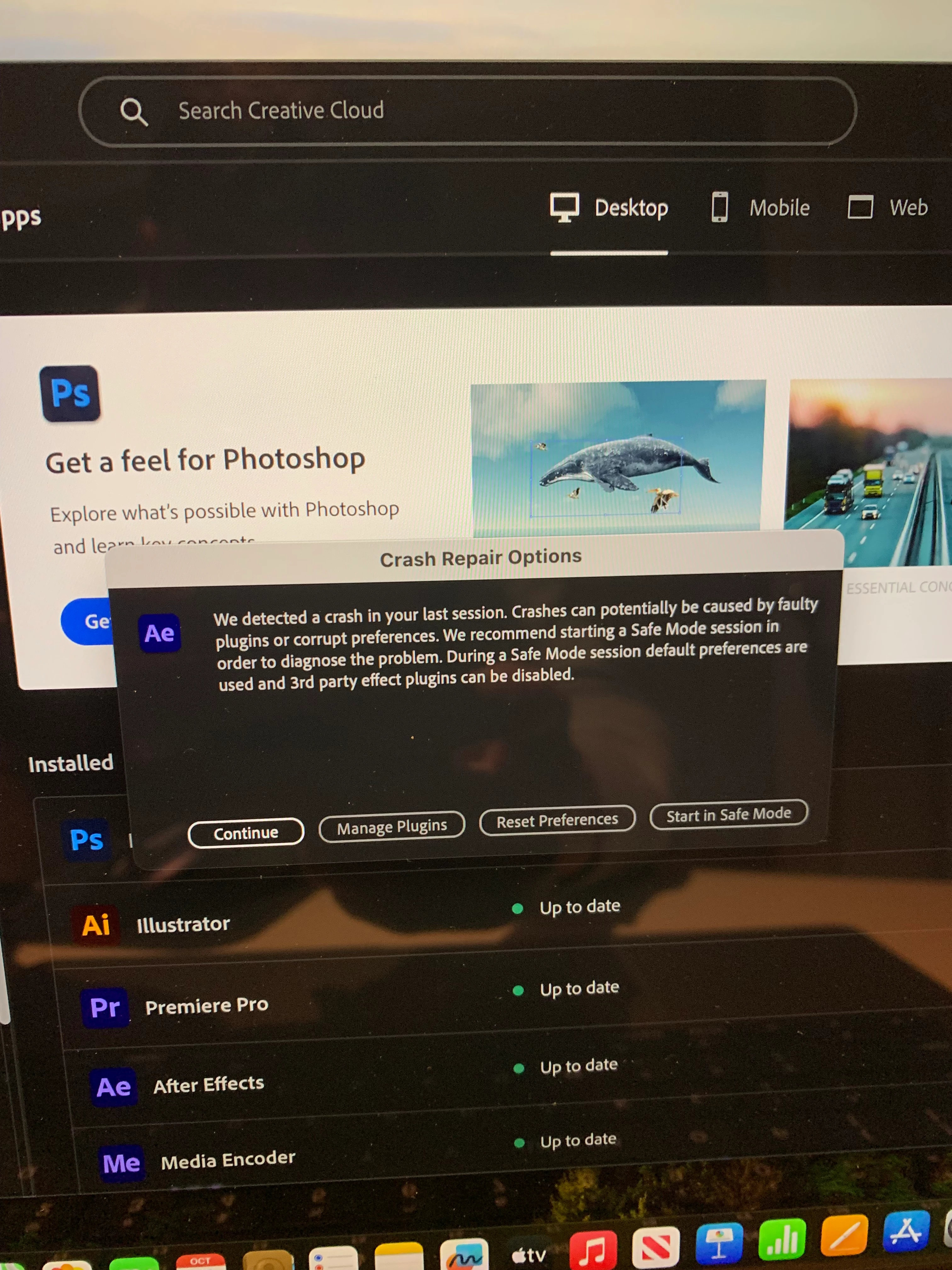
I just purchased a new mac book pro m2 chip and just purchased all the adobe programs and downloaded premiere pro, photoshop, illustrator and after effect but when I go to open after effects for the first time it shows a crash repair options (I've attached pic) if I click any of the options a new menu pops us saying 

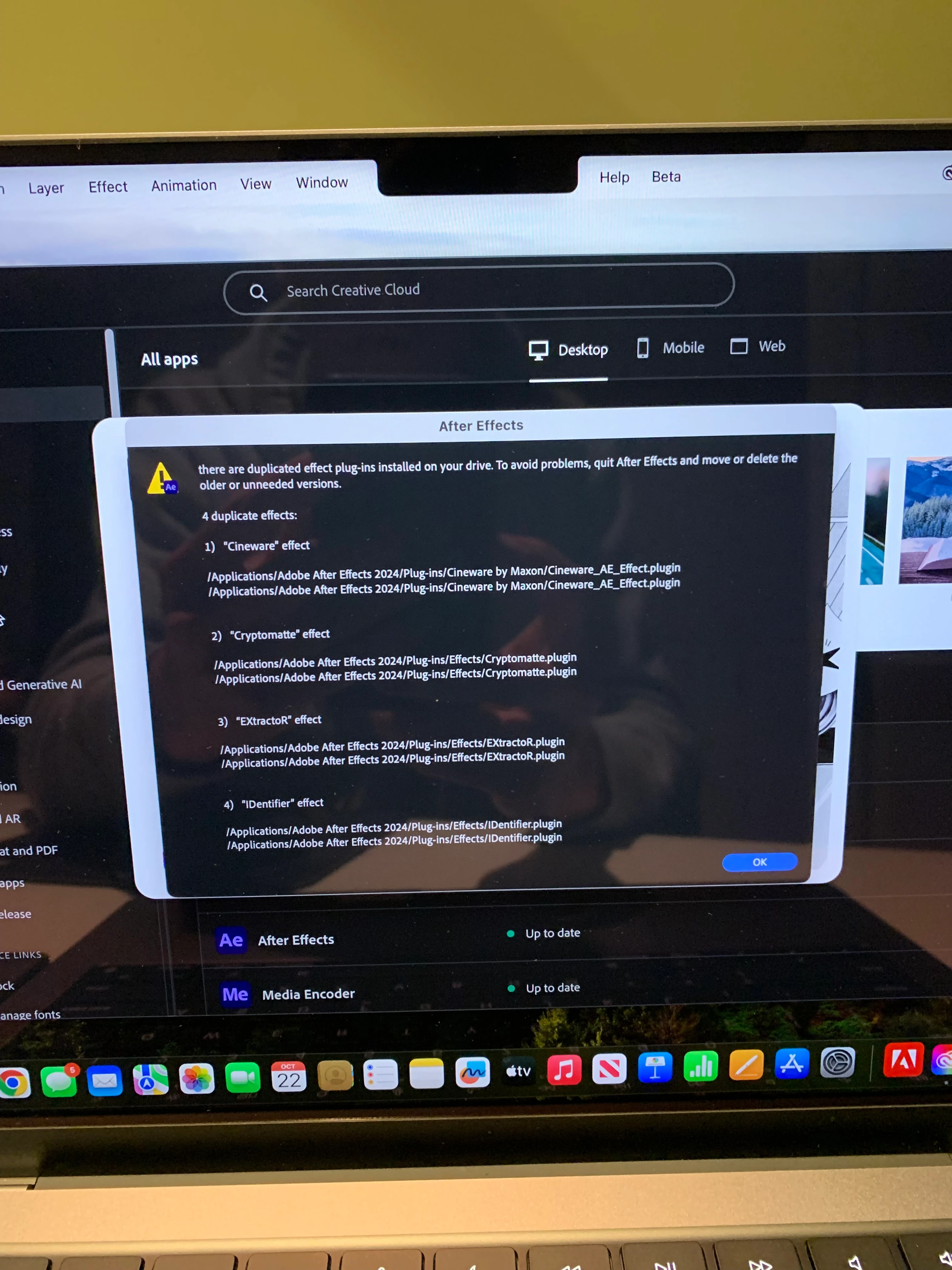
"there are duplicated effect plug-ins installed on your drive. To avoid problems, quit After Effects and move or delete the older or unneeded versions." But I haven't installed any plugins and when I pull up the plugin menu on adobe cloud I don't see any plug ins. I have tried restarting the laptop, uninstalling after effects but nothing works! Please advise 🙏
This topic has been closed for replies.

2 replies

nishu_kush
Community Manager
Community Manager
May 12, 2024

Did the suggestion above help?

Feel free to reach out. Moving this thread from Bugs to Discussions for now.


Thanks,

Nishu

Community Manager
October 23, 2023

Somethhing appears to be strangely awry with your install of After Effects.

I would suggest trying the following:
1. Unistall After Effects with the Creative Cloud Desktop application.
2. Go to your Applications directory.
3. Remove the Adobe After Effects 2024 folder from the Applications directory.
4. Re-install After Effects with the Creative Cloud Desktop application.

I would expect this to resolve the duplciate plugins scenario.