
Edit clip - effect controls not showing transform, clip timelines
Hello,
I've got this big problem and simply can't find an answer in the whole Internet... I'm so frustrated after spending like 1,5 hour on finding the solution and I'm being desperate so please help me fix this ^^"
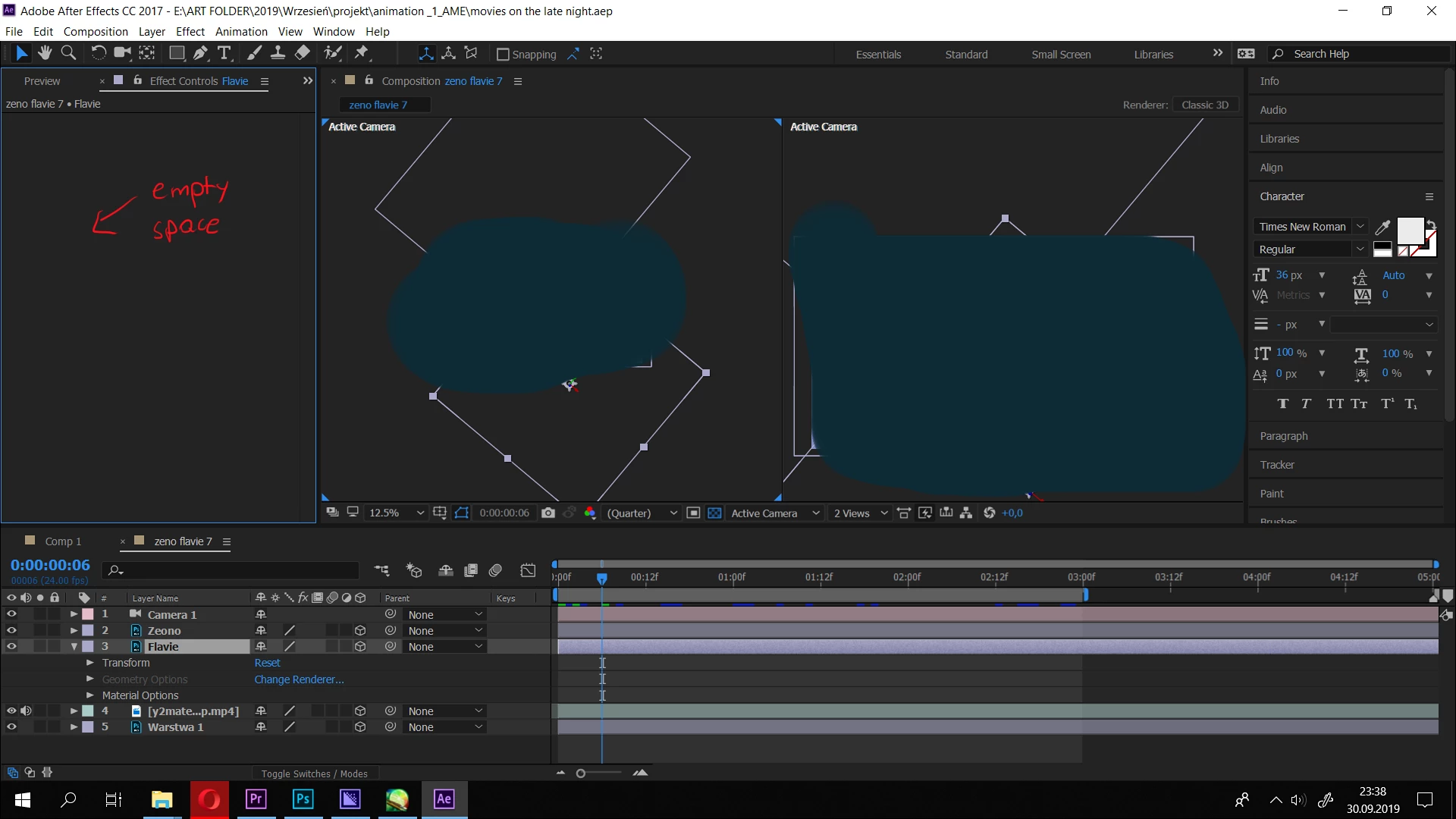
The problem is, little timeline (I have no idea how to name this) in the Edit bar doesn't show up. I mean, clip Edit bar, where Effect Controls are placed. It always worked for me, and suddenly disappeared. I tried to Reset all panels to saved layout in Window > Workplace, but it simply changes nothing in composition workplace... my precious Edit bar doesn't show up.
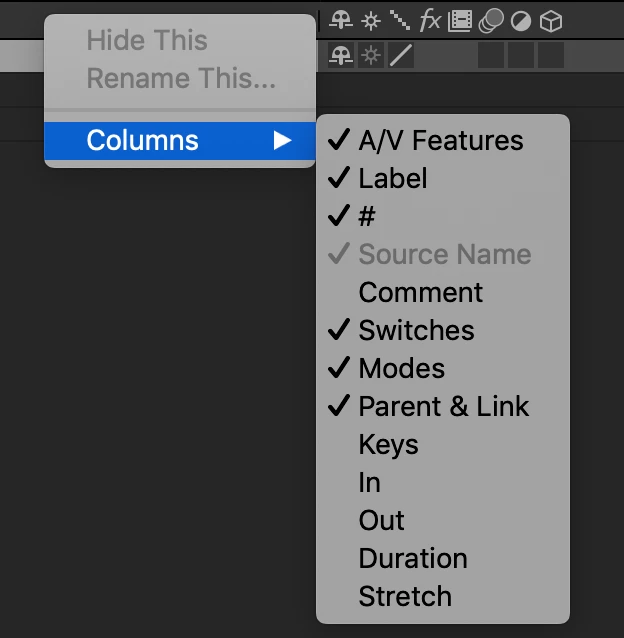
I tried also changing the blue box on the bottom left, I tried to Open Effect Controls, but all the little boxes are turned on. I also clicked Shift + Alt + H but dosn't work at all.
It's looking like this for me:
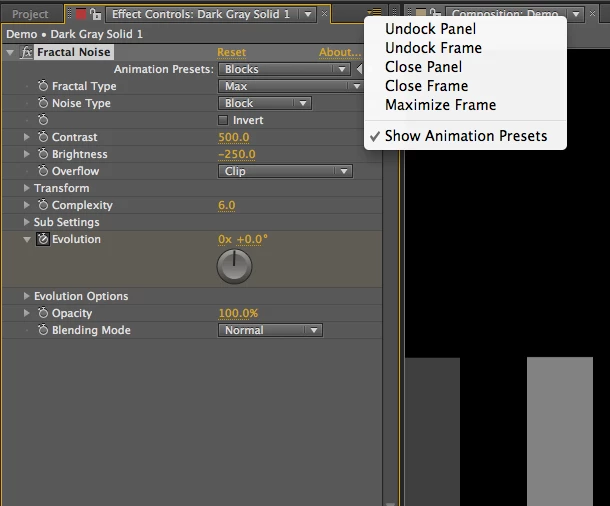
I'd love to see all of that below in the box: (picture from the Internet)
Help would be appreciated
 AdChoices