Exit
  • Global community
    • Language:
      • Deutsch
      • English
      • Español
      • Français
      • Português
  • 日本語コミュニティ
  • 한국 커뮤니티
0

Effect help

New Here ,
Apr 01, 2020 Apr 01, 2020


BD9CA184-514A-4347-8F35-8F28268C81DA.png

8AA99B14-D3E4-45FA-80D5-61C026179974.jpeg

63D0272B-E39C-496A-A8D9-95CFA778B526.png

BBC83E04-5EF1-42E6-806E-F1B70BADD004.png

AA3E5211-6BB3-45B3-8ADF-B5FBD4DECABE.png

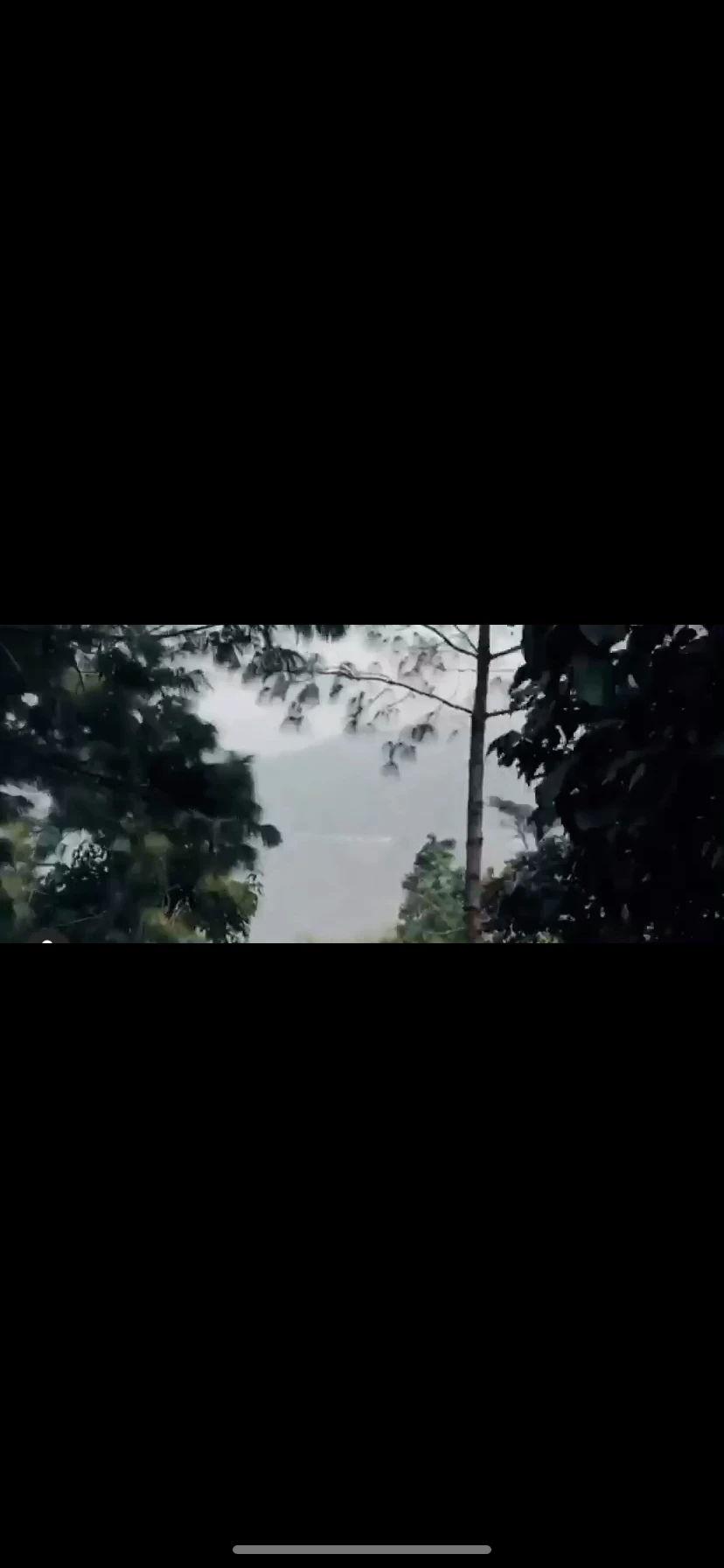
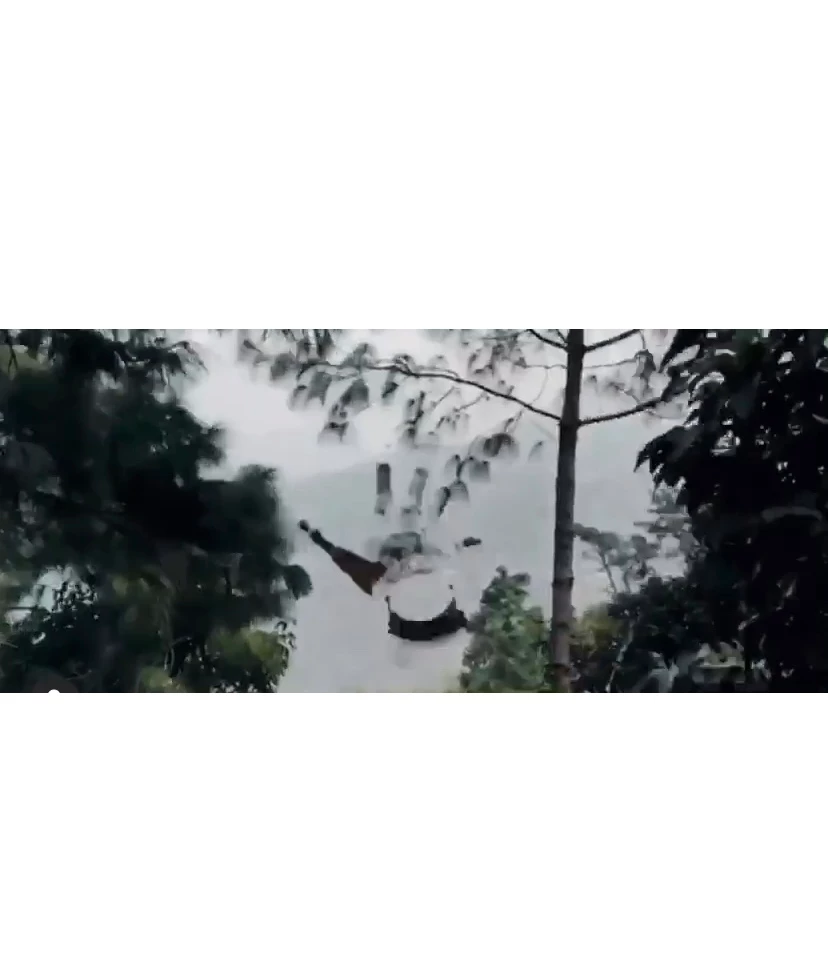
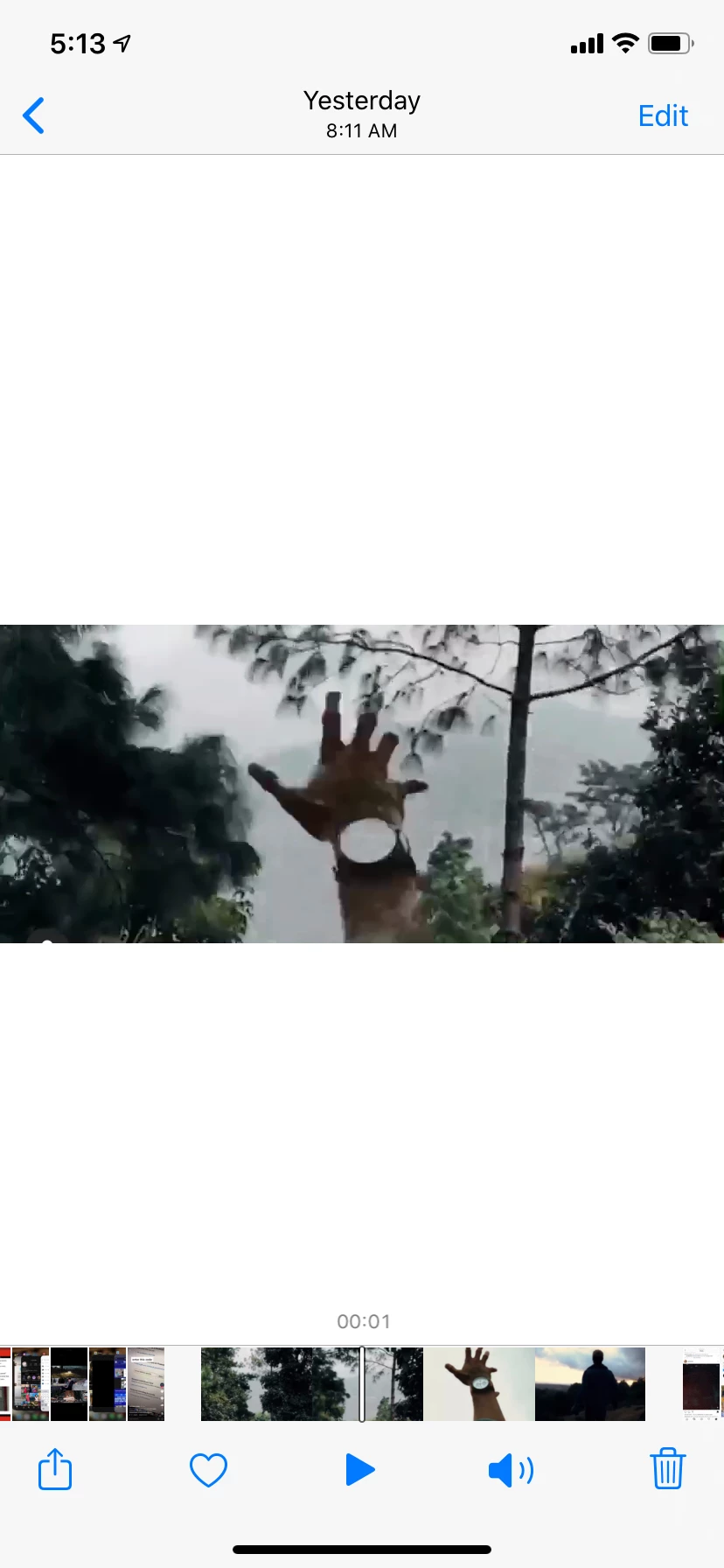
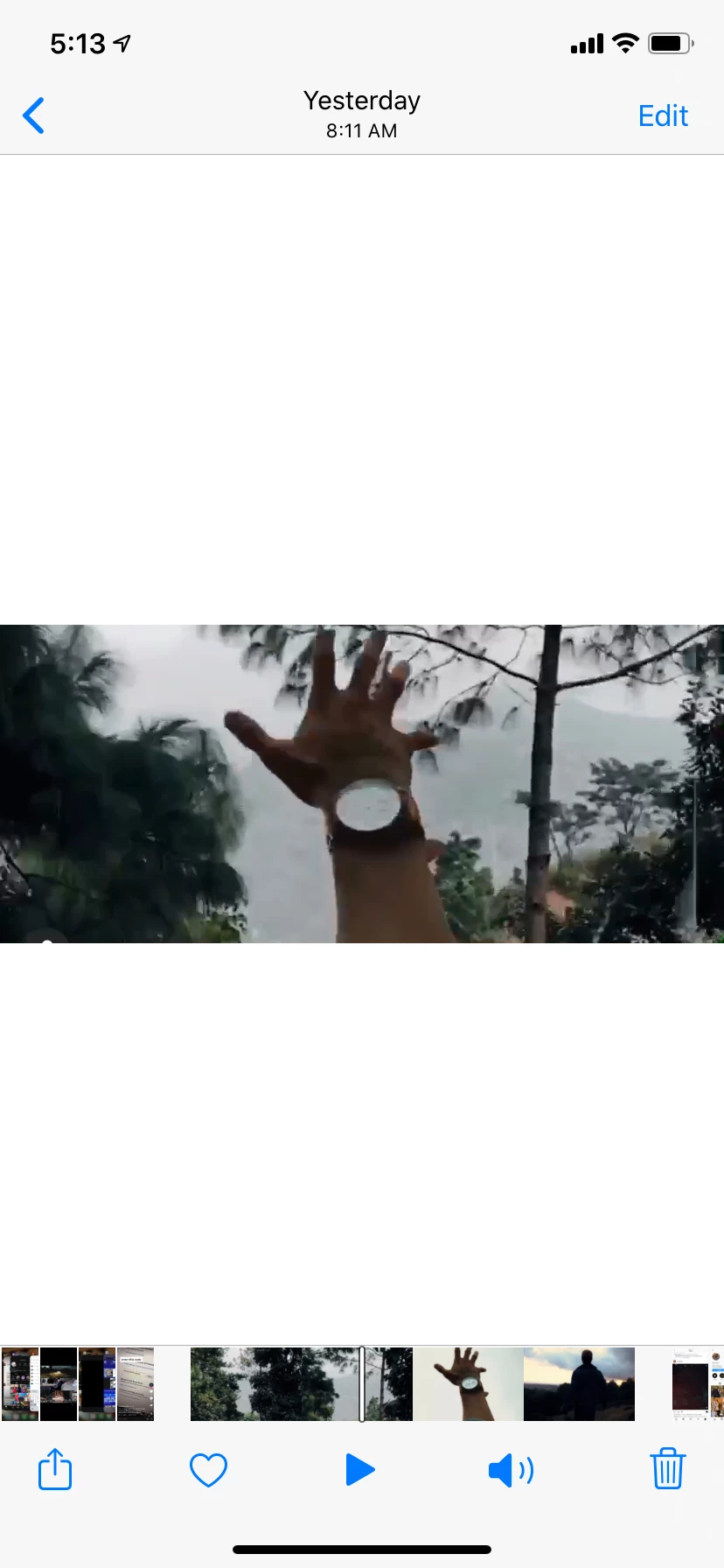
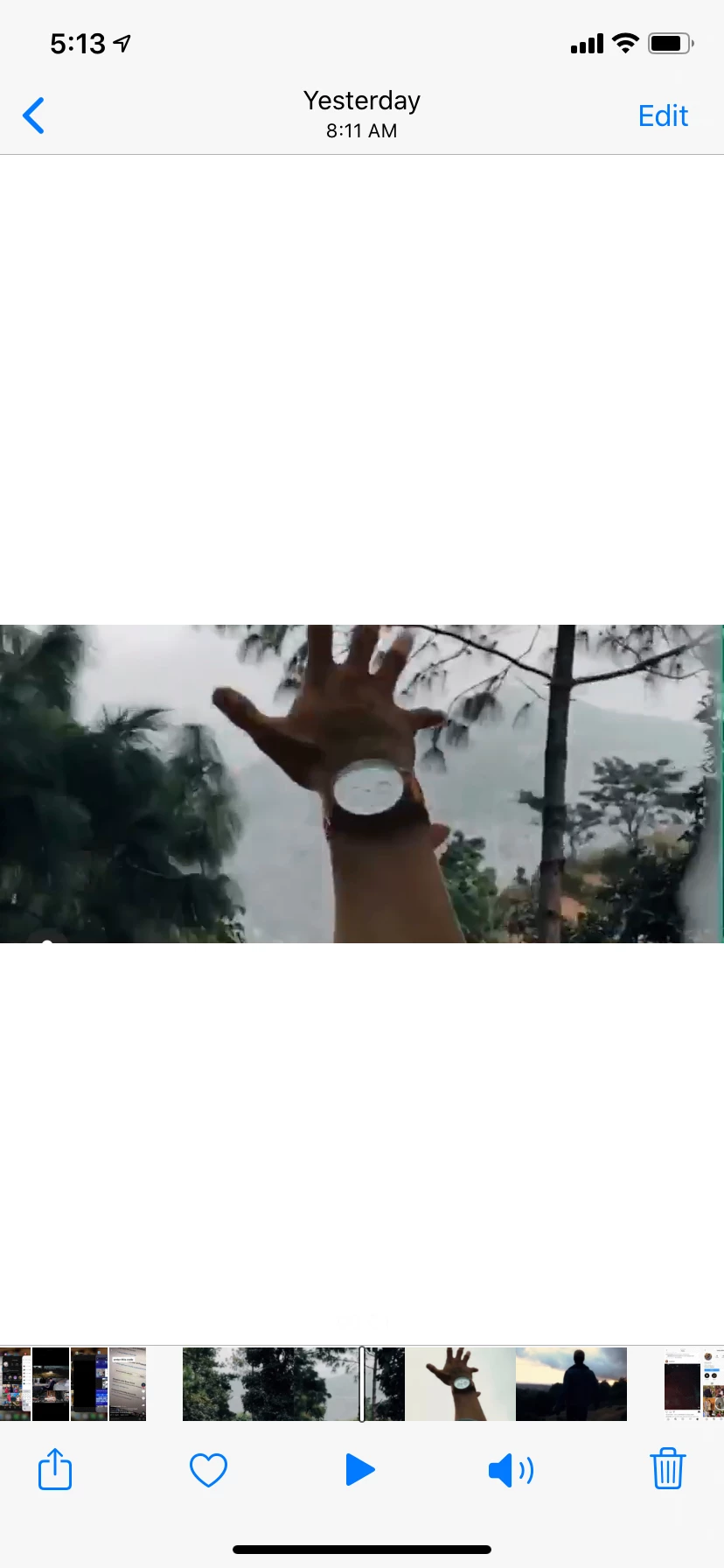
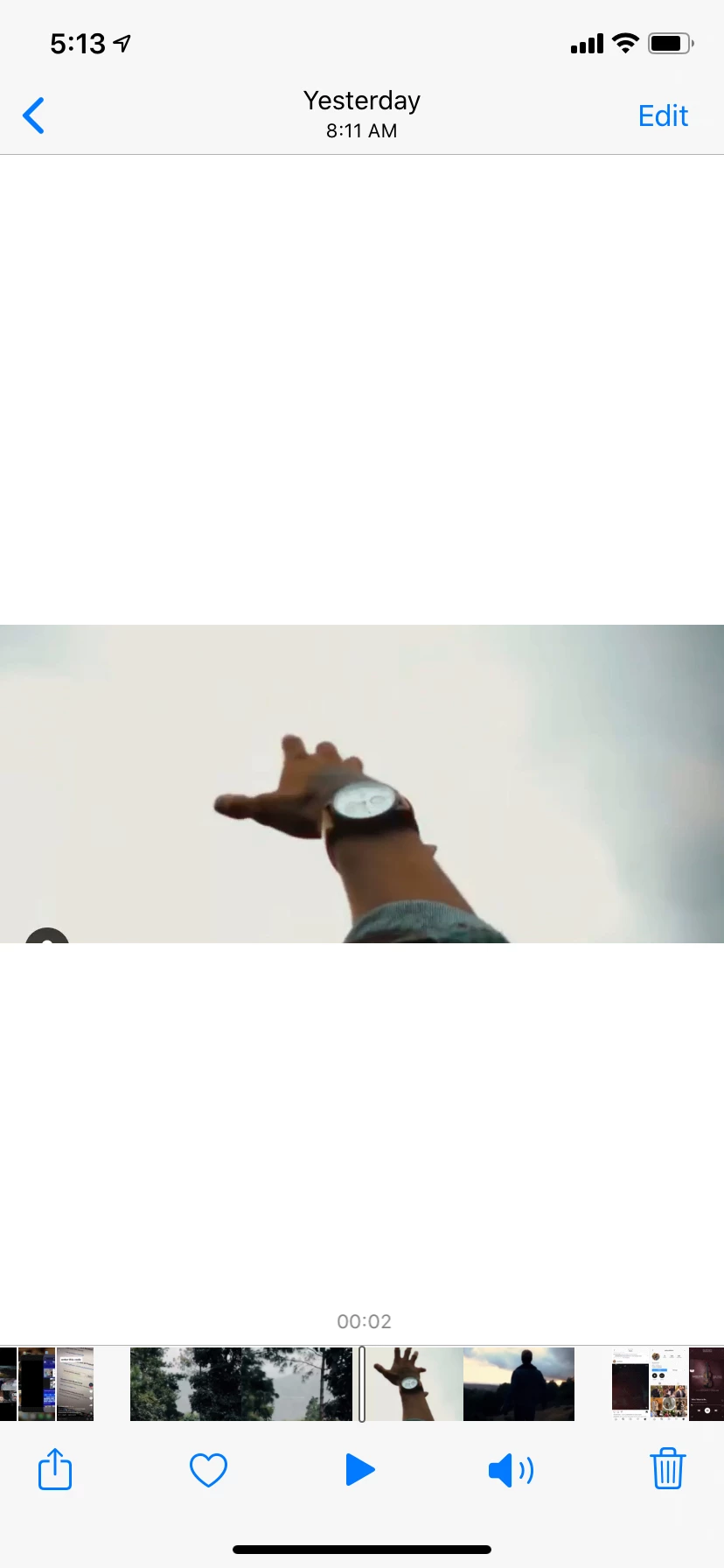
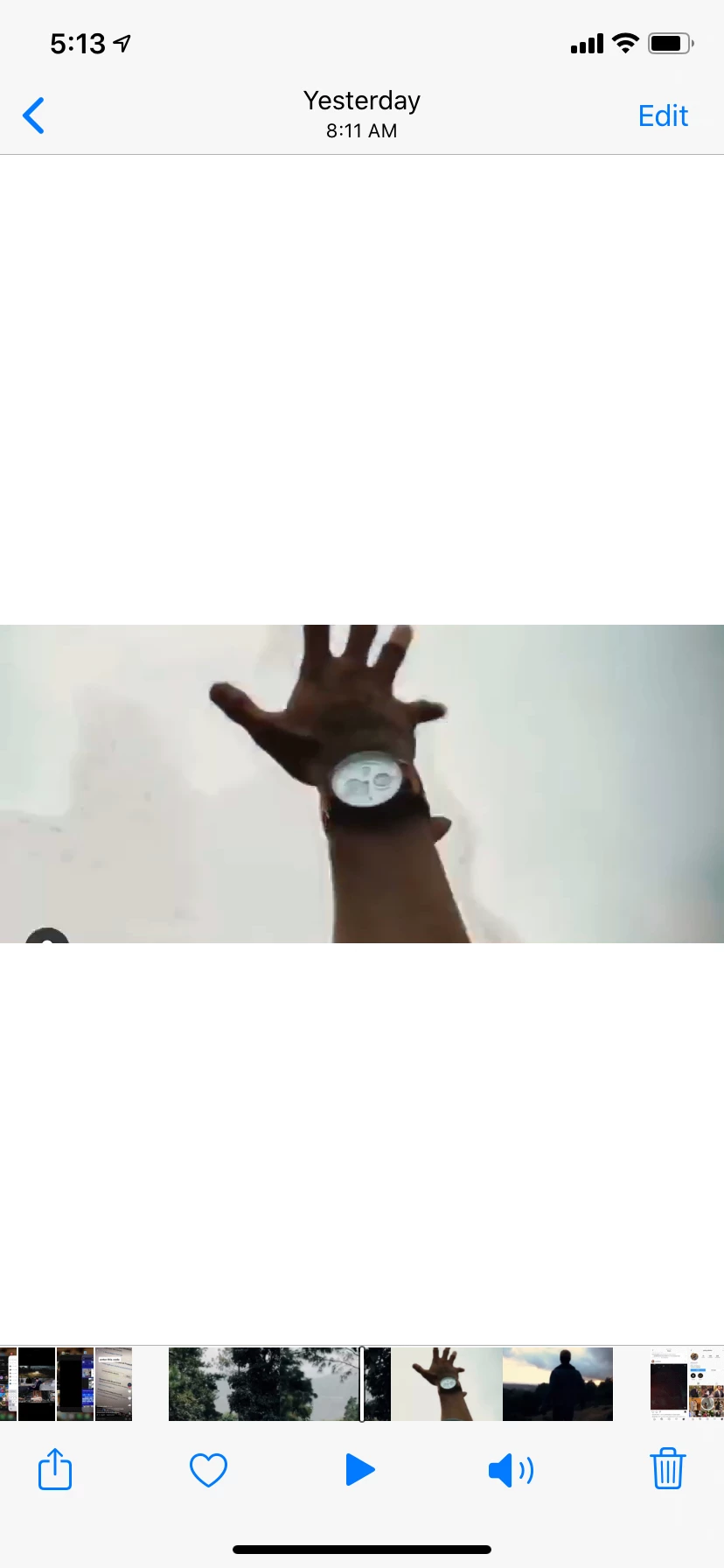
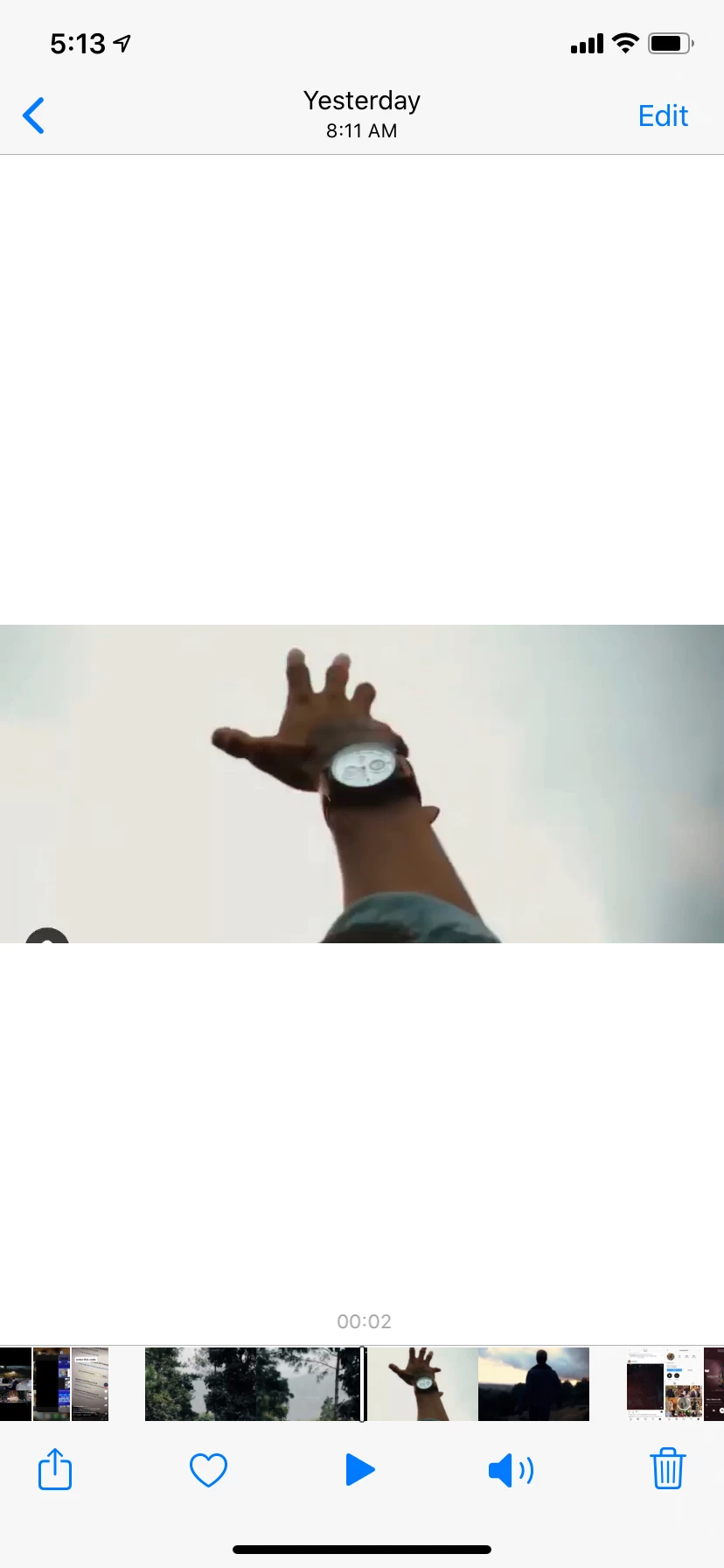
Can someone help me with making of this effect. 97EAE4F4-399C-4D31-BB3F-AC3D1E724A75.png
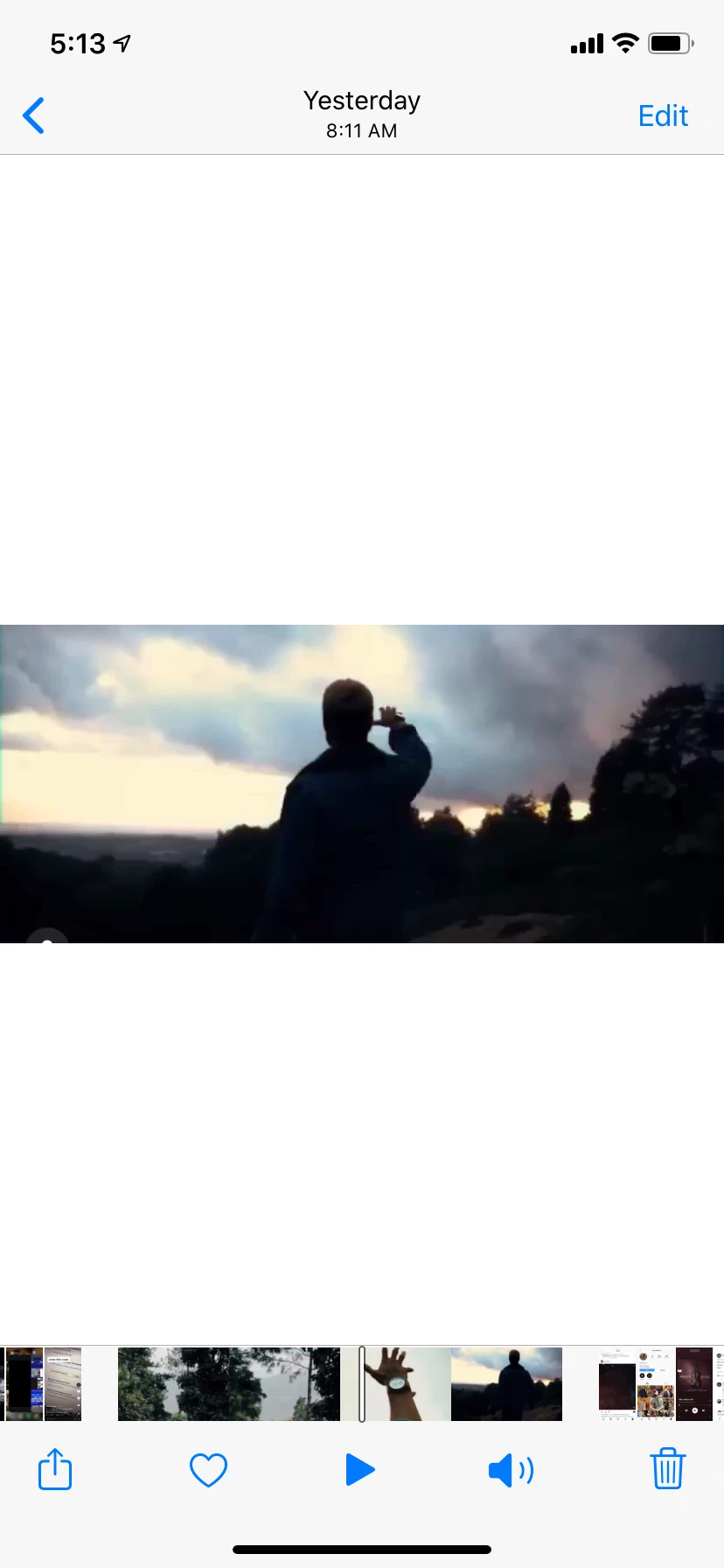
The video shows guys hand coming into screen out of nowhere seemlesly and then continues to stay up then background changes and background replaces later he uses a zoom out transition. But was he able to bring in the hand into the scene? Was it luma keying ?
46688EB1-2FD3-47AD-A098-C2DE8C8B557A.png

514873DC-BB51-4ABA-926D-34D2601A8566.png

A0D7A123-7563-428D-AABD-CAF62BF318B2.png


TOPICS
How to
131
Translate
Report
Community guidelines
Be kind and respectful, give credit to the original source of content, and search for duplicates before posting. Learn more
community guidelines
Community Expert ,
Apr 01, 2020 Apr 01, 2020
LATEST

The matte to separate the hand from the background depends entirely on the shot. If the original shot was this one then you might be able to use a loose roto around the arm + Extract + some edge refinement to create a track matte for the original footage that you could gradually fade out by animating the opacity to reveal the whole layer. 


Something like this:

Screenshot_2020-04-01 18.20.04_g4qoRy.png

All that is left is to add the bottom layer and animate the opacity of the track matte. 


If the footage is different you will have to look at other options. If you have footage that you want to use please post a frame or a copy of the footage so we can give you some suggestions for that shot.

Translate
Report
Community guidelines
Be kind and respectful, give credit to the original source of content, and search for duplicates before posting. Learn more
community guidelines