
Question
Emulating a UI time scale
I'm trying to replicate this effect for a UI mockup (click images to animate)
Here's what I have so far...
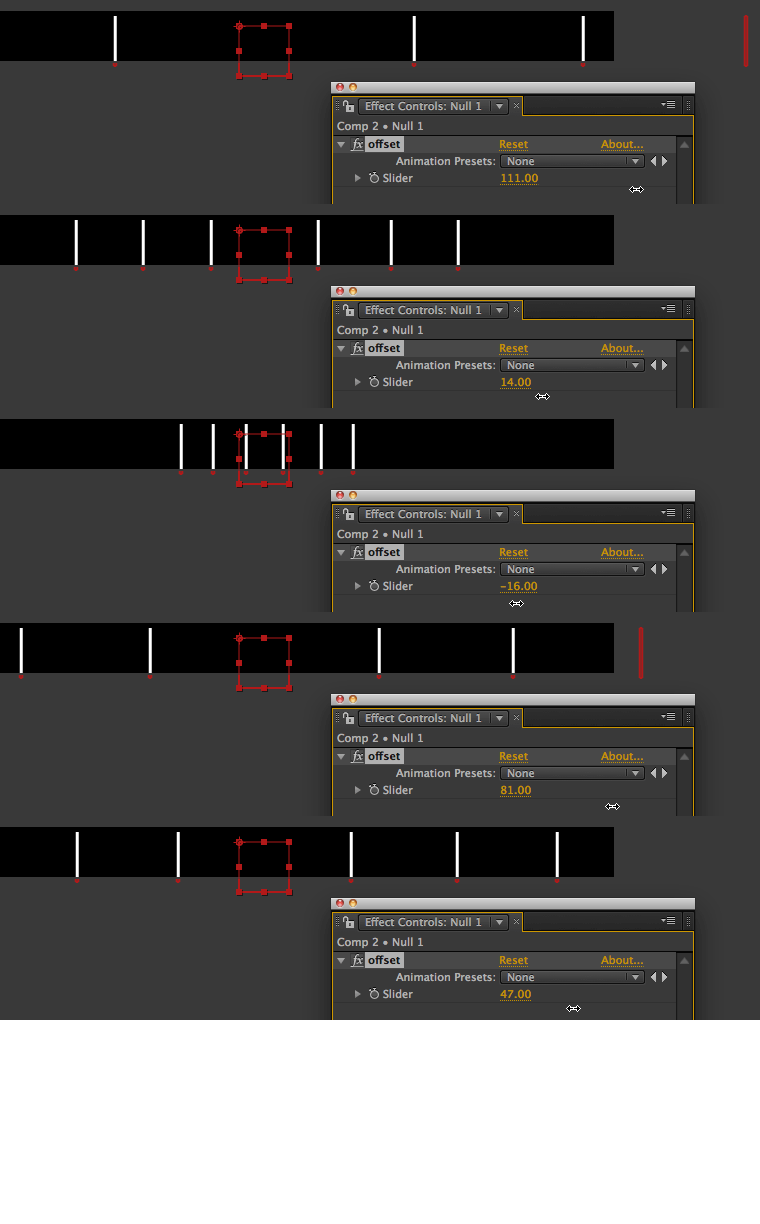
Each layer has a multiplier value slider. The further away from center, the higher the multiplier (I manually enter each value). I have a null controlling the offset with a slider. And each layer has this applied to the position:
layerpos = transform.position;
S = thisComp.layer("Null 1").effect("offset")("Slider");
m = effect("multiplier")("Slider")
layerpos + [S*m[0],value[1]]
It works, but I wasn't sure if there was an easier way. Like somehow automating the multiplier value to the layer index #.
 AdChoices