- Home
- After Effects
- Discussions
- Re: I really need your help. Adobe employees doesn...
- Re: I really need your help. Adobe employees doesn...
Error 86::1 After Effects 2020 in Windows 10

Copy link to clipboard
Copied
I've done everything through the After Effects CC 2020 program.

I am using Windows 10. And I never deleted the codec or the Quick time player.

However an error occurred while I was rendering through Adobe Media Encoder

So I ran the after effect. And found an error message.

"After Effects error: the source compression type is not supported (86 :: 1)"

"After Effects error: file '# 2 snow BG.mp4" cannot be imported? this '.mp4' file is damaged or unsupported.

"After Effects error : Could not open source file. Please check that file exists with correct permissions. (86 ::1 )"

About 20 types of error messages have been found

I tried various methods because I could not understand, but failed.

1. All auto saved files have the same symptom.

2. Importing the source again produces the same error.

3. After importing the new After Effects, there is no problem.

I had done everything. Suddenly this happened to me.

I want to cry The project is no longer able to proceed.

I need great help, and this message was written through Google Translator


--------------------------------------------
I solved the problem through the help of others

The problem was After Effects CC 2020.

No problem after running with After Effects CC 2019

I hope you know the CC 2020 version is very bad.

I was very disappointed with this version and had many other issues.
Title edited by Mod


 31
Replies
31
31
Replies
31




Copy link to clipboard
Copied
Hi there,
We're sorry for the experience you've had. Error 86::1 usually occurs when the media files do not get linked properly inside Adobe After Effects.
However, I would not jump to any conclusion. I understand that you would want to efficiently finish your project. We'd like to offer help in case you decide to update to AE 2020. 🙂
Thanks,
Shivangi

Copy link to clipboard
Copied
Hi,
I have this exact problem with AE 2020 on my Mac. What is the fix for this problem?
Robbert

Copy link to clipboard
Copied
Yes you can easily fix that problum by changing extention name ...
while using windows 10

Copy link to clipboard
Copied
same. please help.
Copy link to clipboard
Copied
Hi all,
We're sorry for the delay in response. Could you share the following information?
- What kind of media files are you using?
- Where have you saved the media?
- Does it happen with every project?
Let us know. We're here to help.
Thanks,
Shivangi

Copy link to clipboard
Copied
hello team adobe
im really facing the problem of 86:1 file format not supported glitch now can we pls get a soultion i mean whats the use of after effects if it cant take in an mp4 file or an avi file i mean fix the software.... Is this what we payed for?
Copy link to clipboard
Copied
sure, tell me what is the problum?

Copy link to clipboard
Copied
Hello Adobe, I have been trying to fix this for days but I don´t found a solution. Adobe After Effects doesn´t import any file. I have Quicktime installed. The same happens with Premire Pro.
The error is:
After Effects error: Could not open source file. Please check that file exists with correct persmissions
(86::1)

Copy link to clipboard
Copied
Hey!
I've been facing the same issue when trying to import screen recordings (.mov) into after effects. And I could not import it into adobe media encoder either.
2 quick fixes I found are:
1) You might need to download Quicktime for this. Open your video in Quicktime and go to file>export>1080(or choose any resolution you want), follow the instructions, give it a name and export! You will now be able to use this video in after effects CC 2020.
You can take it one step further and convert this new file to MP4 in adobe media encoder. I did this as I find it less of a hassle to work with MP4 files than .mov files in both AE CC 2019 & 2020. I'm not sure if there's any actual merit to doing this but in the past when I've worked with .mov files, the footage would be purple and green when I'd open the project months later. But this didn't happen to the MP4 files in the same composition or project.
2) If it's a short video and you don't have Quicktime or can't download it ut you have good enoguh internet to do other stuff, you could try this way. I reeeeally don't reommend this method for obvious reasons but if you absolutely need to get your footage into after effects and create a video real fast, you can use this method. Convert your video on any online video converting website and import the converted video into your composition. The quickest way I could find was converting it to MP4 and then importing this new converted MP4 into my composition. But this method is quite shady and not very reliable for big files. Use the first one!
Hope this helps 🙂
Copy link to clipboard
Copied
Hi there,
Thanks for sharing the best practices here. I'm sure it will be helpful for other users.
Regards,
Shivangi

Copy link to clipboard
Copied
I am facing the same issue, the problem still not resolved !
Copy link to clipboard
Copied
help us please

Copy link to clipboard
Copied
me neither help please i have trouble in finishing my projects tried every thing you said here

Copy link to clipboard
Copied
I'm having the same problem with After Effects and some problems with Preimere. I can not import MP4 files most of the time. I have been on the phone for hours trying to get Adobe to fix it but they have no solution. I installed 2019 and it worked, then 2021 so starting working in 2021 assuming it would be OK. I spent a few days editing a project, then in the end I could import videos again. I called it up in 2019 and half the videos didn't play. When I tried to export it there were little glitches in the video that weren't there before. Now I can't make any changes to it. You need to fix this software!!

Copy link to clipboard
Copied
Hi Adobe
Please help. I've done an upgrade from AE 17.4 to 17.6. That is all nothing else changed, same Windows 10 version, same quicktime. Now I get a bunch of errors I did not this morning. 86::1 for all my .mov and bunch of 48 :: 72. Basically the update has bricked AE.
Copy link to clipboard
Copied
I've tried uninstalling an installing 17.5.1, but the problem persists. Uninstall and manualy removed any AE CC2020 folders from documents and Program files then rolled back all the way to 17.1.1.
Seems to be working for now.
Lost half the day troubleshooting. Great!

Copy link to clipboard
Copied
Same problem since 2 weeks ago, cannot import .mov, everything is updated. I even formated my PC for a solution but I had the same problem. Sadly Adobe doesn`t answer my call but at the end of the month the payment will be done with no failures. P.D: I have 5-6 friends with similar issues with codecs or exports.
Copy link to clipboard
Copied
I upgraded my operating system to 1909 instead of 1809. I received an alert to upgrade my drivers. After upgrading nt OS and my drivers everything is working
Copy link to clipboard
Copied
I upgraded my operating system to 1909 instead of 1809. I received an alert to upgrade my drivers. After upgrading windows OS and my drivers everything is working

Copy link to clipboard
Copied
Same Issue. I created a video on my PC in After Effects a week ago. Needed to make an update to it today and it would not import any mp4 files.
this '.mp4' file is damaged or unsupported.

"After Effects error : Could not open source file. Please check that file exists with correct permissions. (86 ::1 )"
After Affects upgraded between that time. I had to backtrack one version 17.7 to 17.6.0 to correct the issue. Now I'm worried about upgrading again as I need to go back to videos to edit them for other purposes.

Copy link to clipboard
Copied
Using AfterEffects 2021 - My situation was that the videos were already imported and were working...nothing changed I have even exported the entire project with compositions and no issues for 3 weeks. Then suddenly I am getting this 86-1 issue on 2 videos from Envato Elements (yet I used 4 videos from there). Whatever found a fix.
Solution: I take the MP4 files that are getting flagged and convert them to MP4 (H.264) again through Media Encoder 2020. Boom no warnings when imported after getting reconverted to MP4's.
No idea what patch/updated happened that caused AE to freak out on the videos but now everything is working like it used to. 🙂
Copy link to clipboard
Copied
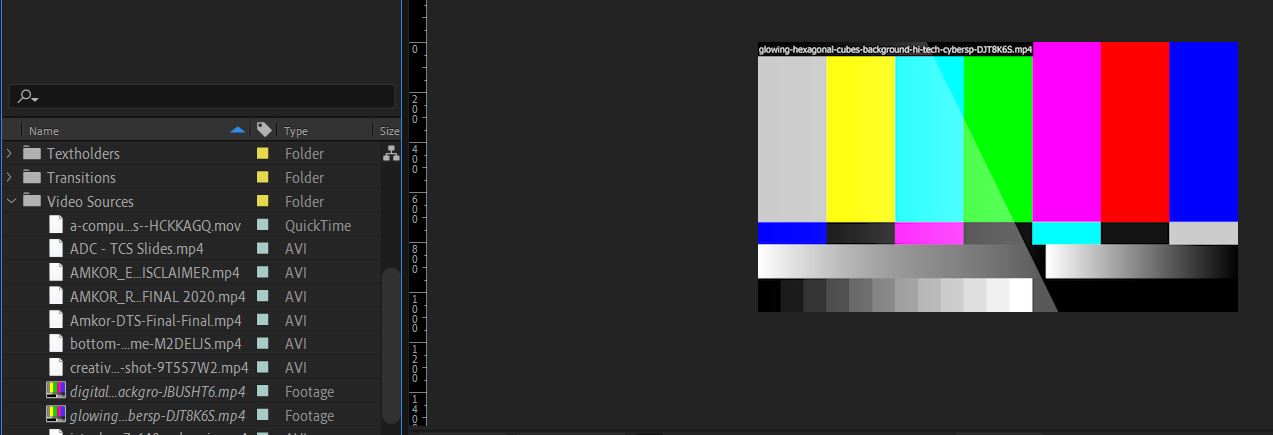
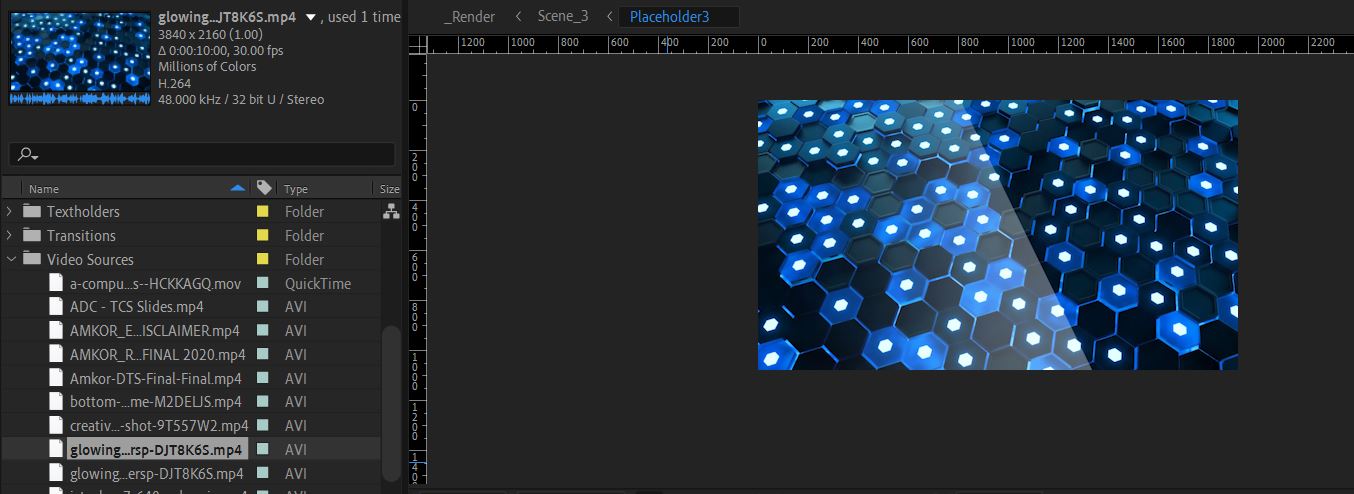
Please change file name extention like ( avi , flv )
it will work .. if you are using windows 10 ,
= first select the video then goto view and check file name extention... then rename the video.


Copy link to clipboard
Copied
I've seen this behaviour on Windows using OneDrive. Slightly renaming the file to, like changing spaces to dashes solved it. Very odd issue. It affected both Ae and Pr.
Copy link to clipboard
Copied
So when I import mp4 from my phone from gdrive my AE have this kind of error 😞 HELP

-
- 1
- 2

Find more inspiration, events, and resources on the new Adobe Community
Explore Now
 AdChoices