S_ A
Inspiring
June 26, 2022
Answered

Expression error and how to make expression area bigger.

  • June 26, 2022
  • 2 replies
  • 401 views

Hi,

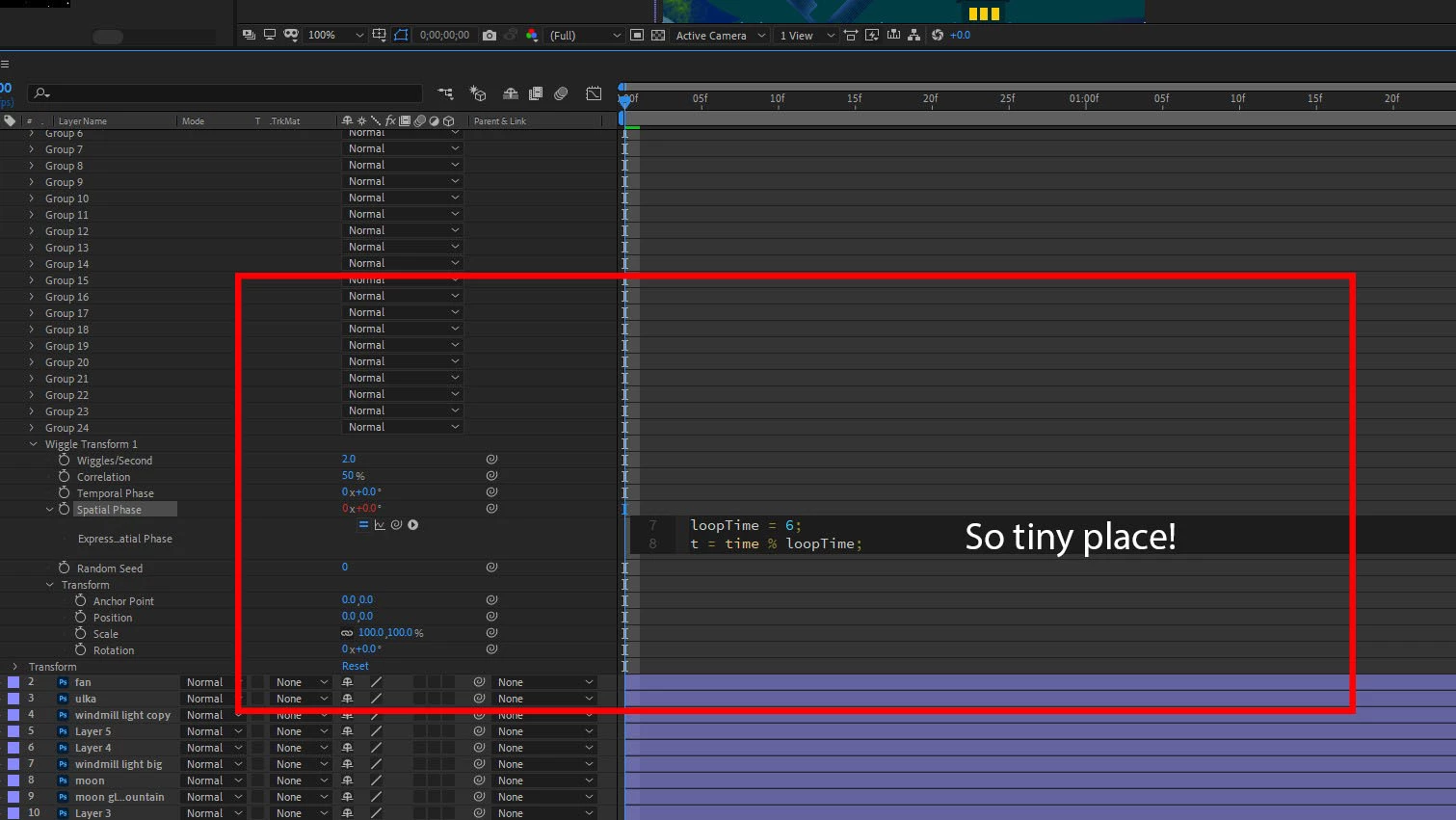
I want to add an expression. Pressed ‘alt’ and clicked stop watch and pasted. But this area is soo tiny I can’t edit it, is there any way I can make this area bigger?


If I press enter it doesn’t it add space at beneath the coding.

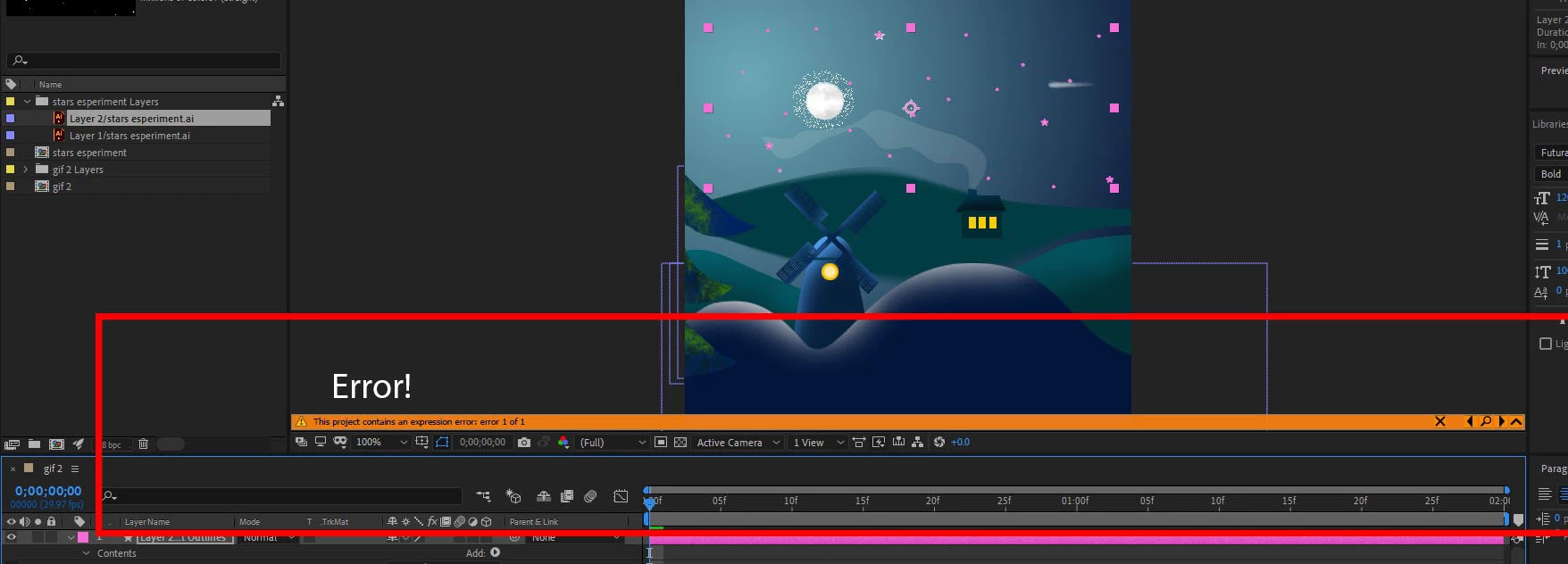
Another thing, I copy expression only and pasted it some other property and getting error! Though I didn’t do anything but copy pasted it!

Any solution?
 

This topic has been closed for replies.
Correct answer Rick Gerard

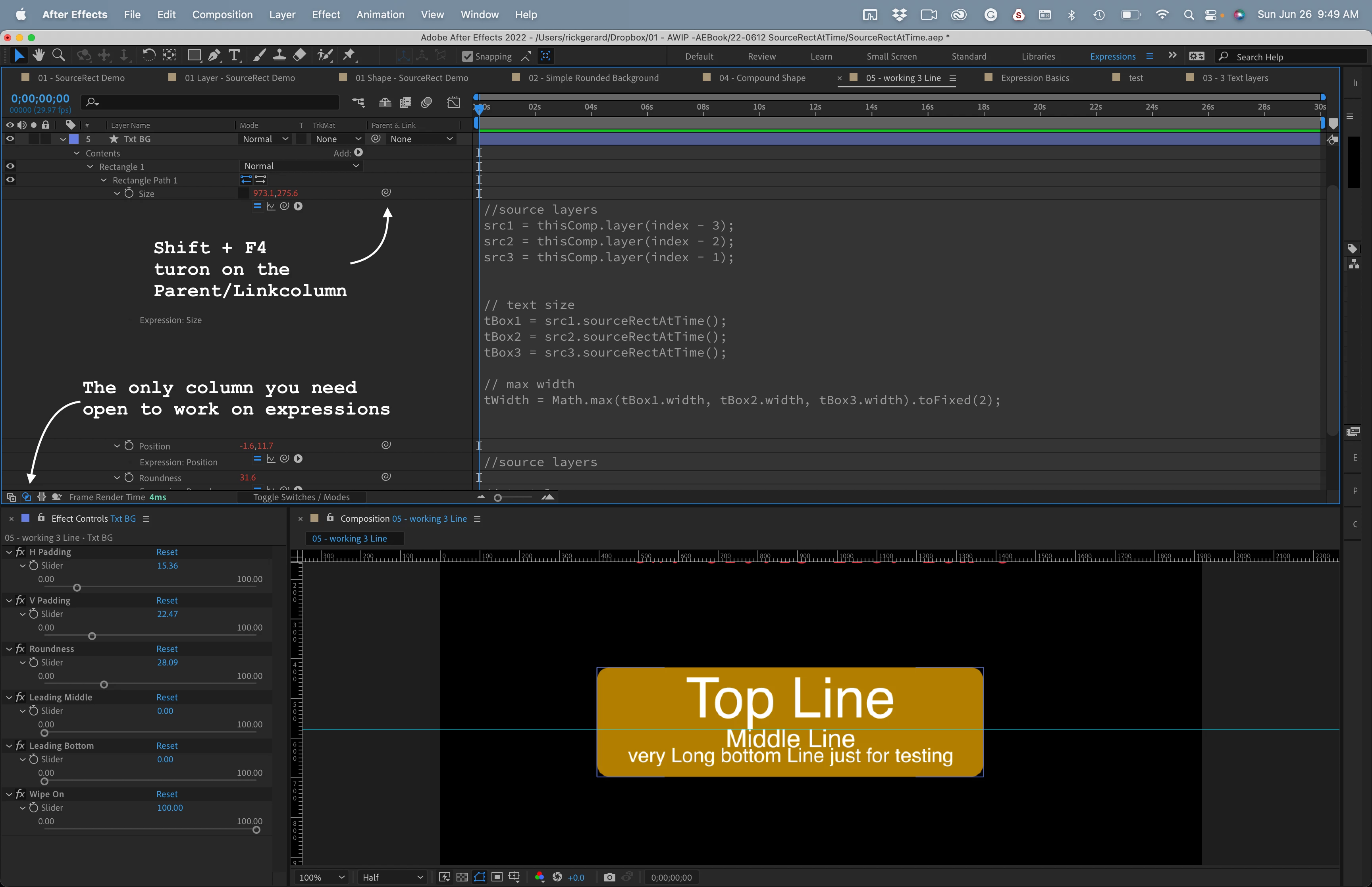
I created a custom workspace just for expressions. You could drag things around and create one for yourself. You can hide all columns you don't need.


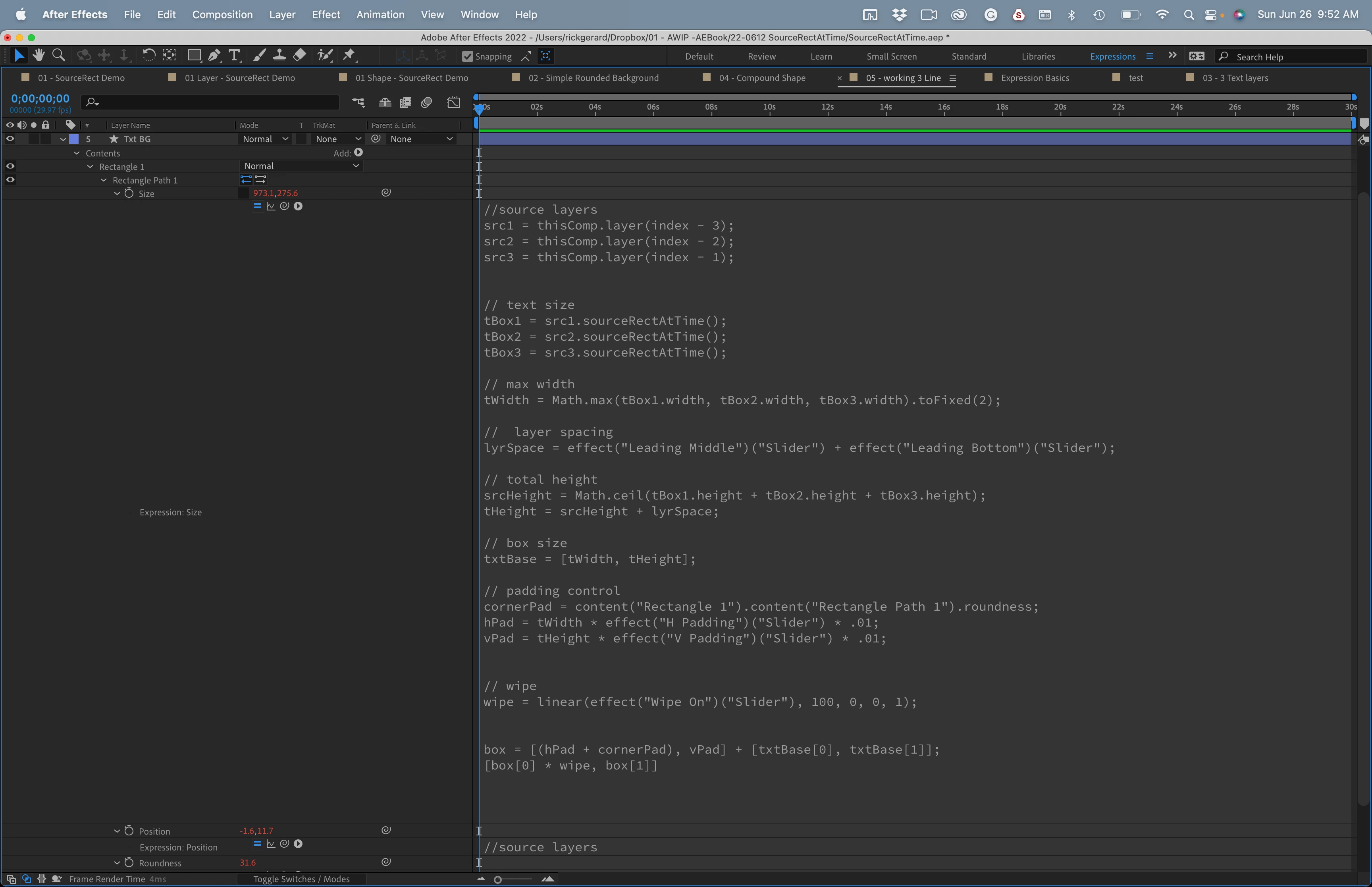
If you still don't have enough room, you can always press the tilde (~) key to see only the timeline while editing expressions. 


2 replies

Rick GerardCommunity ExpertCorrect answer
Community Expert
June 26, 2022

I created a custom workspace just for expressions. You could drag things around and create one for yourself. You can hide all columns you don't need.


If you still don't have enough room, you can always press the tilde (~) key to see only the timeline while editing expressions. 


S_ A
S_ AAuthor
Inspiring
June 27, 2022

Wow. It's cool. Thank you.

Jqke
Legend
June 26, 2022

On the bottom right of the expression editor, there is a button to drag it open. You can expand it that way.


For the error, open the error by clicking the little arrow on the right side of the orange bar.

~Jake