Participant
May 4, 2017
Question

Expression Error

  • May 4, 2017
  • 3 replies
  • 2045 views

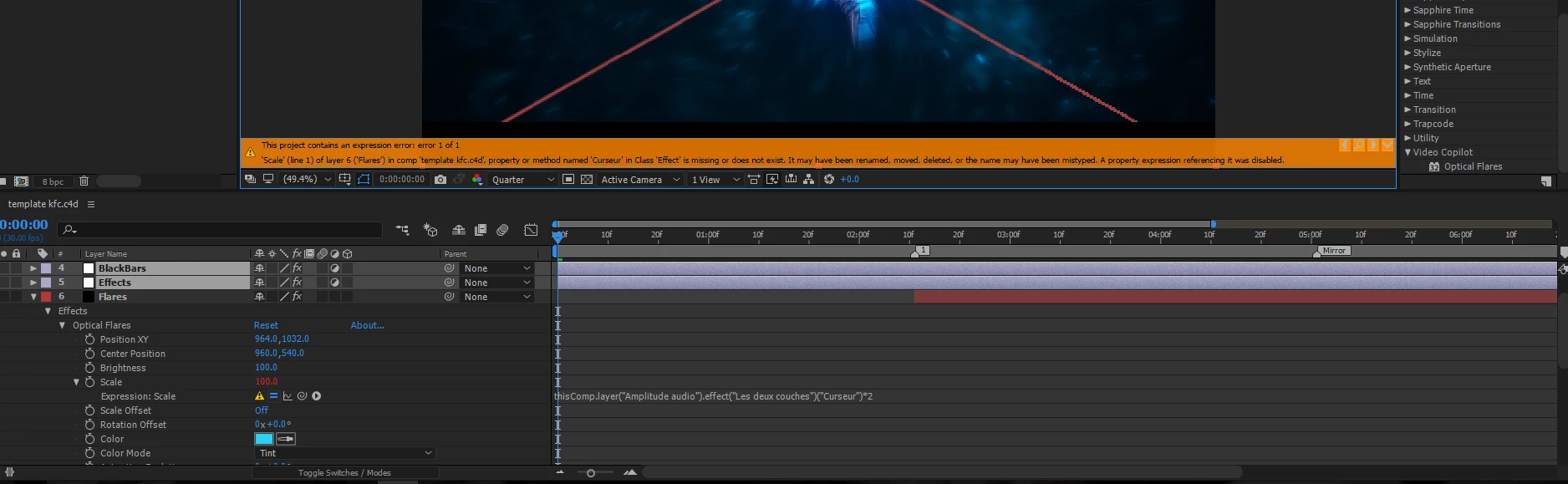
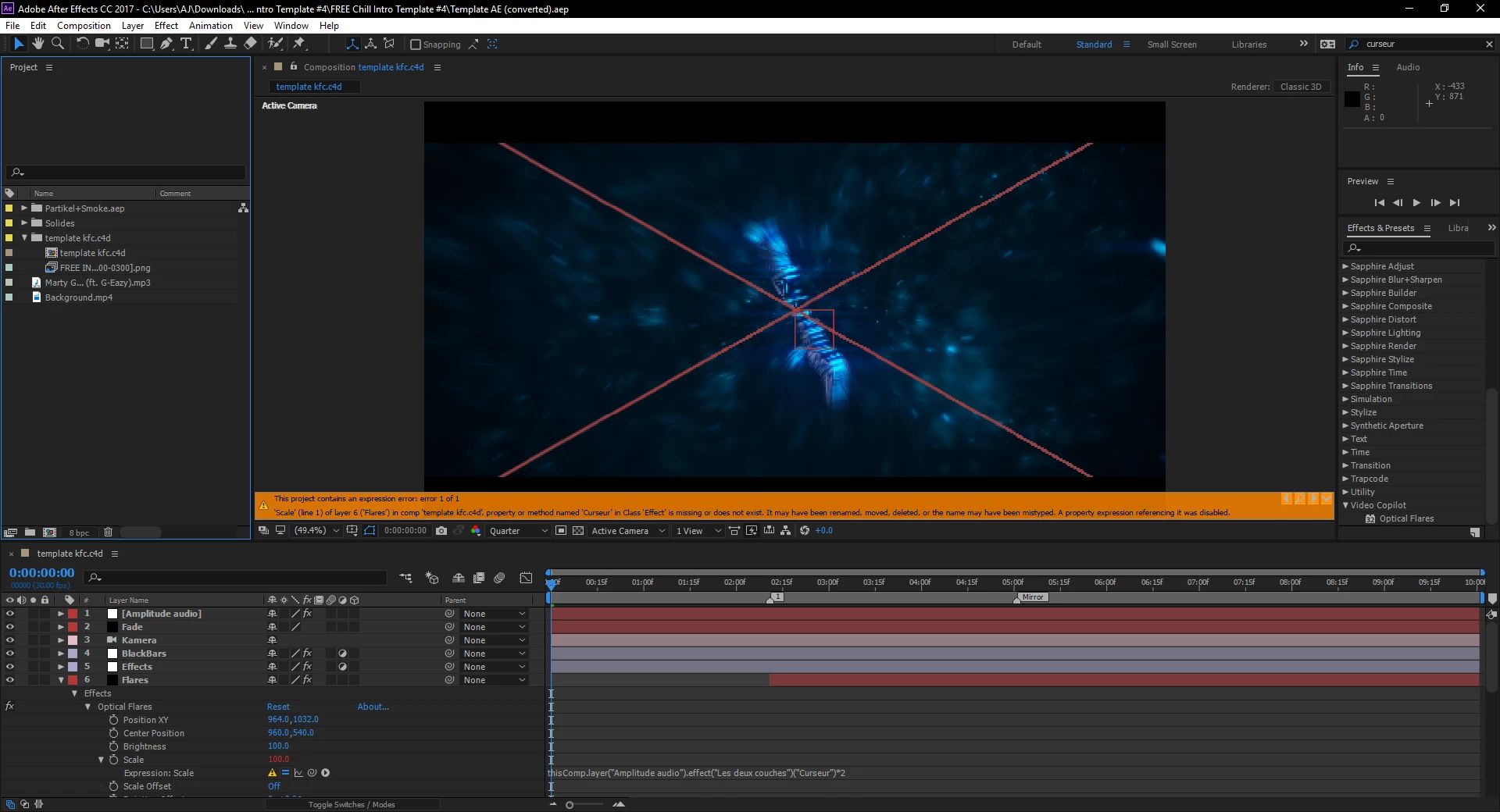
For hours i have been trying to take of a red x of an after effect project i was trying to render. Then i finally found the expression error. Been trying to see how to fix this for so long any help will be appreciated.

    This topic has been closed for replies.

    3 replies

    Participant
    September 30, 2022

    Hi friend,

    I have solved this problem.

    But the reason may not be the same.

    Here is the solution.

    When i search my project file.

    I just found two identical compositions with the same name.

    When I change one of the names.

    The err just be gone.

    Hope it help.

    have a good day.

    Participant
    May 4, 2017

    Thank you. I looked into what you said. The only problem was that I couldn't find the effect it says it was missing. When I looked closer I found out that the effect that is missing was written in french. So maybe that's why it says the effect was missing. Do you have an idea on how to change it.

    Roei Tzoref
    Legend
    May 4, 2017

    Ah ha. in the "effect" layer you should see different parameters when you open the effect controls panel. look for the one named "curseur" and change it to... "Slider" maybe?

    Roei Tzoref
    Legend
    May 4, 2017

    the X is because your plugin is not registered so it is on "trial" mode. this you have to fix through the effect controls when you have the effect selected. the expression error is telling you exactly what's wrong (some of the time its more difficult to understand). it is pointing you to the layer is using the code (named "flares) and that code is referencing a property that does not exist in the layer "effects". you should check the "effects" layer and see where that property is or relink to the right property.

    expression errors have significantly improved since CC2015 (it wasn't always easy to find a missing expression) and when you get the orange bar, you can just click on the magnifying glass icon at the right of the orange warning bar and go straight to the expression that's causing the problem (from where ever you are!)