Copy link to clipboard
Copied
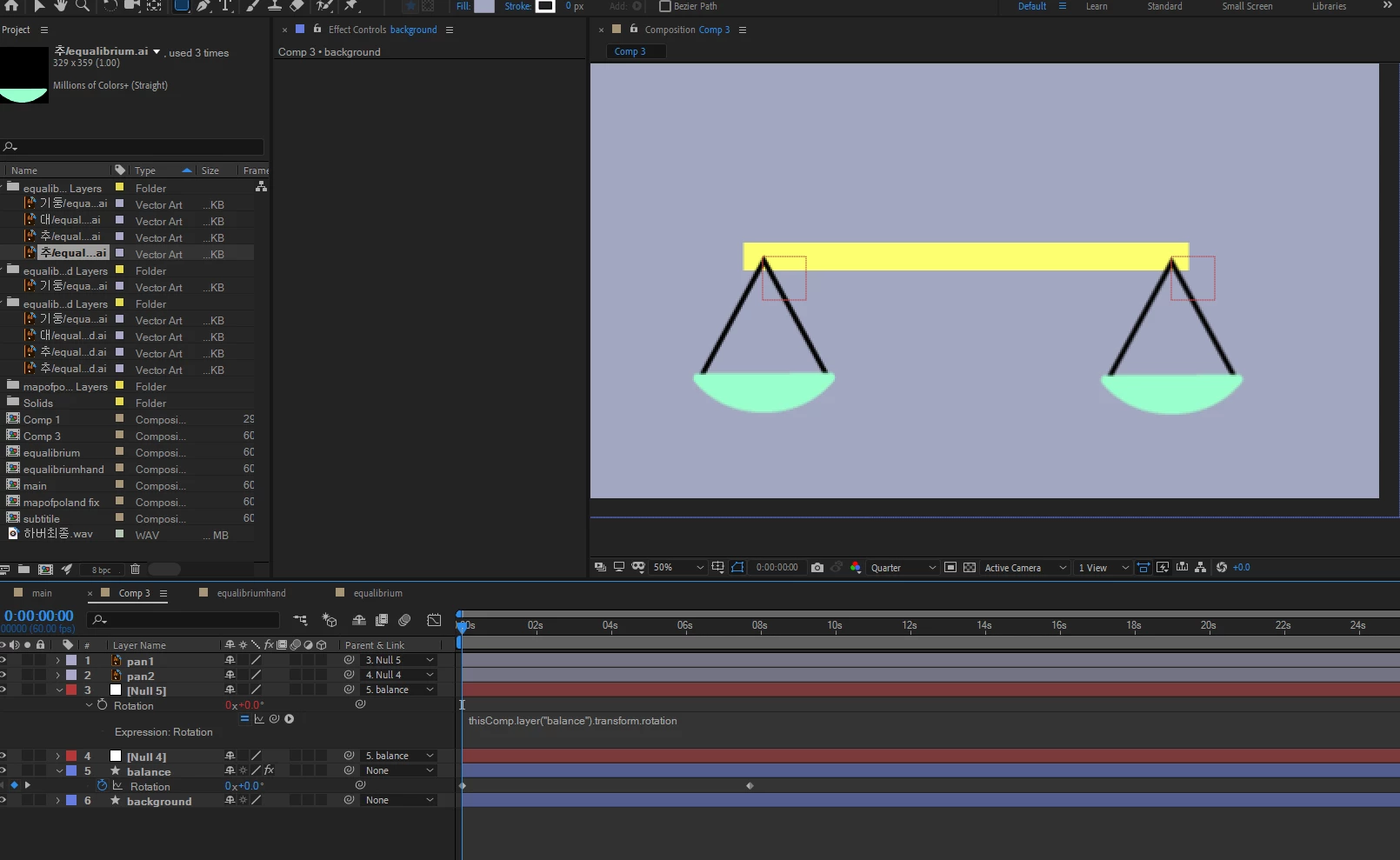
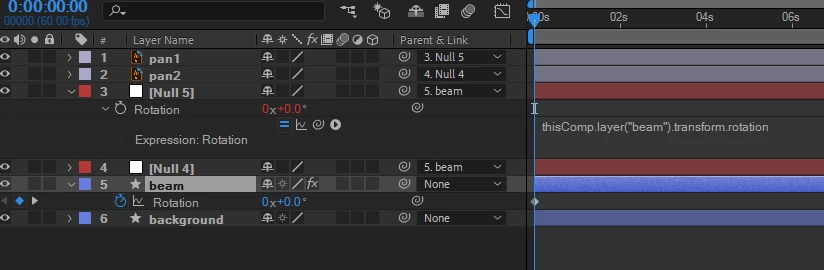
Im making a scale and i want the pan's rotoation to stay still while attached to the beam so i wrote 'thisComp.layer("beam").transform.rotation'. All i need to do is reverse the rotation of this.
Pls tell me how to reverse the expression or, if there is a better way tell me that too!
Copy link to clipboard
Copied
Use this Expression instead of the one you are now using -
-(thisComp.layer("beam").transform.rotation)
What I've done is to place a negative Math Operator at the front of the Expression to obtain the inverse of the Parent Layer's rotation property.
Copy link to clipboard
Copied
You way over complicated the process. You don't need all of the nulls, you just need to move the anchor points to the right place which is incredibly easy with Snapping turned on and the Anchor Point tool (y). The only thing you are missing from your expression is the - sign.
The only expression needed:
- thisComp.layer("Beam").transform.rotation
All you need in the comp:
Took me about 2 minutes.
Get ready! An upgraded Adobe Community experience is coming in January.
Learn more