
Participant
January 10, 2023
Question

Failing bodymovin when rendering

  • January 10, 2023
  • 2 replies
  • 1098 views

Hi, 


I'm trying to render a animation from AE with bodymovin so I can load the Json-file into Squarespace. I'm very new to the animation world and AE in that matter. What I'm doing wrong? 


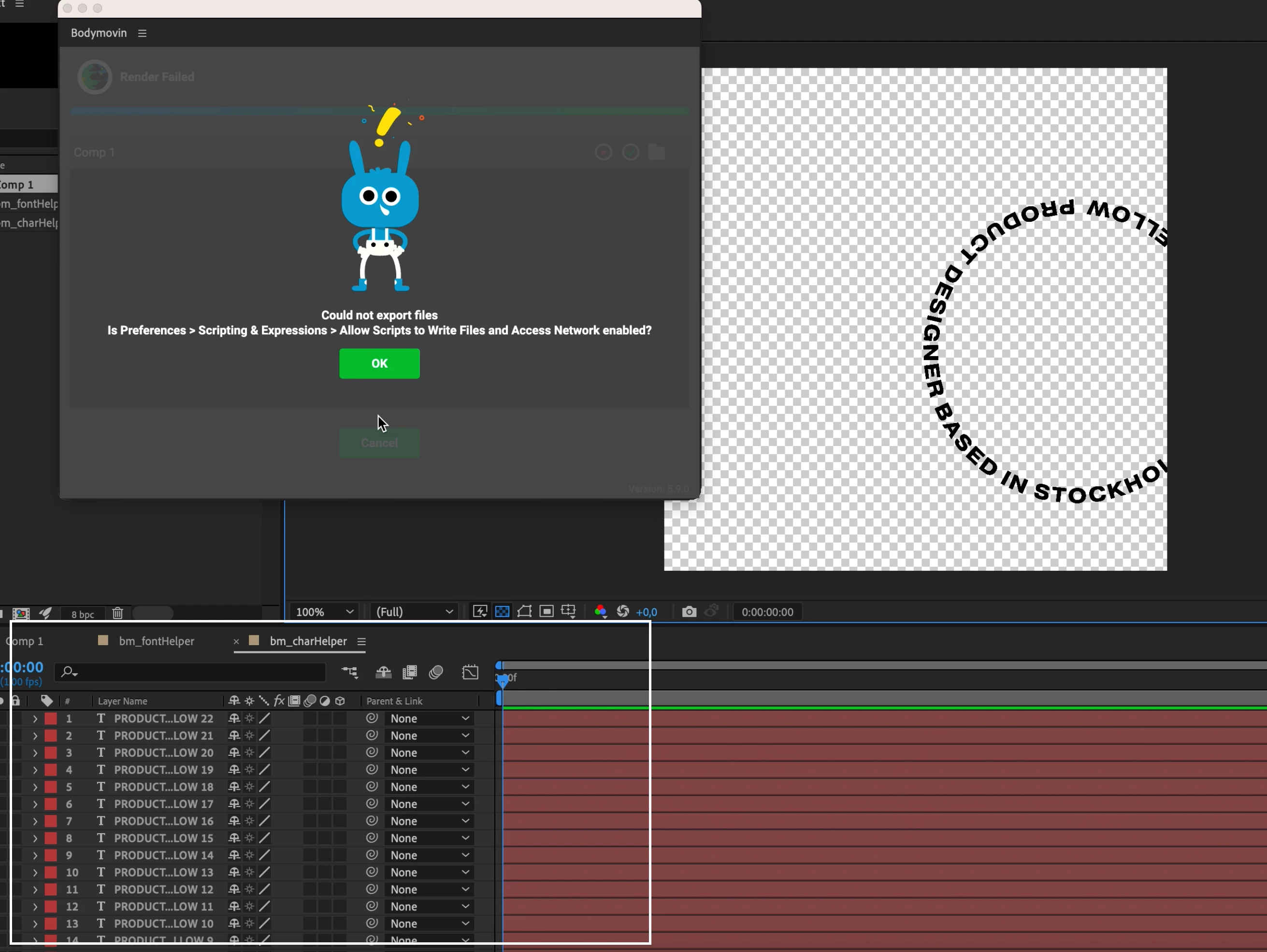
When rendering you can see that a lot of Layers are being created below as well. And then it just "fails". If you have any suggestions on where to learn this. 


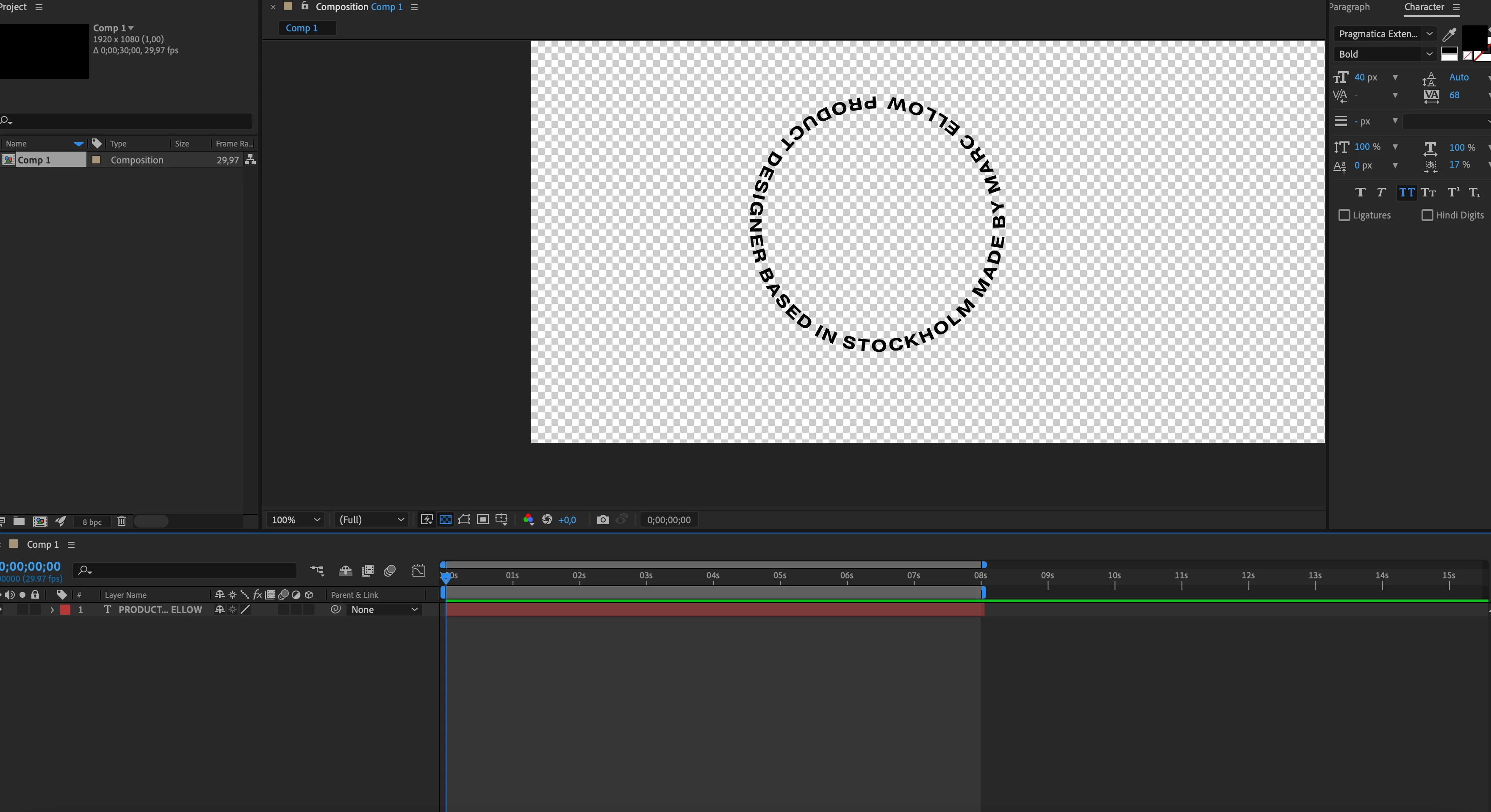
The animation is only a rotating text:


The error when I'm rendering the file to json:
 

Thanks in advance!

This topic has been closed for replies.

2 replies

Mylenium
Legend
January 11, 2023

Yes, that's what a GIF would do. It is not recommended to do this directly in AE, though, due to the limited control over compression and quality, so render a clip to a format that supports transparency like ProRes or a PNG sequence, import it into Photoshop's timeline and export it from there using the legacy Save for Web.


Mylenium

Mylenium
Legend
January 10, 2023

The thing you are doing wrong is to create content that cannot be rendered dynamically as a HTML canvas/ JSON/ SVG. It might help to read the Bodymovin' help on what features are actually are supported. What you have here will never work and it would be more productive to simply render it as an animated GIF. Otherwise you'd have to convert everything to shape layer and animate the motion with actual per letter keyframes so they get converted to transform properties in the code, which of course would be a major task and then of course it becomes a matter of using the wrong tool. Animate would be much better then...


Mylenium

Participant
January 11, 2023

Thanks for the input Mylenium. Is it posible to render the animation with a transparent background so it can fit into any colour background? 

Marc


Lik