

Question
FAQ: How to fix After Effects error: could not parse mask shape on clipboard
It could be frustrating if you ever run into the "Could not parse mask shape on clipboard" error in After Effects.
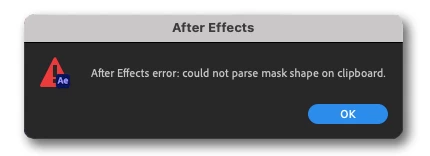
Why do I see this error?
You may see this error if your clipboard contains something that After Effects can't analyze. Users often report that they see this error message after using Illustrator. It could be a raster image, a complex shape, path, or link from Illustrator or any other application.
Solution:
Our community recommends the following solutions:
- If you are working side by side in Illustrator and After Effects, copy a simple shape in Illustrator. If you are not using Illustrator, copy text from your browser or any other application. That will replace the data on the clipboard with the text you copied.
- Restart your computer to clear the clipboard.
- If the solutions above don't help, reset the After Effects preferences.
- If nothing else works, reinstall After Effects and Illustrator but don't import preferences from previous versions.


 AdChoices