Inspiring
February 28, 2022
Question

Growing Arrow Animation

  • February 28, 2022
  • 2 replies
  • 1204 views

Hi, 

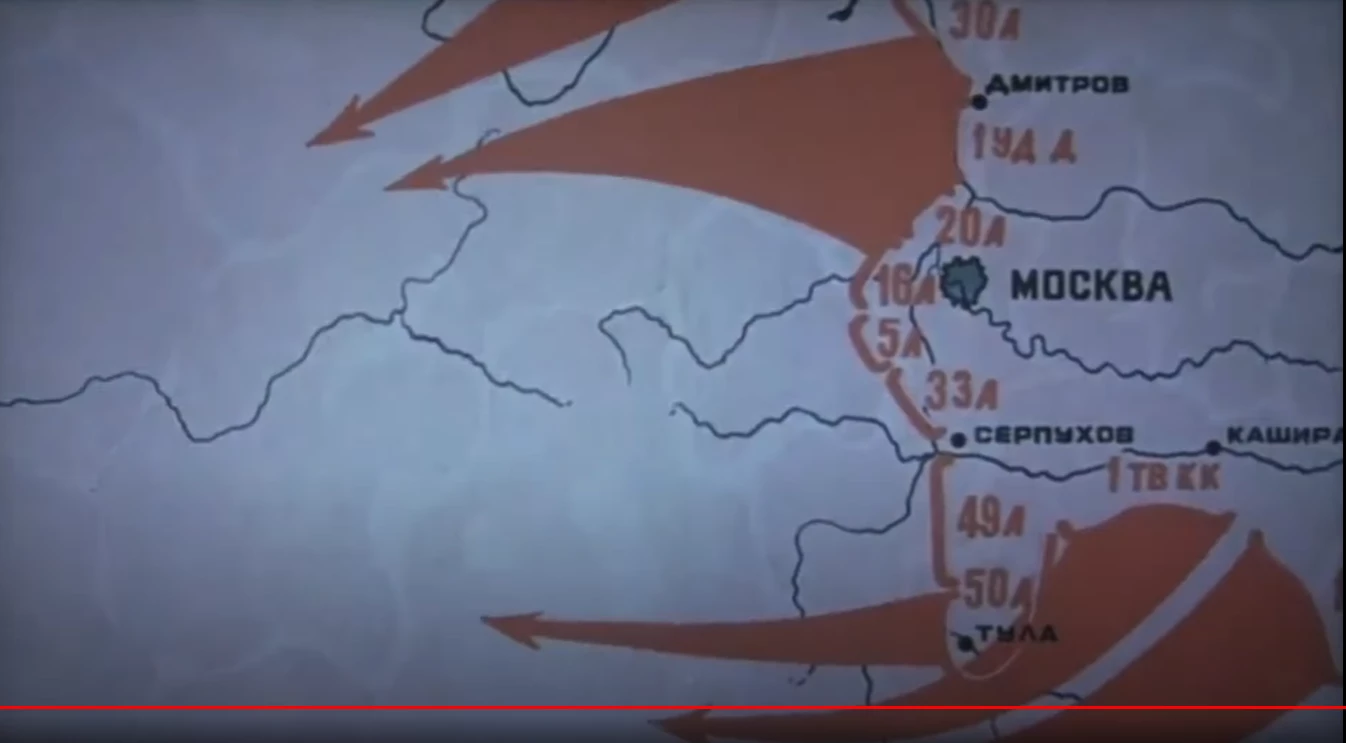
I am currnetly trying to animate something like that:
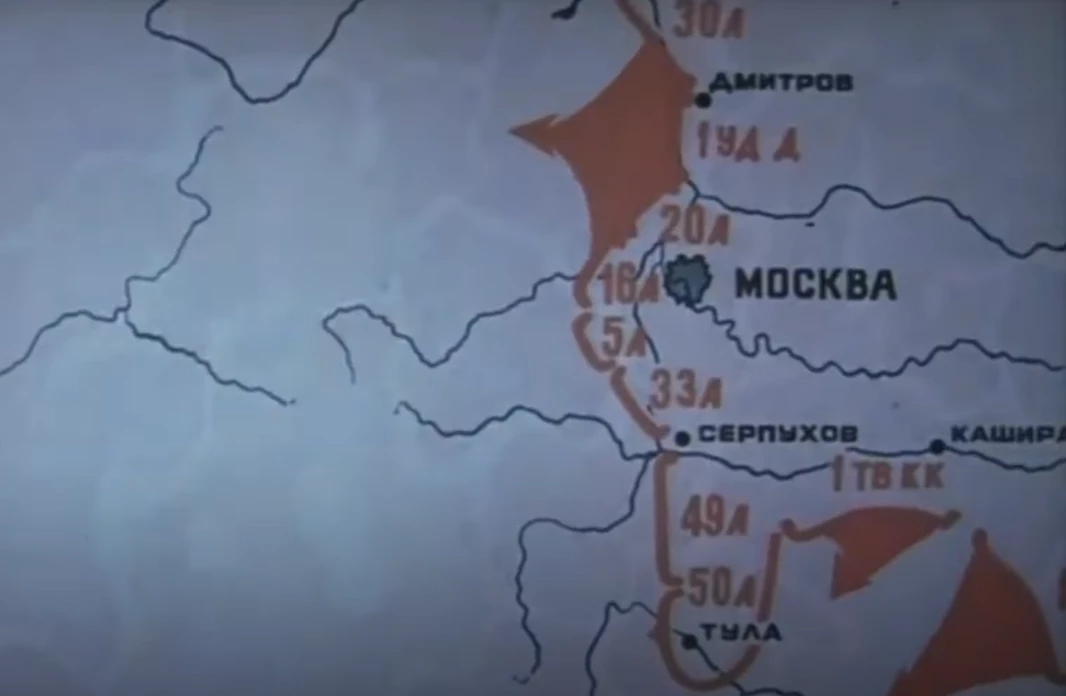
Can someone tell me how they would animate those arrows? I tried it with a shape that I morphed with a path animation, but how to stick the arrow to this shape? 


Thanks a lot for everyone who helps.

This topic has been closed for replies.

2 replies

Kyle Hamrick
Community Expert
Community Expert
March 1, 2022

+1 for Mylenium's suggestion. 
The "Create Nulls from Paths" script (included with AE) will get your arrow to follow a path easily. The new-ish tapered stroke features would be a good way to get the spreading base of the arrow, as well. 

You'll need to do some extra work (Mesh Warp or Puppet Pin?) to stylize it exactly like the above, but if you're looking for a clean/modern version of this, the above should handle it. 

If you want something that's even easier to control, I created a free tool that does arrows easily. You have to edit the path (or paste another one in its place), and you'd have to manually dig into the shape layer and add the taper, but you might find it useful. 

Inspiring
March 2, 2022

I tried it with the tapered Strokes and it worked well for me, however I still have some problems with the Arrow, attaching it to the Path.

I made the animation without the arrow by transforming the stroke with tapered end Length at 100%, then triming the path. By that I get that extending animation like in the pictures above. However, the problem is with the arrow. I tried two different ways for that, none worked:


1. Creating the arrow, then creating Nulls from Paths. When I do that. the arrow never "snaps" into place and follows along the path, it is always way off, and the roation two. I checked it serveral times, my worksteps were all correct, and still the arrow is off.


2. Creating an arrow, copying the path of the shape onto the Arrow Position Property, then in Layer > Transform > Auto-Orient > Orient along Path. With this it works fine, but here is the problem. The path starts at 0, but my trim path property on my shape layer isn't at 0 but ~10%. I can't adjust the path, because if I do, the whole Path Orientation is well off, and the arrow doesnt move along the Shape properly. So I am not able to place the arrow on the spike of my Stroke without setting the orientation off.


Any ideas?

Kyle Hamrick
Community Expert
Community Expert
March 2, 2022

On #1, I'm wondering if you might have some internal Position adjustments on the arrow shape (or group) that are offsetting it. Shape layers can be a little confusing in that aspect, since there are multiple places that a given shape can actually be Transformed. 


I saw you downloaded my preset - are you not able to get that working as intended either? 

Mylenium
Legend
March 1, 2022

Add a specific point to the tip of your prongs, use the "Create Nulls from Mask Points" function, parent the arrowhead to the resulting null.


Mylenium