Inspiring
March 27, 2018
Answered

Hello, is there an effect that can help me randomise squares opacities?

  • March 27, 2018
  • 3 replies
  • 1990 views

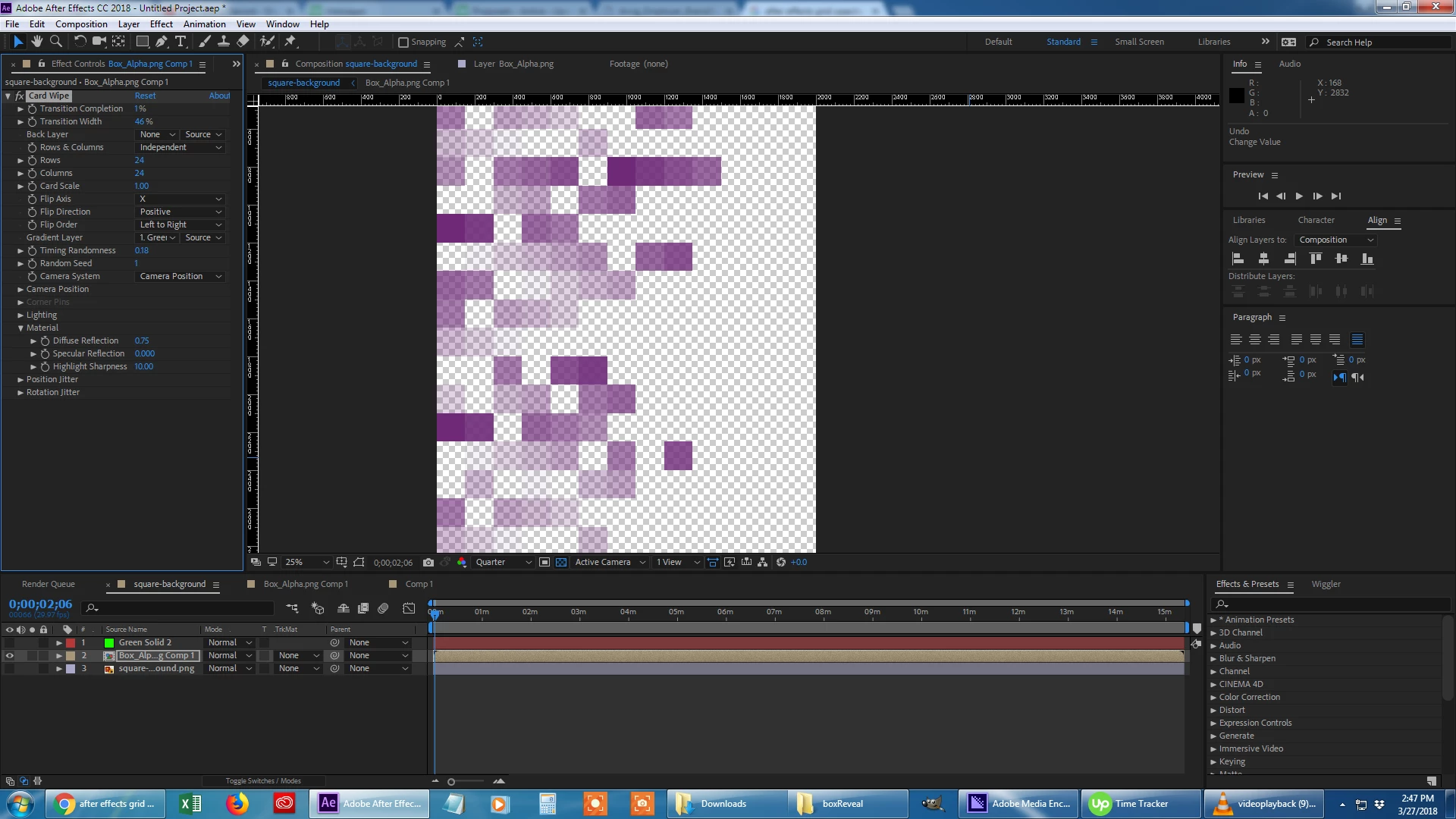
So i have this image, see below, and what i want to do is to have these squares rotate in and then after have their opacity oscillate between 0-100, but have it randomise for each square.  I figured out to make them rotate in with card wipe, but i'm not sure if there is an effect that will help out opacity.  I could just do it by hand, but i'm curious if there is a faster way with a effect?  
    This topic has been closed for replies.
    Correct answer DigitalSpatula

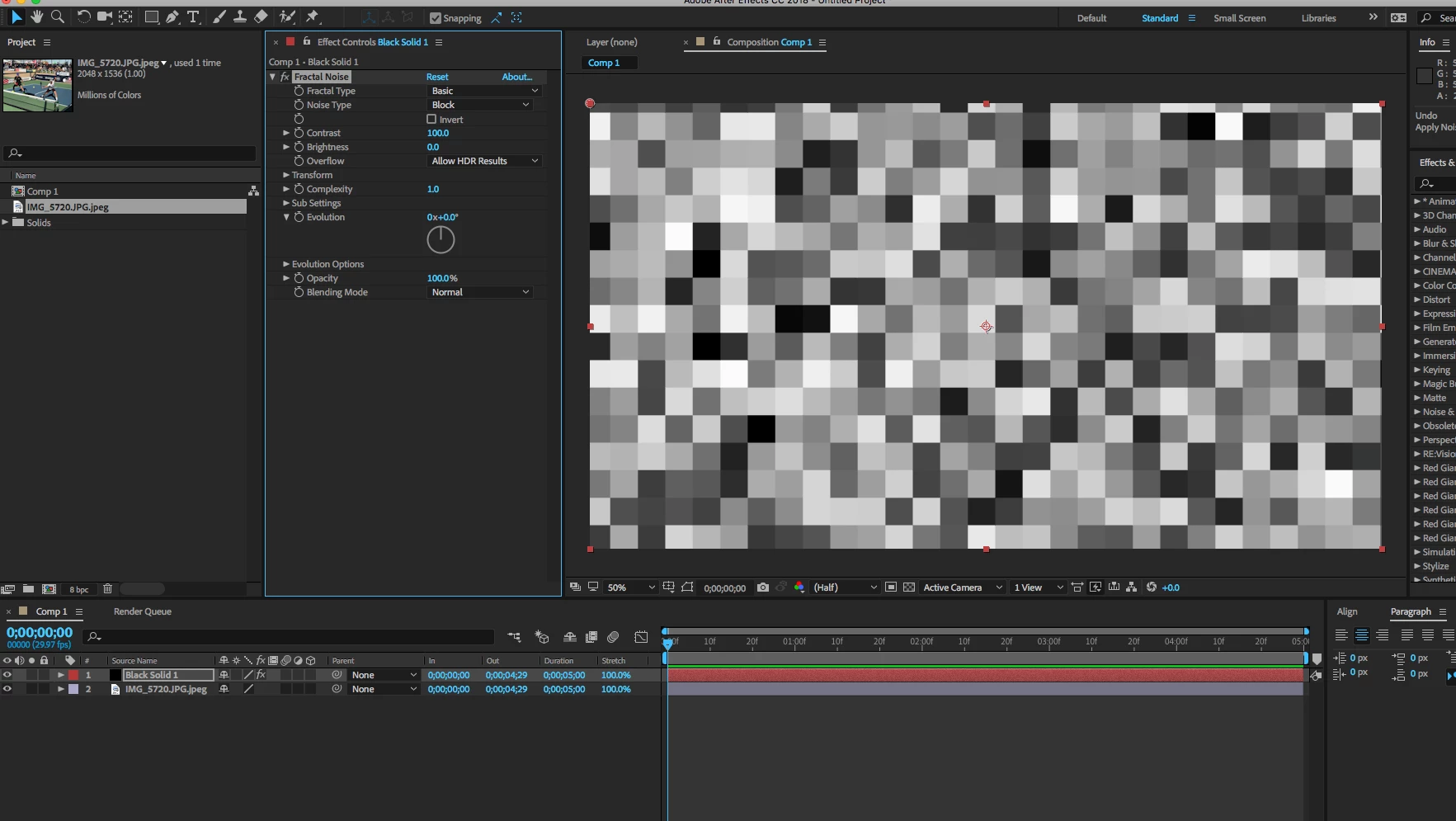
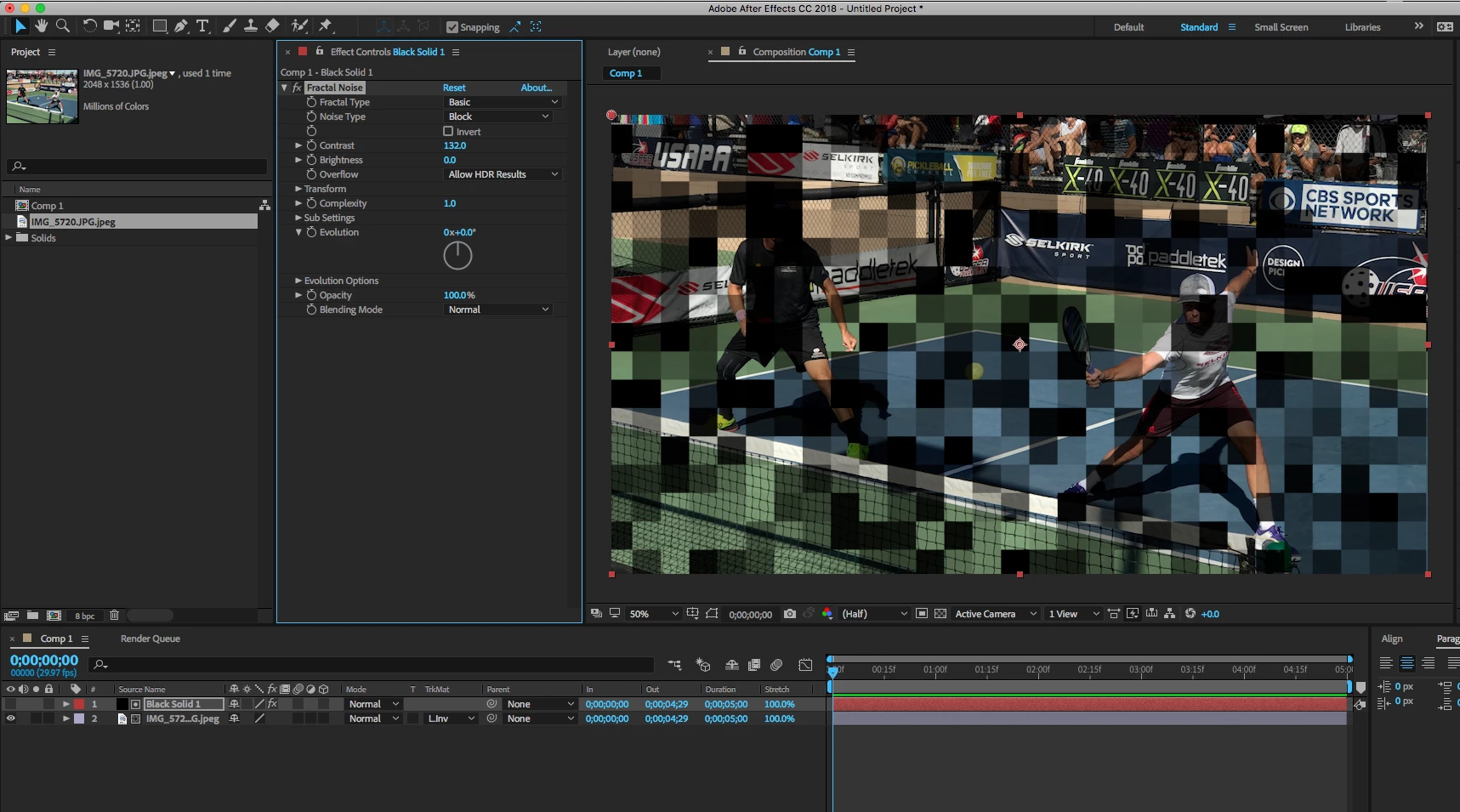
    You could use the Fractal noise effect on another layer to generate a cube type image with random shades of grey. Then use that as a lumi matte for your main layer.

    Steve

    3 replies

    Andrew Yoole
    Inspiring
    March 28, 2018

    If each square within the precomp is an individual layer, you can apply a wiggle expression to the opacity of each layer.

    Select one square layer.  Press T to reveal opacity.

    Alt-click the Opacity stopwatch to create an expression, and type:

    wiggle(1,100)

    where 1 is the frequency of changes per second (1 change per second in this case), and 100 is the amount of change (from 0 to 100 in this case).

    Then choose Edit/Copy Expression Only, select all the other square layers, and paste.

    You can get much more fancy and use Expression Controllers to control these parameters more easily, but the basics are there in this example.

    DigitalSpatula
    DigitalSpatulaCorrect answer
    Inspiring
    March 28, 2018

    You could use the Fractal noise effect on another layer to generate a cube type image with random shades of grey. Then use that as a lumi matte for your main layer.

    Steve

    Inspiring
    March 28, 2018

    Hey Steve, i didn't know you can use fractal like that.  Thanks a bunch.  I ended up following that thread, which used mosaic after fractal. But i guess that way of doing things is obsolete now if you can just do the same thing as you say. 

    That is the effect i was going for. 

    Thanks again.

    Chris. 

    Inspiring
    March 27, 2018

    Found this thread, CreativeCOW