
NitroDesign
Known Participant
June 16, 2020
Answered

Help AE is COMPLETELY blank and everything is greyed out

  • June 16, 2020
  • 5 replies
  • 6473 views

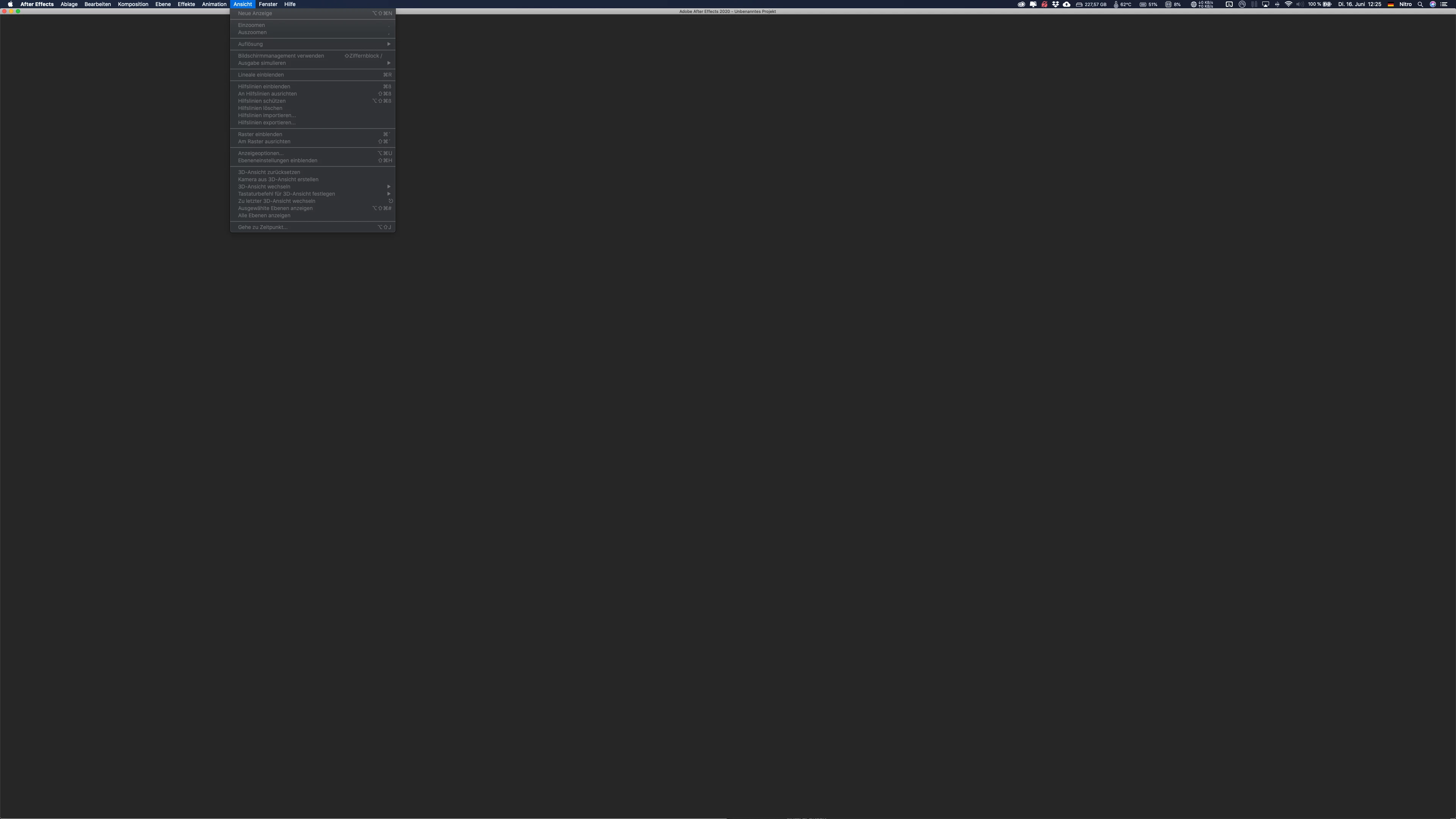
Hi im using AE for years and i had my fair share of trouble shooting to do but this one is new and nothing helped so far. I started AE today and it is absolutely blank and almost every menu text is greyed out.


I have tried: Close+reopen AE, Mirror my screens (to see if the panels hide somewhere), tried to access the view menu or shortcuts, Restarting my mac.

Is there anyone who had this or has an idea how to fix it? My version is 17.1.0 (Build 72)
Correct answer K/Redtree

My solution to this problem;


I had a warning pop up stating my scratch disk is nearly full. For some reason this pop up window had opened all the way to the right hand side, and without clicking 'okay' everything else was greyed out. 


After a lot of messing, I just noticed it, dragged it out and clicked 'okay' and voilà !!!

5 replies

K/RedtreeCorrect answer
Participating Frequently
July 15, 2023

My solution to this problem;


I had a warning pop up stating my scratch disk is nearly full. For some reason this pop up window had opened all the way to the right hand side, and without clicking 'okay' everything else was greyed out. 


After a lot of messing, I just noticed it, dragged it out and clicked 'okay' and voilà !!!

NitroDesign
Known Participant
June 29, 2020

Sorry for my late reply. Rick is 100% correct! I figured it out during the day when i restarted it a few times and saw the small (Render Engine) text next to the name of the starting app. This doesnt change my confusion as to how the AE in my app menu got switched out with the AE Render Engine but im sure this must have been an OS derp and not an Adobe Bug.


nishu_kush
Community Manager
Community Manager
June 18, 2020

Hi NitroDesign,


Were you able to solve the problem? If so, would you mind sharing what did you do to make it work? It'll be helpful for other users.


Thanks,

Nishu 

Community Expert
June 17, 2020

This has nothing at all to do with your preferences. You have opened the Render Engine. You can confirm that by opening the About panel.


Close the app then re-open using the correct application. The program icons are identical, but the app names are different. 

tunghoy
Inspiring
March 17, 2022

I had the same question and your answer was correct for me too, thanks. The application icons are identical and the names of the applicationson on the launchpad are truncated with ellipses. Adobe needs to do user testing.

ToolfarmJP
Community Expert
Community Expert
June 17, 2020

Would you try to reset your preferences?


To restore the default preference settings, press and hold the following keys while the application is starting.

Command+Option+Shift (Mac OS)


https://helpx.adobe.com/after-effects/using/preferences.html