therealgamertrgonyt
Inspiring
February 4, 2019
Answered

Help, I don't know what I'm doing.

  • February 4, 2019
  • 4 replies
  • 2001 views

Hey, guys, it's me again...

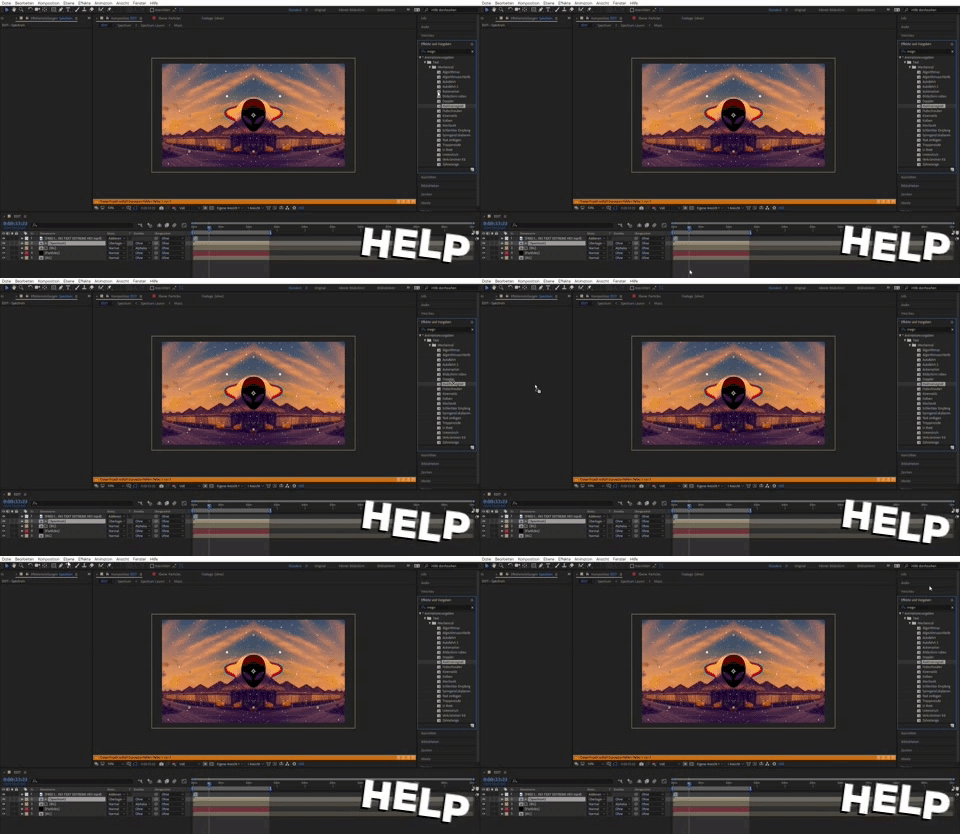
This time I have the problem that I can't insert the effect 'magnify'. No matter where I go, everything else works.

Do you know what I have to do?

Greetings

Your TRG

This topic has been closed for replies.
Correct answer P.M.B

Since you're ignoring the expression error Rick pointed out, I will as well.  So apart from that...

First of all you're not even applying the Magnify effect you're trying to apply a text preset.

On top of that you seem to be trying to apply it to a composition.

So.....?????

4 replies

April 28, 2022

Hello i need help with slow motion i dont know what i moverd but now my clip is in slow motion and i dont know how to change it back and my clip is not smooth.

April 28, 2022

moved*

therealgamertrgonyt
Inspiring
February 4, 2019

P.M.B
P.M.BCorrect answer
Brainiac
February 4, 2019

Since you're ignoring the expression error Rick pointed out, I will as well.  So apart from that...

First of all you're not even applying the Magnify effect you're trying to apply a text preset.

On top of that you seem to be trying to apply it to a composition.

So.....?????

~Gutterfish
P.M.B
Brainiac
February 4, 2019

Also the image you shared is 480 x 278.  If you share another screen shot make sure it's large enough that we can see. Minimum 1280 x 720 but 1920 x 1080 is even better

~Gutterfish
Community Expert
February 4, 2019

All I can see from your screenshot is that you have an expression error. Get rid of that, select a layer, then double click Magnify in the Effects And Presets panel.

If that does not work create a new comp, add a solid, select the solid in the timeline then double click Magnify in the Effects and Presets Panel or drag it to the layer in the timeline or comp. If that works then there is something going on in your main comp that you have not explained or shown us.

If that does not work, save, close AE, reboot, and try again. If it still does not work, reset your preferences.

If that does not work show us a screenshot that shows all modified properties of the layer giving you problems. Just press the U key twice, PrintScreen and paste the screenshot to the forum so we can see what you are up against.

therealgamertrgonyt
Inspiring
February 4, 2019

I got the screenshot

And i dont know how to fix it, im a noob in AE

Do you have TeamViewer or something?

P.M.B
Brainiac
February 4, 2019

therealgamertrgonyt  wrote

im a noob in AE

Do you have TeamViewer or something?

I can see that.

Forget about your audio visualizer video.

Learn how to use After Effects.  https://helpx.adobe.com/after-effects/tutorials.html

Do the projects that the tutorials tell you do.  They're designed to teach you After Effects.

And no, I don't have team viewer. 

~Gutterfish