I would start by Pre-composing the trimmed shot in the timeline, moving all attributes to the new comp, and trimming the comp. Then, I would switch to the Motion Tracking workspace and apply Warp Stabilize. Change the settings by turning on Preserve Scale, Advanced/Detailed Analysis, and Advanced/Rolling Shutter Ripple/Enhanced Reduction.
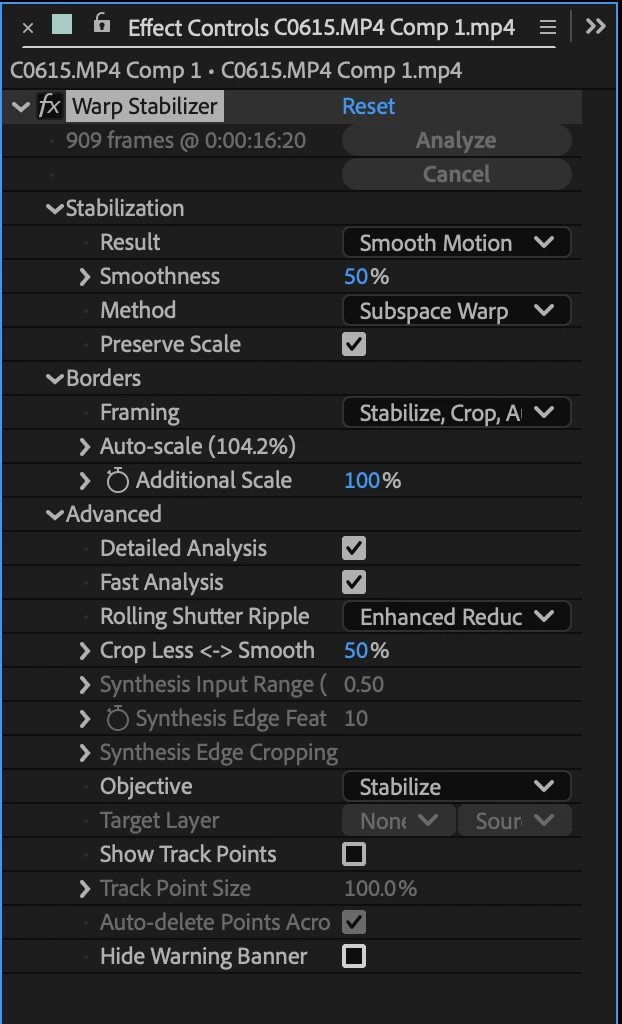
That should give you about as smooth a shot as you can get with minimal cropping..
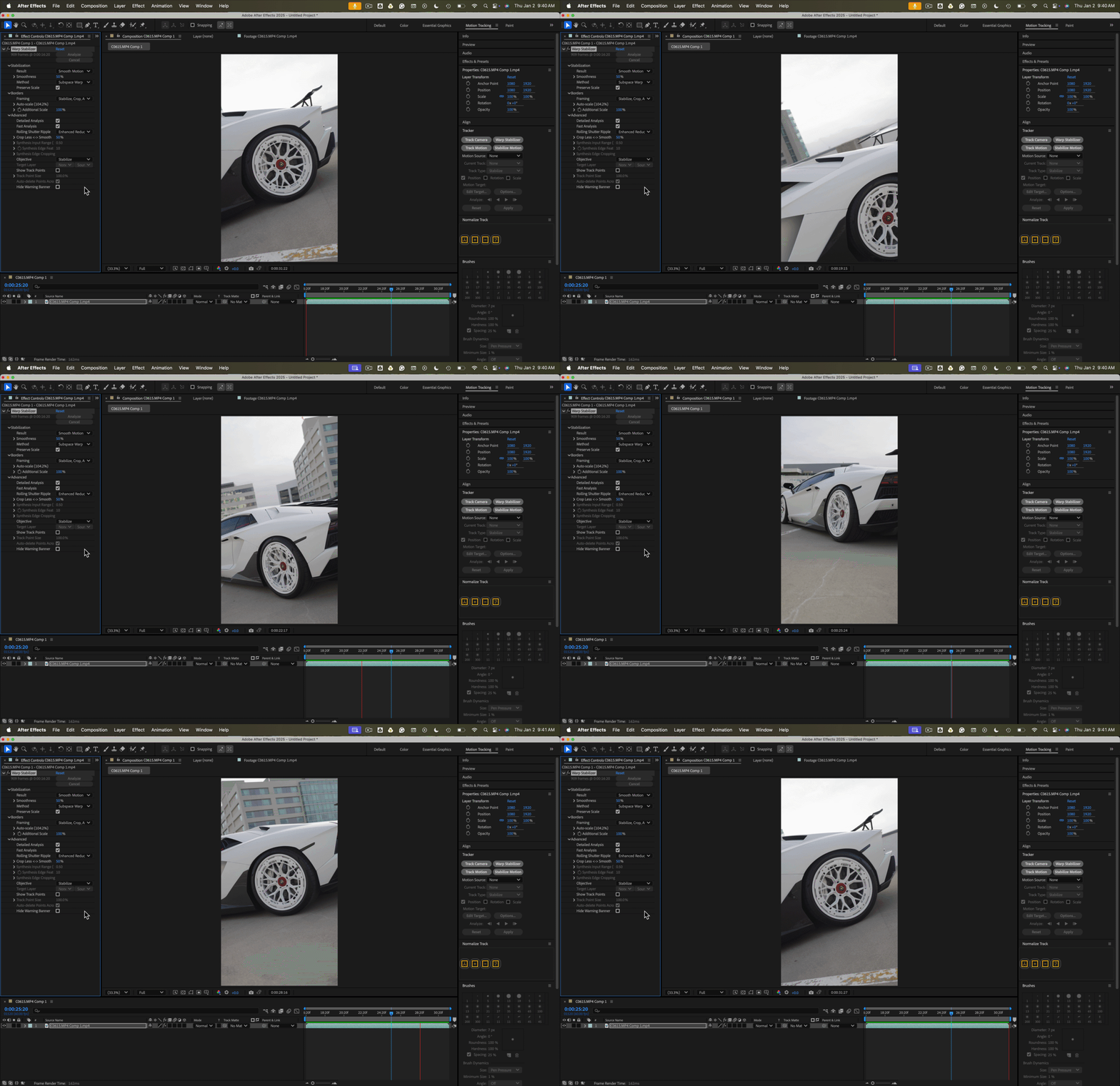
The gif looks jumpy because it is only 8 fps.
Then, create a new composition longer than the clip, drag your Warp Stabilized comp into the new comp, and apply Time Remapping to create your speed changes. Just applying time remapping Time Remapping to a Warp Stabilzed clip will not work.
If Warp Stabilizer takes a long time to run or your computer just barely meets the minimum system requirements, I recommend that you use the Composition-Pre-render menu to pre-render the Warp Stabilized shot before you try time remapping. The Rendered comp will not loose any quality if you use this workflow.

 AdChoices