Participant
March 3, 2023
Question

help with video to make transparent. keep getting black background.

  • March 3, 2023
  • 2 replies
  • 506 views

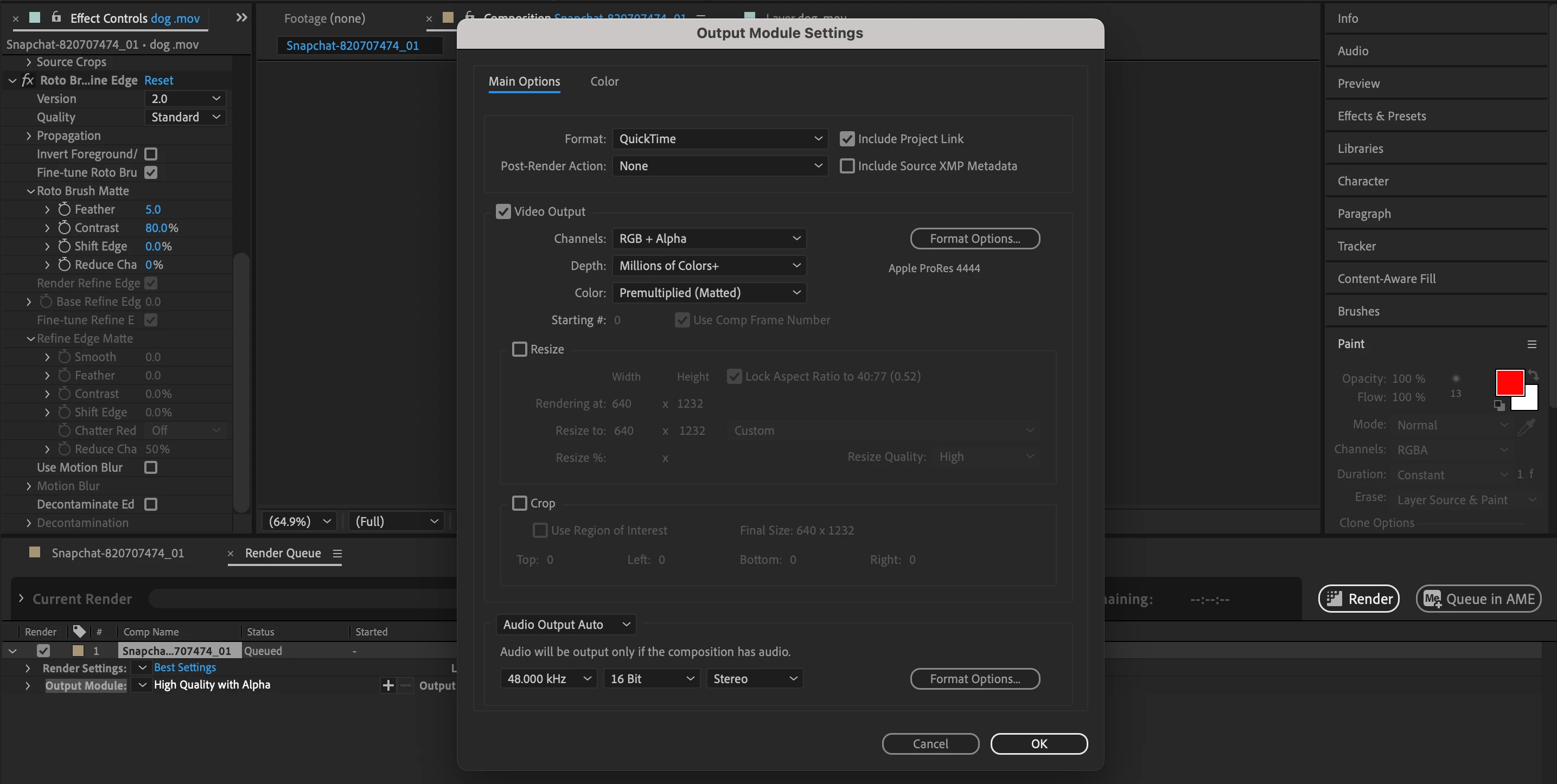
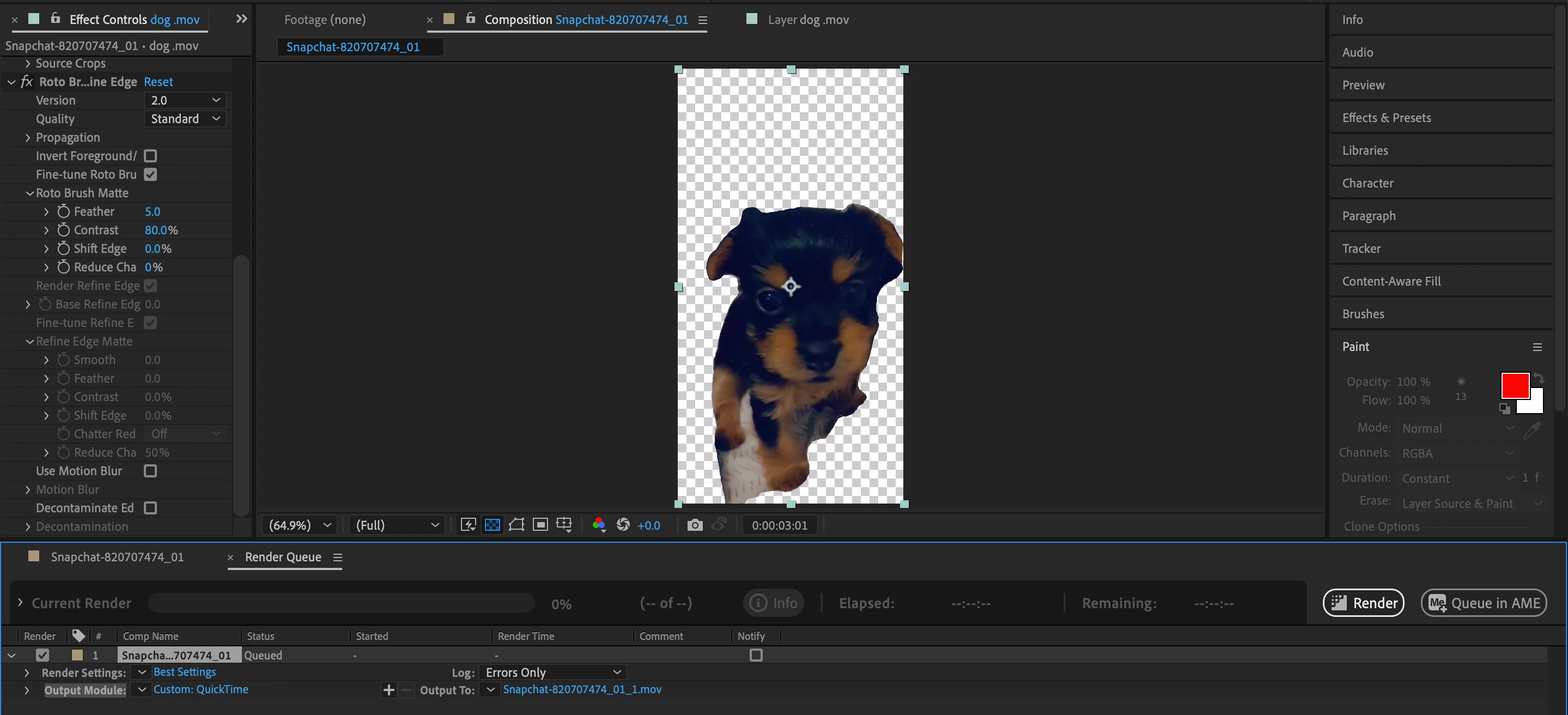
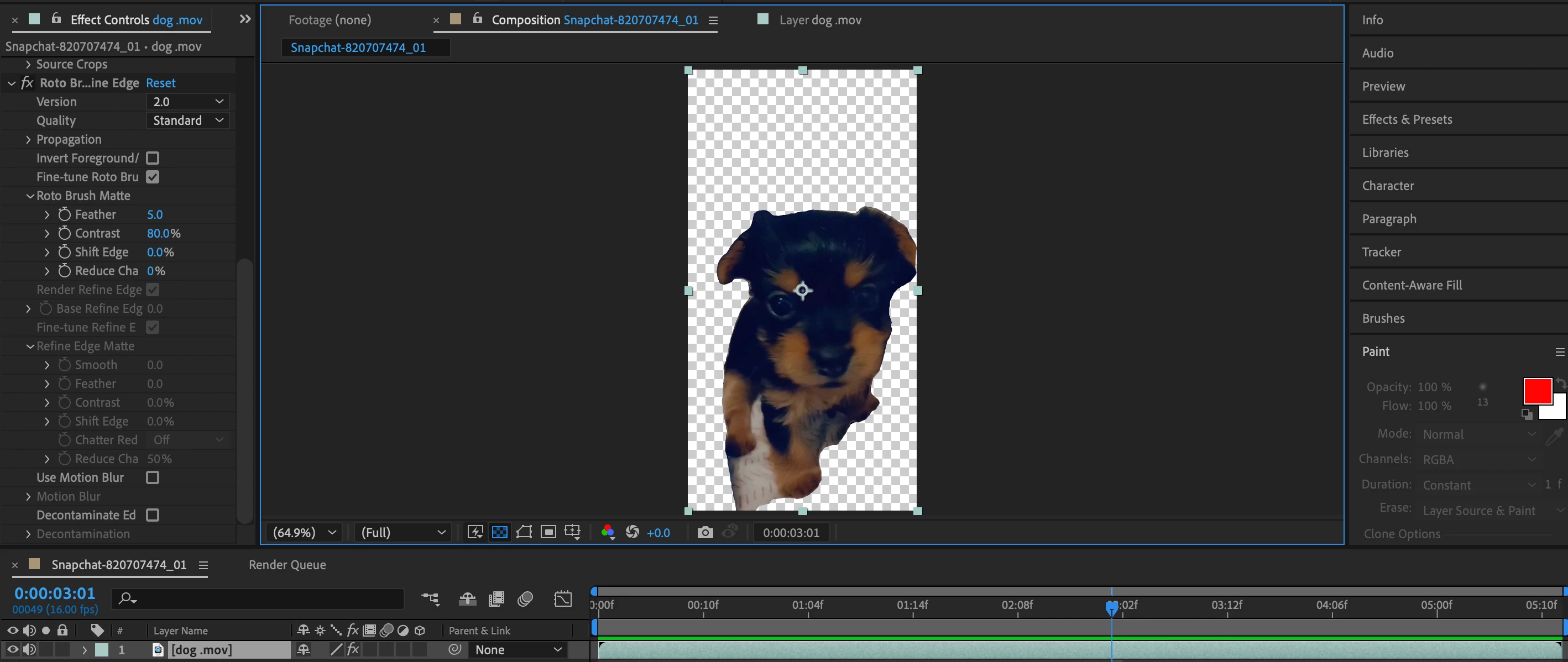
Hello everyone, so I keep following tutorials on how to get rid of the black background I keep getting. I triple check that my output is set to quicktime > RGB + Alpha. I double check that there is no background color with the trasprant screen. Ive added the keytone too and that doesnt work. Ive exercised everything and still cant make it work. Anyone would be able to help assist me?! either i could send it out to someone or sit in a discord call with?!
Here are some screenshots of me trying again.....  hope this shows my flaw i cant see 
This topic has been closed for replies.

2 replies

Mylenium
Legend
March 3, 2023

Have you tried to directly render a GIF from AE? Have you opened your file in Photoshop's timeline to convert it?


Mylenium

Mylenium
Legend
March 3, 2023

Unless you reimport the clip into AE or another program that supports and interprets the transparency it will always show the default background fill in a normal video player. There is nothing wrong. The better question really is what you are actually trying to do.


Mylenium 

Participant
March 3, 2023

im trying to make this videos background transparent. i used the rotobrush to select what i want to be transparent. at the end of it all i want to make this video into a GIF w/ a tranparent background.