Participating Frequently
June 16, 2022
Question

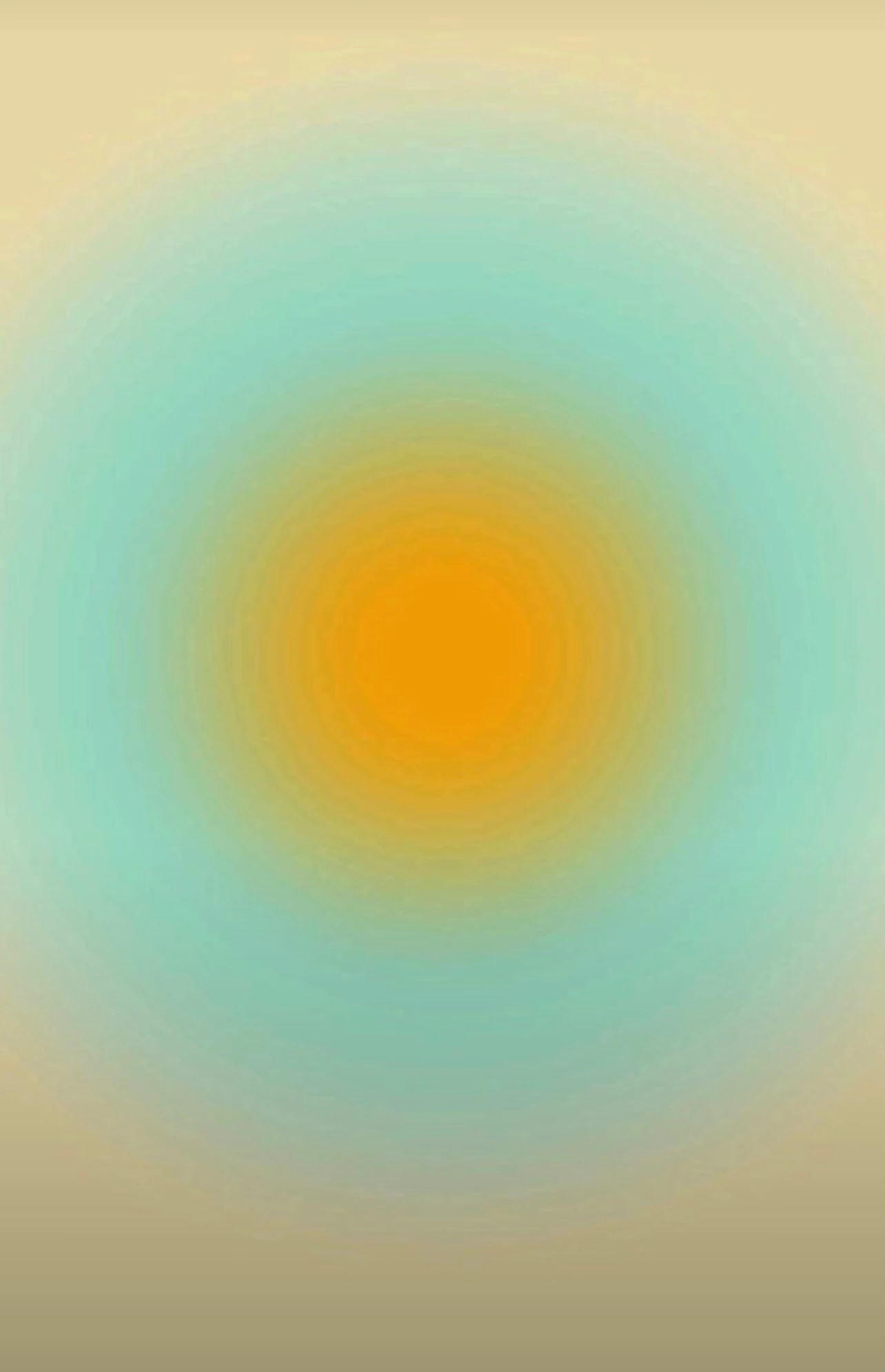
Hi, how can I recreate in after effects this image, my goal is to make it pulse
  • June 16, 2022
  • 2 replies
  • 652 views

Hi, how can I recreate in after effects this image, my goal is to make it pulse

This topic has been closed for replies.

2 replies

Mylenium
Legend
June 17, 2022

You can simply duplicate the effect in the stack. AE basics. That said, sometimes things can't be done the simple way if you want them to look good and from years of experience faking light effects with feathered circles I can only tell that a "dumb" linear approach rarely ever works due to how the human eye perceives things. As soon as one of your circle begins to pulse, the feathering will seem to change thickness and colors appear to change when multiple instances are overlaid. You may simply not be able to avoid having to work with more layers and multiple effects to realyl make it look awesome...


Mylenium

Mylenium
Legend
June 16, 2022

Effect --> Generate --> Circle. Just stack a few of them and animate whatever parameters you need.


Mylenium

Participating Frequently
June 16, 2022

thanks but is there no better option then duplicating tons of layers to achive this look?

after effects has en effect which is called echo, but it works when position for example is animated, so I was hoping for something similar. I guss this image could have been made in photoshop with some "gradient radial outward something"


I also tried to make a very hard feather and it does create this edgy circles on top of another but they are too small and the seperation is not as bold as in this image

ShiveringCactus
Community Expert
Community Expert
June 17, 2022

I was able to make a stroked circle and with a repater achive it like many circles, but look too nice an clean unlike the image


I haven't bothered matching your colours exactly, but a circle effect with a high feather and colorama, you can get pretty close, then just keyframe the circle's radius:


Shifting the colours round on colorama, maybe adding a few more will reduce any banding as the blue goes into the yellow.