You need to set up your scene in 3D space. It looks like you've already cut the BG out of your image, so that's a good start. Switch your views in the Comp panel to 2 View and set one to your front camera and the other to the Top View. Make both of your objects 3D by clicking the 3D Layer Switch in the Timeline. If you don't see switches, but instead only see blend modes, then hit F4 or the button at the bottom of the timeline that says "Toggle Switches/Modes."
- Move your image to the center of your frame from the TOP view, this way you can actually tell where you're positioning it.
- Create a Null object by right-clicking in the empty area of your layer stack and clicking New>Null Object and make that Null a 3D layer as well
- Move the Null to the same place that your image is in, via the TOP view. So that should be the center of the screen.
- Parent the Null to your image so it moves wherever your image moves
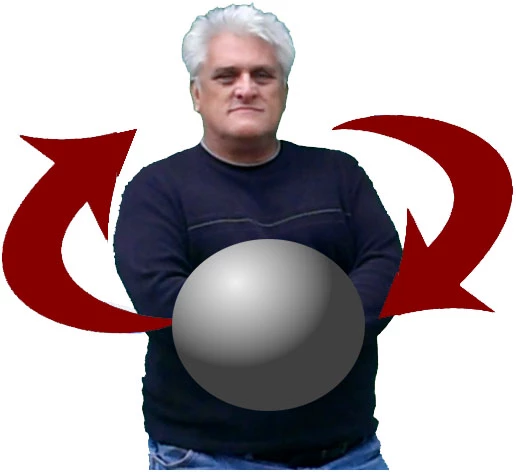
- Move the sphere (via the TOP view) to the center of the frame horizontally, and then drag it forward, so in the main camera view it's in front of your image.
- Parent the sphere to the Null.
- This now makes the rotational axis of the sphere at the center of the frame/aligned with your image.
- Rotate the Null's ROTATION parameter, NOT the Orientation parameter.
- Your Sphere will now orbit your image.
This won't take care of the fact that your sphere is likely a flat object and won't change shading or look natural as it rotates around you, but that's a separate issue.
This will also allow you to position a number of objects in a ring around yourself (again, via the TOP view), THEN you can parent them to the Null and continue to animate just the Null's Rotation parameter, effectively creating a solar system of objects with you at the center.

 AdChoices