MahaB82A
December 20, 2023
Answered

Hot key for Anchor point of a shape

  • December 20, 2023
  • 1 reply
  • 443 views

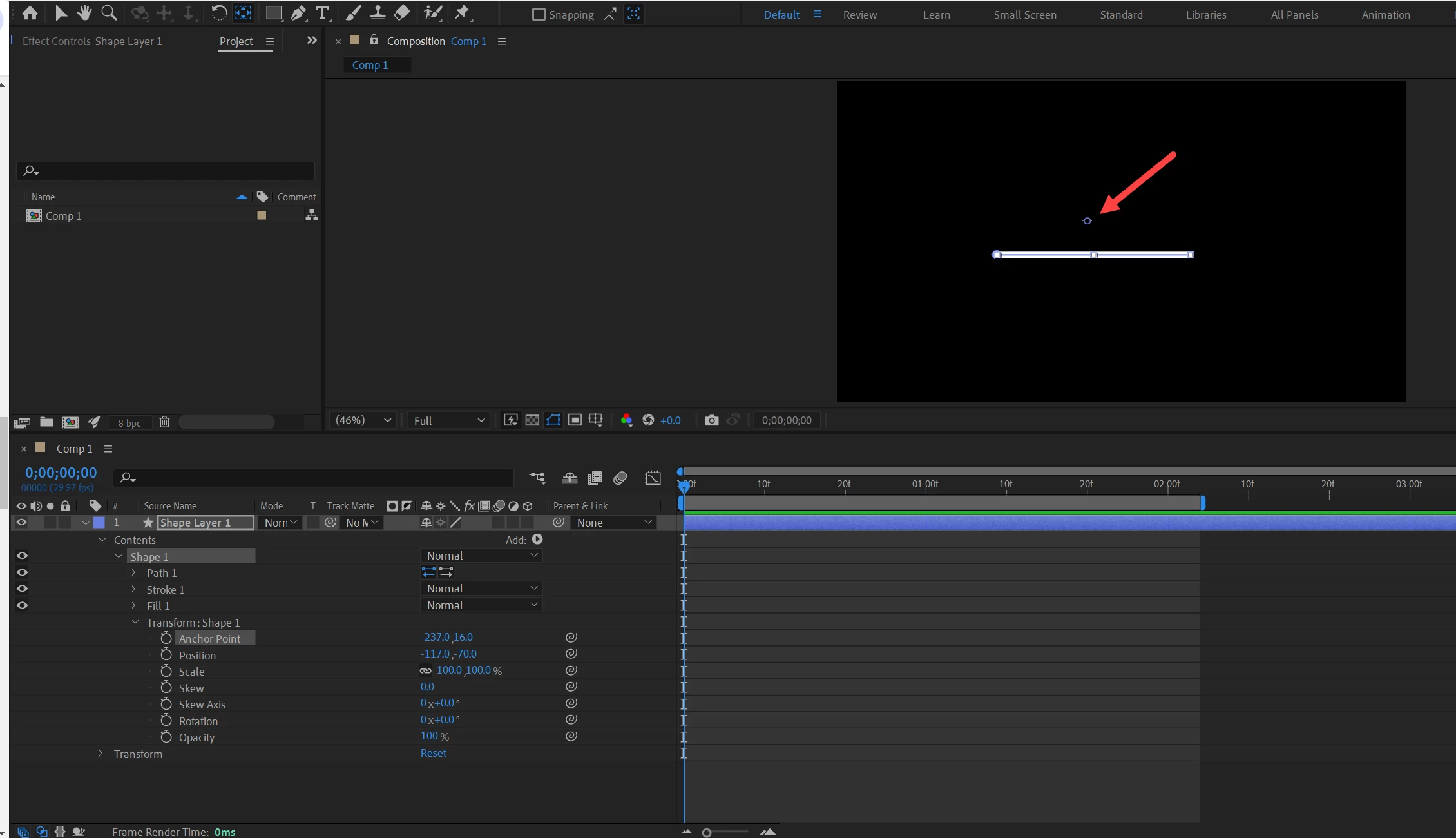
Is there any hot key to place anchor point of a shape at the centre of the shape? This is a line I want to snape this anchor piont at the middle of the line.



This topic has been closed for replies.
Correct answer Rick Gerard

The workflow is as follows:

  1. Select the shape layer and press 'uu' to reveal all modified properties
  2. Spin down the Shape/Transform Shape properties and select Anchor Point
  3. Press "y" to select the Anchor point tool
  4. The display will now change, and you can see and move the Contents/Shape/Transform Shape/Anchor point around the layer

Unfortunately, Snap does not function with the Transform Shape/Anchor Point selected. You have to do it by eye. Snapping only works with layer/Transform/Position and Anchor Point.

1 reply

Rick GerardCommunity ExpertCorrect answer
Community Expert
December 20, 2023

The workflow is as follows:

  1. Select the shape layer and press 'uu' to reveal all modified properties
  2. Spin down the Shape/Transform Shape properties and select Anchor Point
  3. Press "y" to select the Anchor point tool
  4. The display will now change, and you can see and move the Contents/Shape/Transform Shape/Anchor point around the layer

Unfortunately, Snap does not function with the Transform Shape/Anchor Point selected. You have to do it by eye. Snapping only works with layer/Transform/Position and Anchor Point.

MahaB82A
MahaB82AAuthor
January 2, 2024

Thanks.