
How can I get Photoshop's Lens Blur effect in After Effects?
After Effect's "Camera Lens Blur" seems to give really poor results. For example:
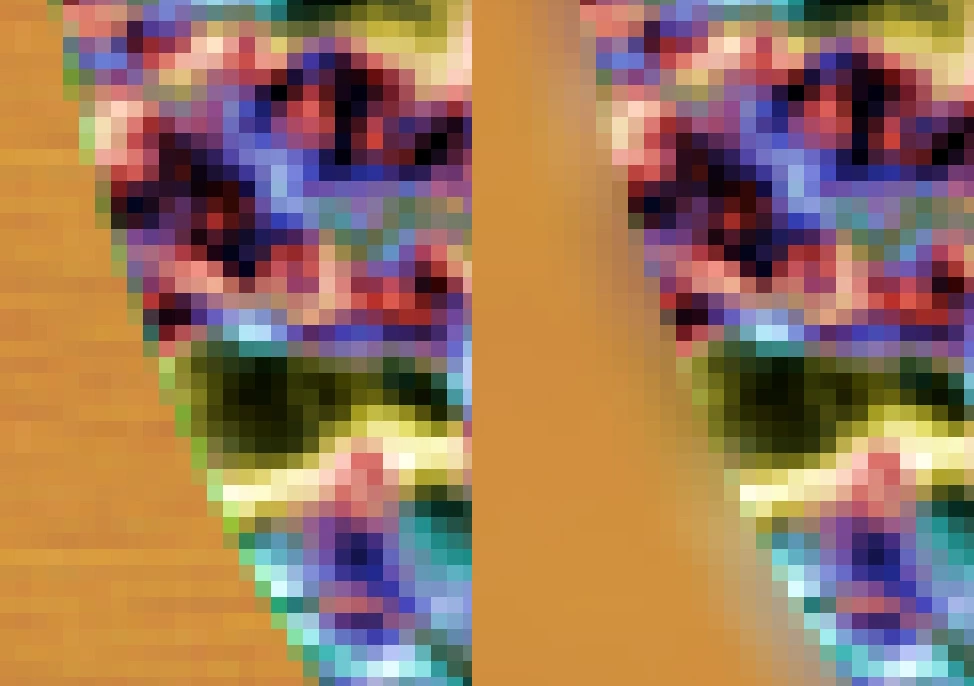
The left is the original, and the right is camera lens blur, with the patterned circle in the middle in focus and the orange in the background far out of focus. The circle is bleeding heavily out into the background, creating a halo. I've chosen contrasting colors and zoomed in to make it easy to see, but it's very noticable in normal scenes.
Photoshop's Lens Blur filter gives much better results:
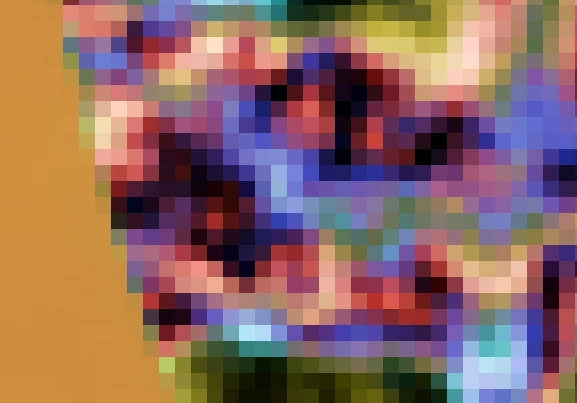
The background is blurred, the foreground is clear, and there's no bleeding between the two areas at all.
It looks like the After Effects version just blurs the image, then applies the blur map as a mask. I'm not sure how Photoshop's works, but it seems more sophisticated.
Is there an equivalent to Photoshop's filter in After Effects, or any other depth-based blur filters that work better?


 AdChoices