
mschri
Participant
November 4, 2016
Answered

How can I to replace a sticker with another sticker?

  • November 4, 2016
  • 1 reply
  • 416 views

Hello,
I am having trouble with getting a sticker to be replaced by another sticker. The sticker I want replaced is a plain white sticker that is attached on a object while the object is rotating in space. I have created a alpha channel mask layer and placed it under the raw video. Afterwards I applied the Luma matte on the alpha matte channel layer. What I get is this.
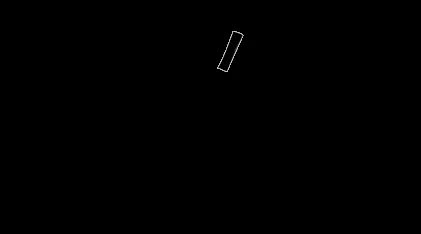
Does anybody have a resolution to this problem?

This topic has been closed for replies.
Correct answer P.M.B

The matte source goes on the top, the layer you want masked goes below. If you are using a black and white image you need to use Luma matte because the image has no alpha channel.  Depending on how you created the black and white image you may need to pre-compose the matte layer to make it work.

To learn more type track matte in the search help field at the top right corner of AE and study the help files and community resources. Yours is not working because of improper workflow, there is no bug.

1 reply

P.M.B
P.M.BCorrect answer
Legend
November 4, 2016

The matte source goes on the top, the layer you want masked goes below. If you are using a black and white image you need to use Luma matte because the image has no alpha channel.  Depending on how you created the black and white image you may need to pre-compose the matte layer to make it work.

To learn more type track matte in the search help field at the top right corner of AE and study the help files and community resources. Yours is not working because of improper workflow, there is no bug.

~Gutterfish
mschri
mschriAuthor
Participant
November 4, 2016

Thank you Gutter-Fish. It works!!