
Participant
May 5, 2025
Question

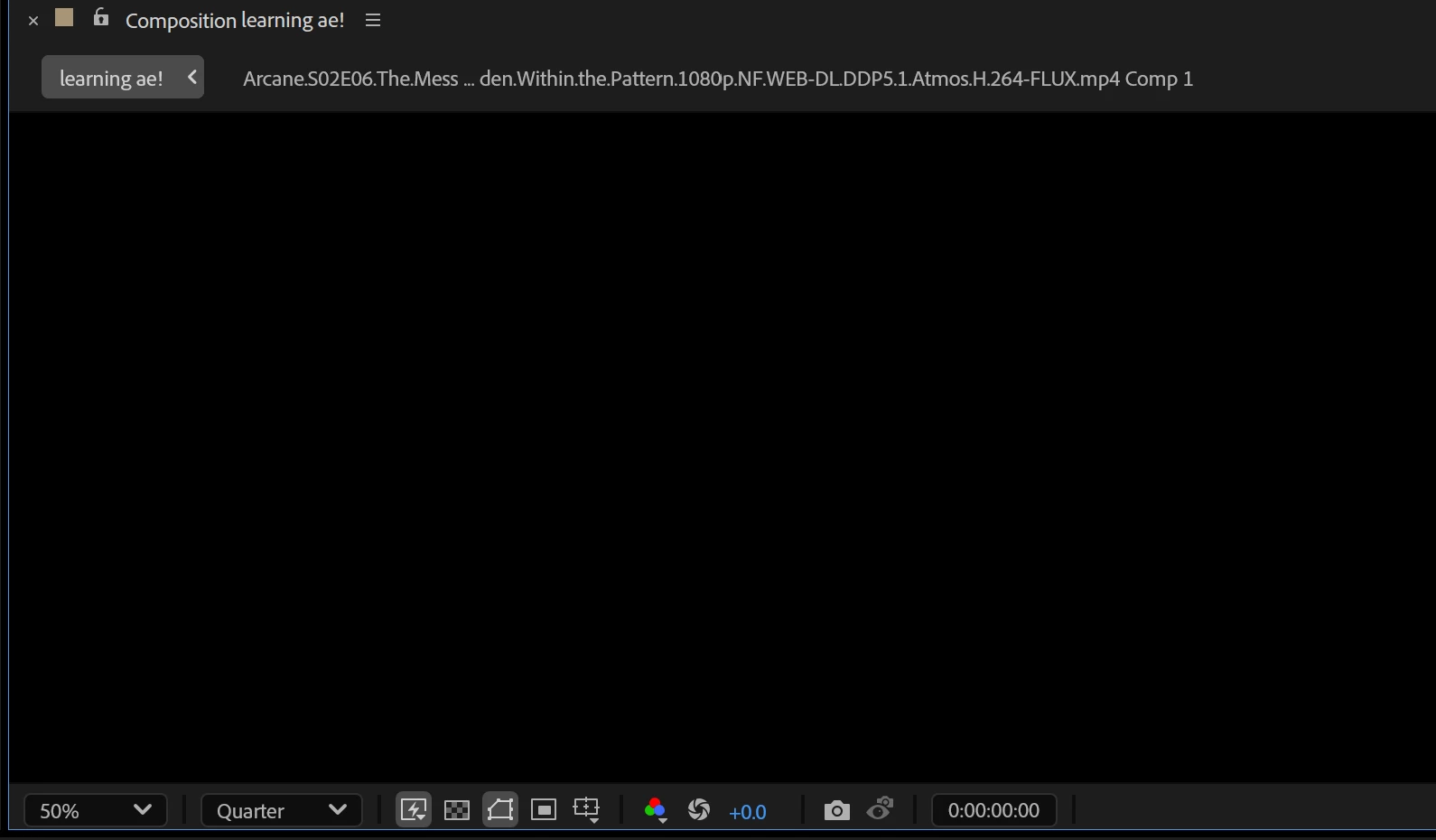
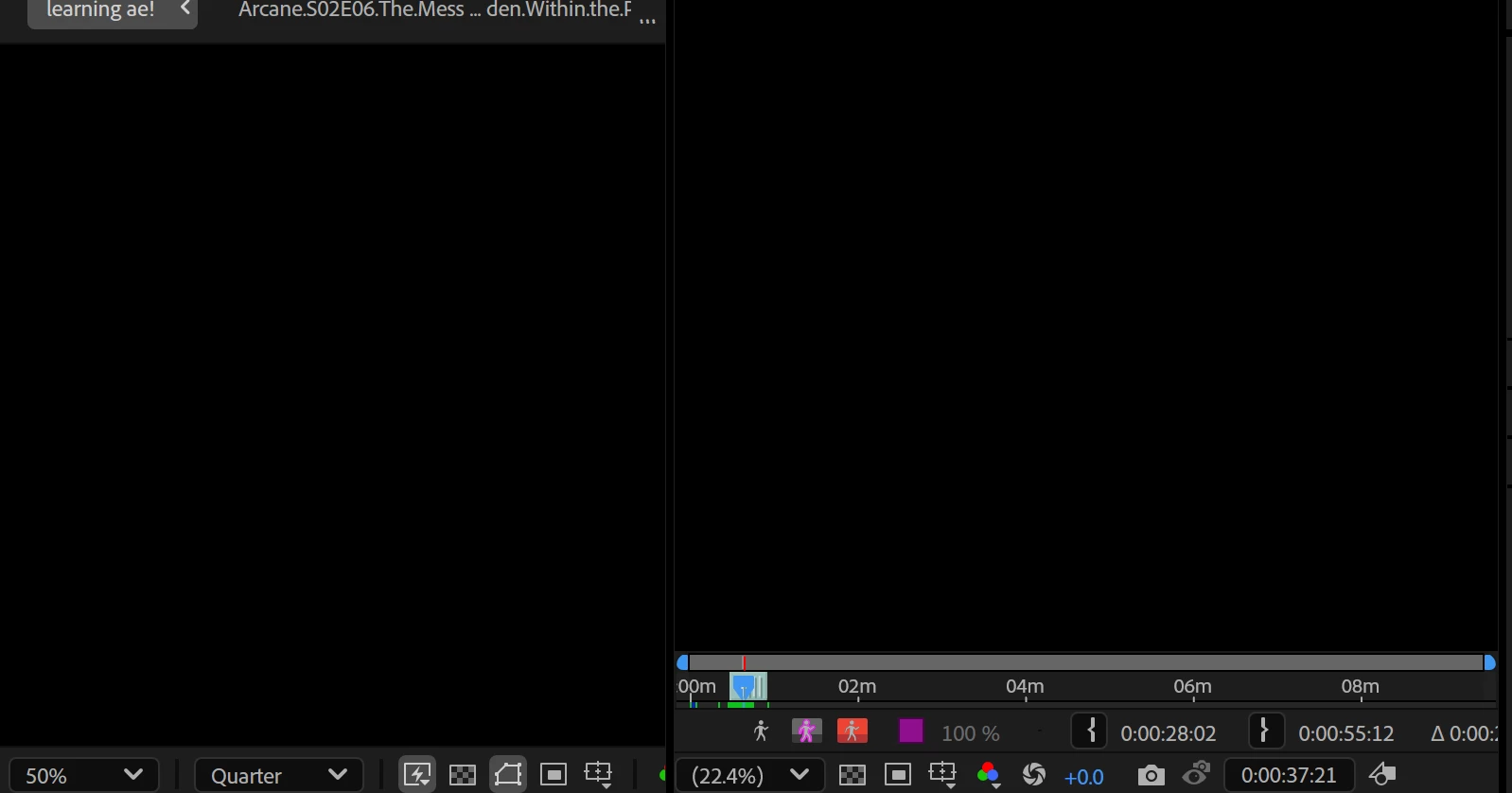
How do I bring back my preview??

  • May 5, 2025
  • 1 reply
  • 329 views

Hi!

This might be a stupid question, but every time I sort through my clips to select scenes it seems to mess up or just completely shut off my preview screen. Does anyone know why this happens and how I can fix/prevent it? I've put some pictures below of what I mean 🙂

I started using the app yesterday so any advice will be super appreciated 😄

Thanks!!
 

1 reply

nishu_kush
Community Manager
Community Manager
May 5, 2025

Sorry to hear about the issue.


Is it happening in all the projects? Could you let us know your system specifications (CPU, GPU, RAM, OS version)?

We're here to help.


Thanks,
Nishu

Participant
May 5, 2025

Hi!

It's no worries!! I've only used this project so far, but the error has been pretty consistent since I began with the app.  I have an AMD Ryzen AI 9 365 w/ Radeon 880M, 32GB RAM and I'm on Windows 11. It could totally be user error since I'm 16 and I've only just started with the software.

Thanks!

nishu_kush
Community Manager
Community Manager
May 6, 2025

Thanks for sharing the details. Do you get a preview of your media at all, or is it black from the moment you launched After Effects? If you could share a screen recording, it would help me identify the issue. 

Looking forward to your response.


Thanks,
Nishu