
Participant
February 27, 2017
Answered

How do I bring my composition back to the centre of the screen

  • February 27, 2017
  • 2 replies
  • 4412 views

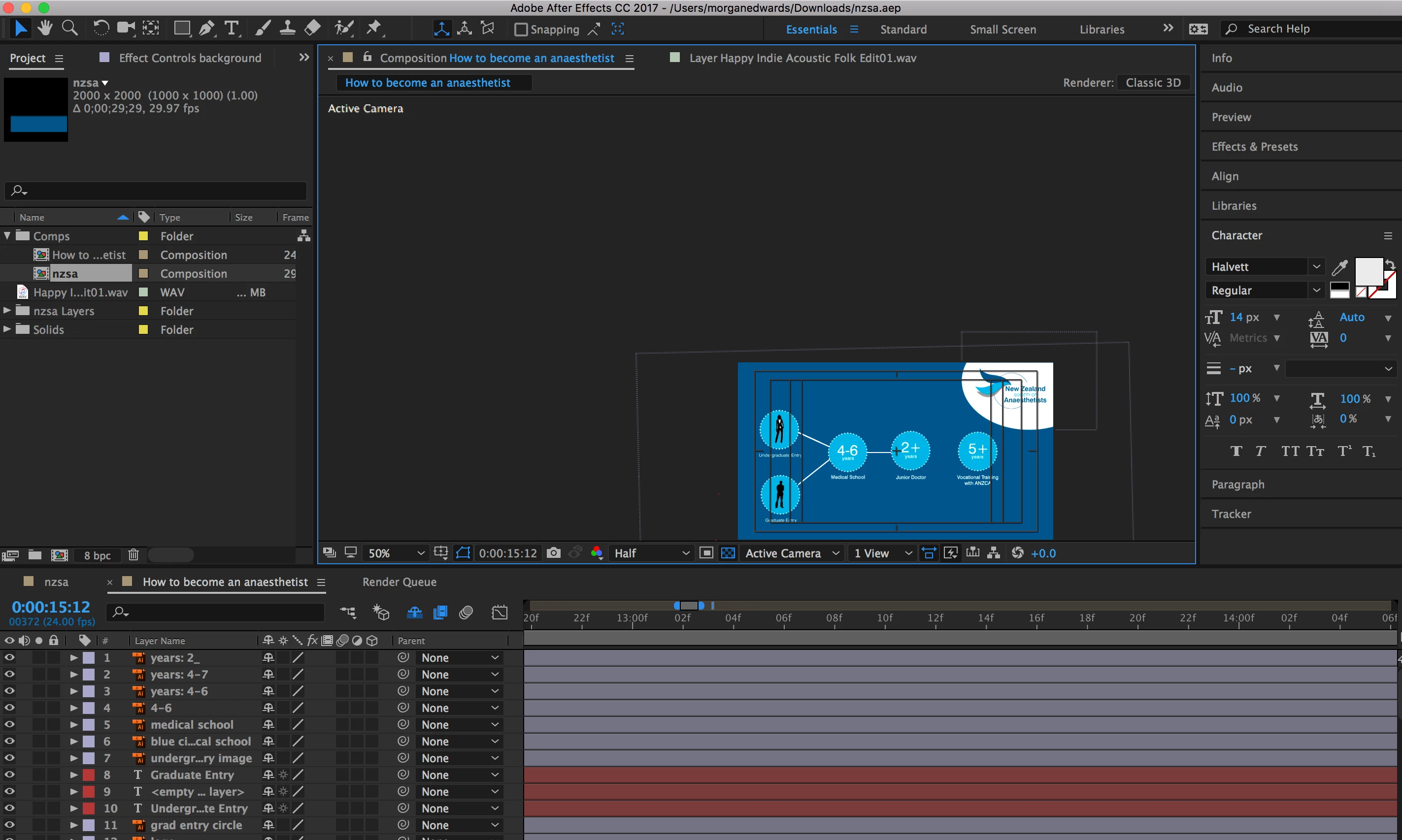
Hi! Another very stupid question I'm sure, but I can't make my comp centralised in the screen. If I zoom in zooms off to the side. If i drag around like I usually would it doesn't work either. Please help  me! THANK YOU.
    Correct answer Mohammad.Harb

    Double click on the Hand Tool  will fit and center the composition in the screen

    2 replies

    Mohammad.Harb
    Community Expert
    Mohammad.HarbCommunity ExpertCorrect answer
    Community Expert
    February 27, 2017

    Double click on the Hand Tool  will fit and center the composition in the screen

    Szalam
    Community Expert
    Community Expert
    February 28, 2017

    Shift+/ will center/zoom to fit

    Dave_LaRonde
    Inspiring
    February 27, 2017

    Easy!

    Hold down the h key -- you see the arrow cursor icon turn into a hand.  Now click-hold-drag.  You can move the comp window wherever you want.  Release the h key and the cursor icon turns back into an arrow.