Participant
May 7, 2018
Answered

How do I change the color of single letters in After Effects

  • May 7, 2018
  • 3 replies
  • 20990 views

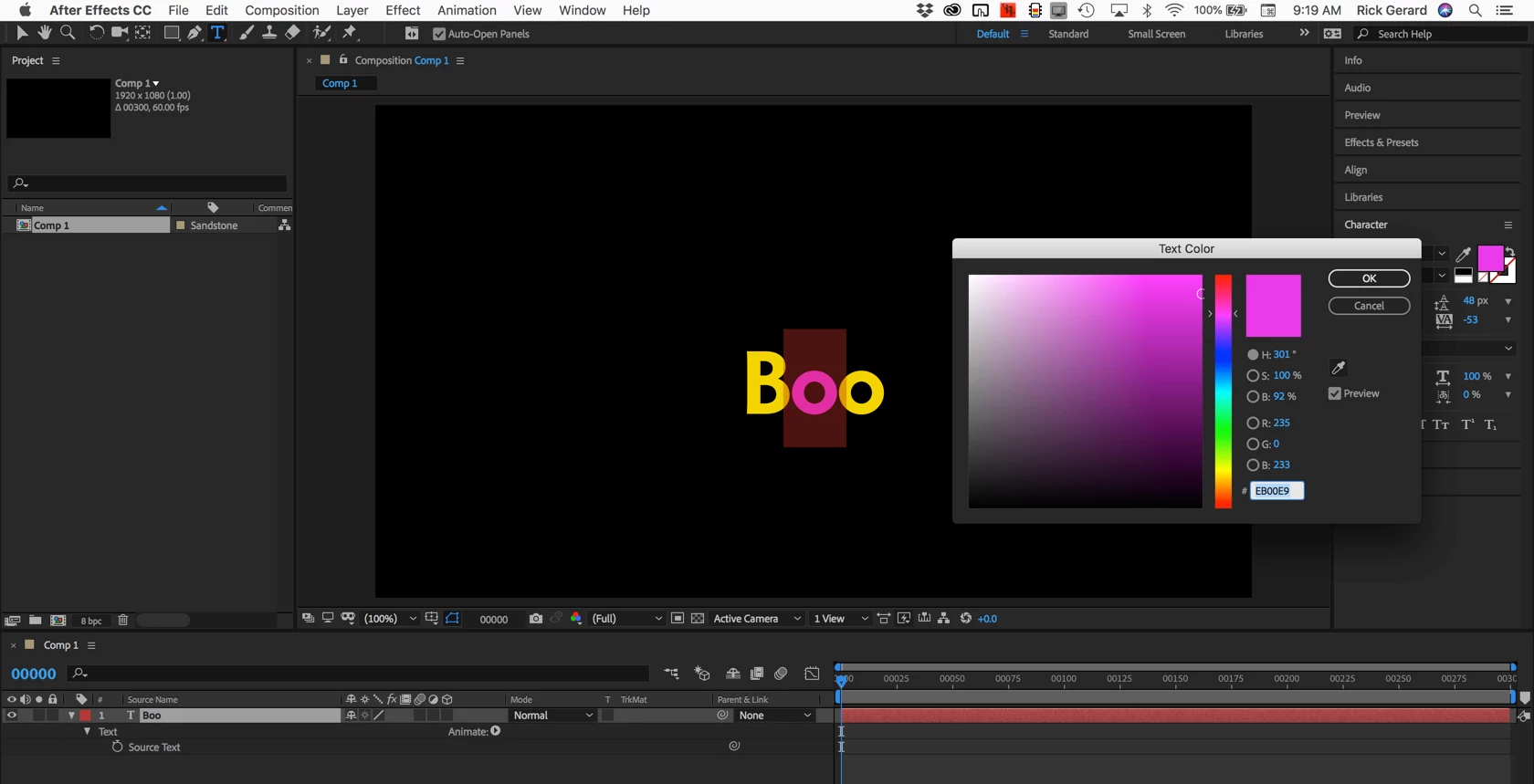
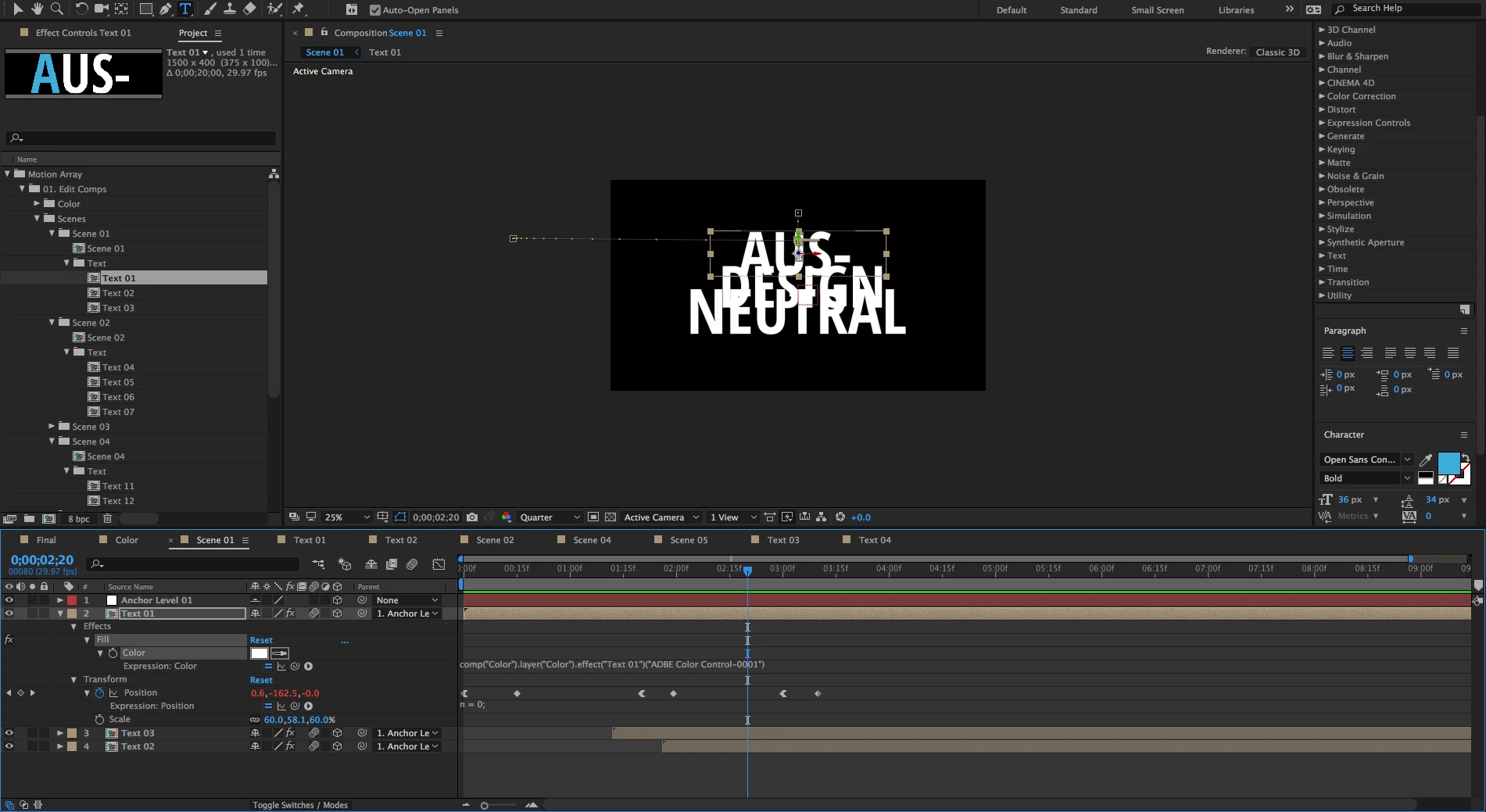
I need to create a text based presentation, my issue is the template I'm using wont allow me to change the color of single letters, only the entire word. I was able to click into the text and it was easy to change individual letters but when I got back to the comp the text color change had not applied. So im guessing I can only change the text in the comp, but this template only gives me the option to change the color for the whole word. I cant add in another fill that allows me to make only the first letter blue. Why is this so hard to do? this seems like it would be simple to change.

As you can see here I want only the first letter to be blue:

When I go back to the comp its now back to white

This topic has been closed for replies.
Correct answer Rick Gerard
  1. Drill down through your nested comps until you get to the actual text layer
  2. Use the text tool to highlight only the letter you want to change
  3. Click the fill color in the Character Panel and change the color

That's all there is to it.

3 replies

Participant
March 19, 2024

SK Sohel TikTok effect page 

Participant
May 7, 2018

I've found the source of the color is from the template and was overriding the text layer color edits, I was able to delete it and the text layer edits finally appeared. Thank you for your help!

Rick GerardCommunity ExpertCorrect answer
Community Expert
May 7, 2018
  1. Drill down through your nested comps until you get to the actual text layer
  2. Use the text tool to highlight only the letter you want to change
  3. Click the fill color in the Character Panel and change the color

That's all there is to it.

Participant
May 7, 2018

Thanks, however I believe I am already doing this, as you can see in my first screenshot. When I return to my comp its back to all white. Why is this? Perhaps there is an override on the template Im using? Take a look at my screenshots the first one was my step one, manually changing the color in the text layer. But as soon as I'm back to the comp its the original color.

Dave_LaRonde
Inspiring
May 7, 2018

adrianb54161728  wrote

I believe I am already doing this, as you can see in my first screenshot.

Sorry but that screen shot isn't definitive.  We can't see if it is a text layer.

If it IS a text layer, the color change may happen elsewhere in the project -- templates can get very complicated.  If they were easy, there would be no profit for template makers -- everyone would make their own.