Répondu

Ce sujet a été fermé aux réponses.
As long as a layer with a vector path has not been scaled, rotated, or re-positioned you can always set a keyframe for a path to make sure that it is selected, then cut it and paste it to the position property of anything that has a position property, like your rectangle layer.
In your example, you have an expression for Null position and rotation pointing to the bottom layer, but you are not showing the entire expression. You can't just pickwhip a path to position, you have to copy it or do a bunch of math. Copying and pasting are pretty easy, and that's what I do most of the time.
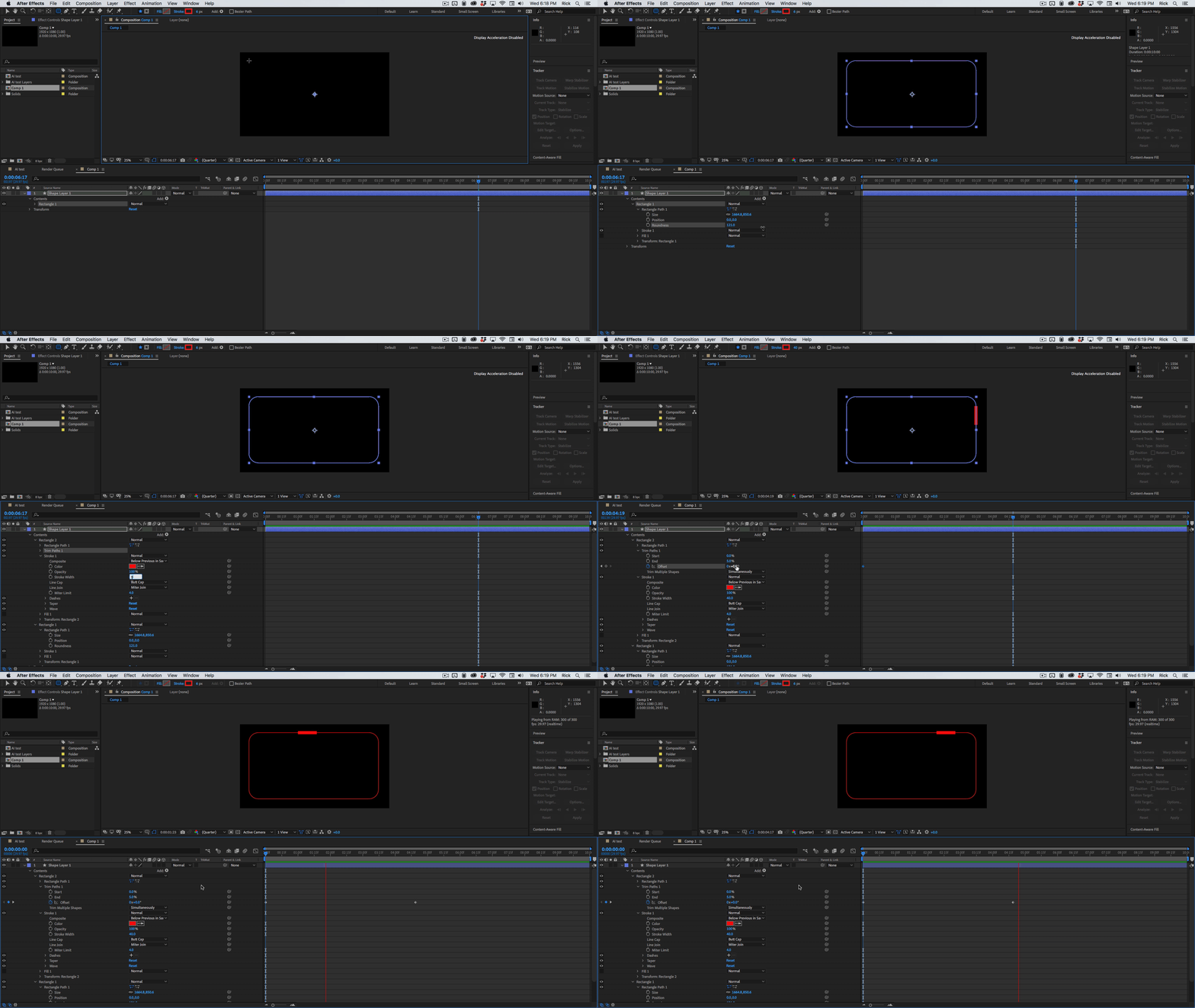
Mylenium is correct, there is no Bend feature for rectangles and I assume that your little red rectangle is Layer 1, but you could simply copy the rounded rectangle bezier path and paste it to a stroke, or you could just duplicate the rectangle on the shape layer, add Trim Paths, adjust in and out to set the length of the faux rectangle, and animate offset. The whole job would take about two minutes.
Enter your E-mail address. We'll send you an e-mail with instructions to reset your password.
 AdChoices