
Participant
July 15, 2022
Question

How do I replace the logo and re-fit the spectrum?

  • July 15, 2022
  • 1 reply
  • 217 views

I wasn't sure how to ask the question above, but I have a template I made yearsss ago with some help from a friend. Basically, I just need to replace the logo with a new brand and name. I've already made it, but it's not exactly fixed up to fit AE. I think my partner at the time did something to make it work.


Here's the original:
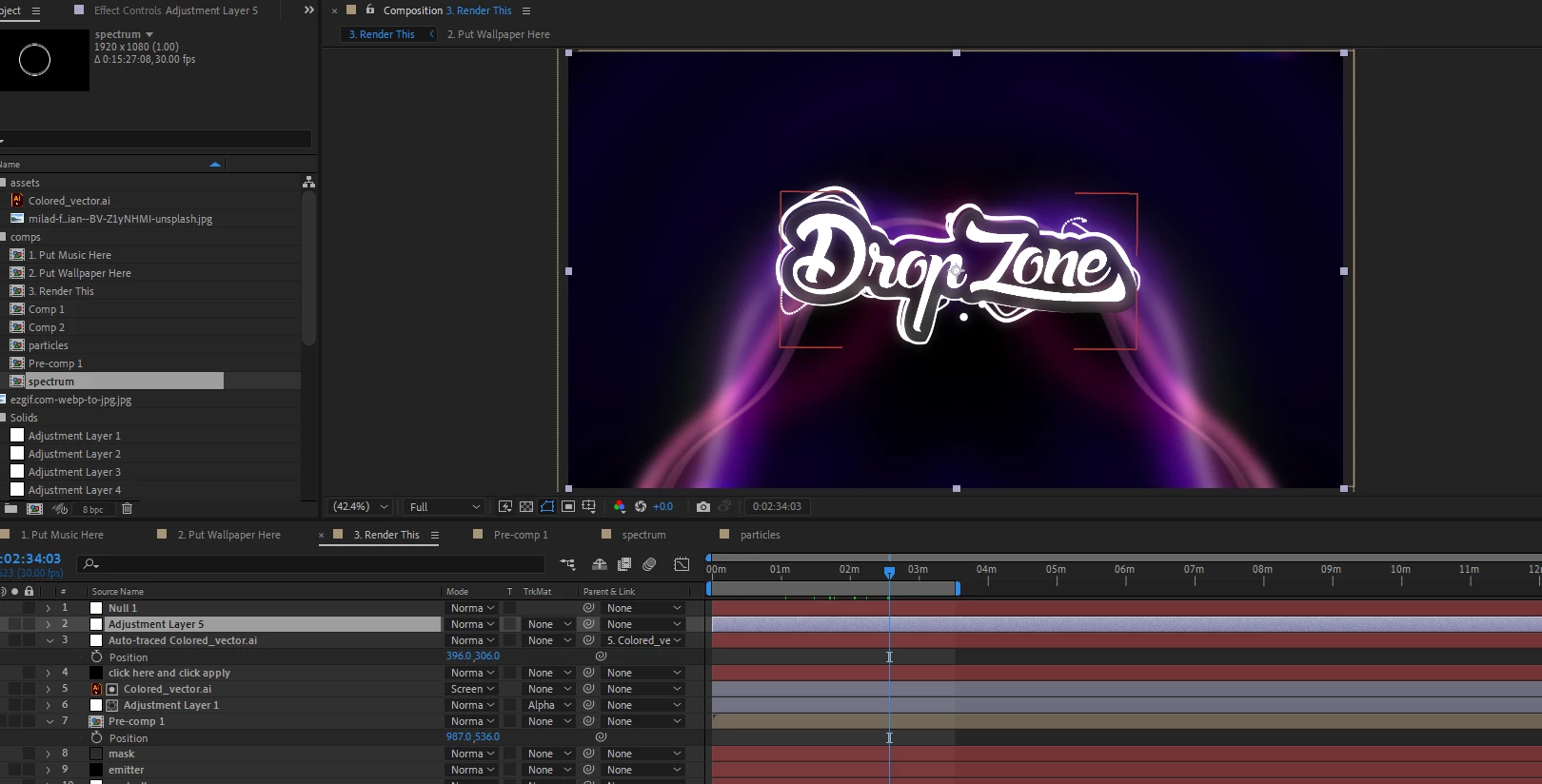


I'm trying to change it with this logo:
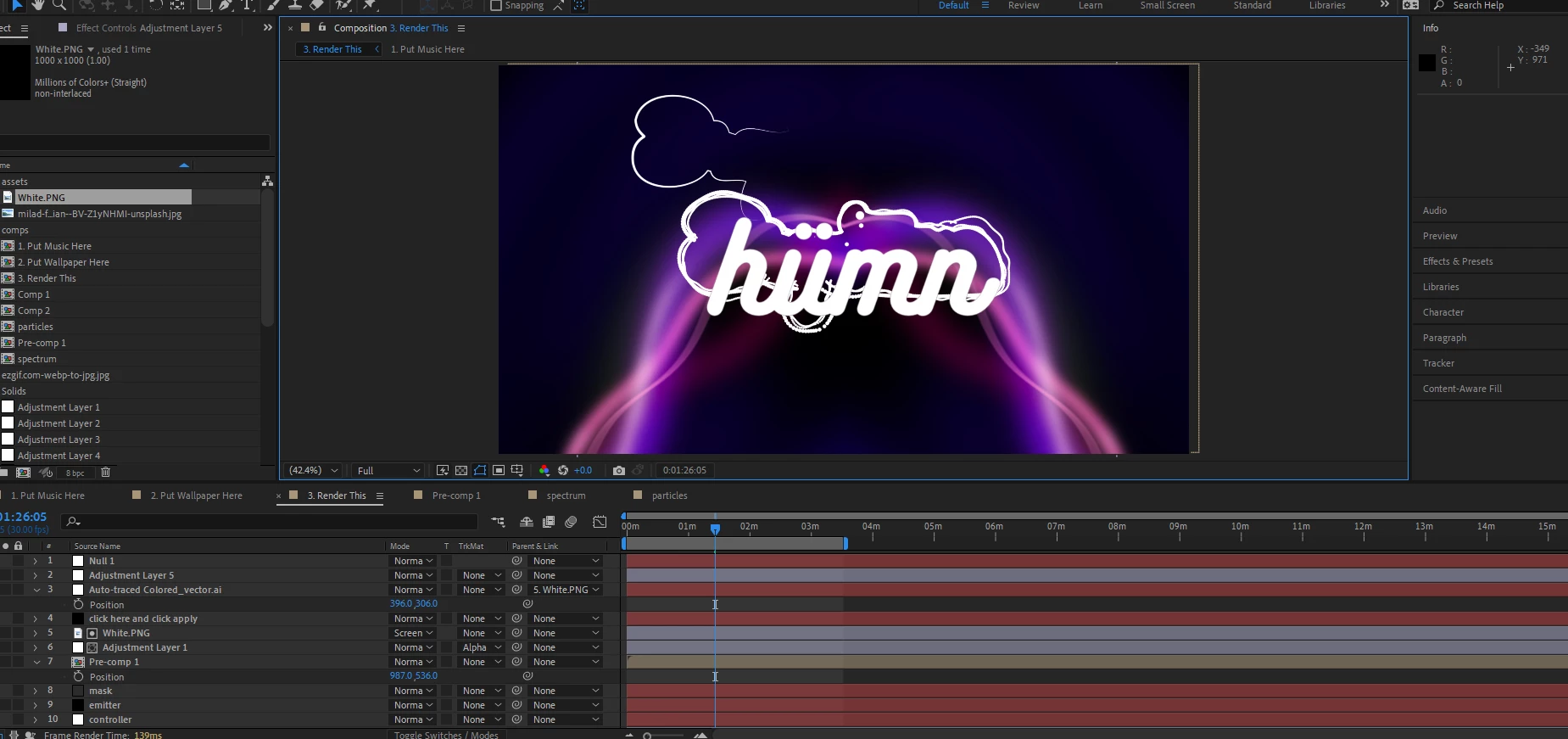
 

I know I need to trace the new logo and I'm sure there's a few more steps, I just have no clue where to start or how to do it. Any help would be greatly appreciated.


Here's a Youtube link showing the original template/spectrum in action:


So basically, I'm trying to have the same visuals with the new "Humn" logo.

This topic has been closed for replies.

1 reply

Mylenium
Legend
July 15, 2022

Well, there's a ton of pre-comps and it seems to me you may need to replace the logo in there as well, not just the main comp, including possibly extracting masks and shape layer paths. Really impossible to say without understanding the full structure of the project which in a way seems rather poorly organised to begin with.


Mylenium

FuntelaAuthor
Participant
July 15, 2022

Yes, it's very poorly organized unfortunately. Which makes it so difficult to make the minor changes I want. I just started learning AE which makes it a little hard to begin with. 


I replaced the logo using "Replace Footage" in the project window. So I think that replaced it everywhere it needed to. It's just hard to know where to go from here exactly.